Introduction
If you’re wondering how to send bulk WhatsApp messages without risking account blocks, low engagement, or surprise costs, you’re in the right place. WhatsApp remains one of the most powerful channels for whatsapp marketing in 2026, with sky-high open rates (often 90%+) and direct two-way conversations that drive real results. But the landscape has evolved—Meta’s rules are stricter, pricing shifted to per-message in 2025 with tweaks in 2026, and shady “whatsapp bulk message sender free” tools can get you banned fast.
The good news? You can scale safely and compliantly using the official WhatsApp Business Platform (the API). This lets you reach thousands—or millions—of opted-in contacts with personalized promotions, updates, reminders, and more. Platforms like SMSLocal make this easy by handling setup, templates, segmentation, and analytics while keeping everything policy-compliant.
Why Bulk WhatsApp Messaging Is a Game-Changer
Whatsapp bulk message campaigns excel for e-commerce promotions, service reminders, abandoned cart recovery, event invites, or customer updates.

Unlike email (low opens) or SMS service (higher costs in some markets), WhatsApp delivers rich experiences—images, videos, buttons, catalogs, payments, and interactive Flows—all with end-to-end encryption.
Key advantages:
- High engagement — Reads and replies soar compared to other channels.
- Personalization — Variables like names or order IDs make messages feel one-to-one.
- Two-way interaction — Customers respond instantly, opening doors for sales or support.
- Scalability — The Platform handles high volumes reliably across countries.
The free WhatsApp Business App works for tiny broadcasts (up to 256 contacts), but for real whatsapp bulk message scale, switch to the WhatsApp Business Platform. SMSLocal specializes in this, offering seamless integration for businesses wanting to grow without headaches.
Core Compliance Rules: Stay Safe and Avoid Bans
WhatsApp prioritizes user trust—no spam allowed. Violate rules, and your account faces restrictions or permanent bans.

Essential guardrails:
- Explicit opt-in is mandatory — Customers must actively consent to WhatsApp messages (e.g., checkbox on forms, “Send me updates via WhatsApp” button, or Click to WhatsApp ads). Record consent source, timestamp, and provide easy opt-out. Never use scraped or purchased lists.
- Pre-approved templates for proactive sends — Business-initiated messages (starting the chat) require Meta-approved templates in categories: Marketing (promos), Utility (transactional updates like order status), Authentication (OTPs).
- 24-hour customer service window — When a user messages first or replies, respond freely (no template needed) for 24 hours. Utility messages in this window are often free.
- Opt-out in every message — Include “Reply STOP to unsubscribe” or similar.
- No shady tools — Avoid unofficial “whatsapp bulk message sender” apps or auto-senders—they violate policy.
Follow these, and scale worry-free. SMSLocal builds these controls in, helping track consent and maintain high sender quality.
Step-by-Step: How to Send Bulk WhatsApp Messages
Here’s a practical workflow to launch your first campaign:

Set up your WhatsApp Business Platform account
- Get approved via Meta or a Business Solution Provider (BSP) like SMSLocal. Verify your business for the green checkmark and higher limits.
Grow your opted-in list
- Drive consent organically: Click to WhatsApp ads (72 hours free messaging from ad clicks), QR codes, wa.me links, website forms, or in-app prompts. Quality beats quantity—engaged contacts convert better.
- Create and approve templates
- Match category to purpose.
- Write concise, value-first copy: “Hi {{1}}, your order {{2}} ships today! Track here: {{3}}.”
- Add media, quick-reply buttons (e.g., “Track Order”), and opt-out.
- Submit via your BSP—approvals are quick if compliant. Test previews across devices.
- Marketing example: “Flash sale, {{1}}! 40% off {{2}} today. Shop now 👇” with CTA button.
Segment your audience
- Use CRM data or tools to target by location, behavior, or purchase history. Suppress inactive users to protect deliverability.
Launch the campaign
- Upload contacts, map variables, set frequency caps/throttling, and schedule. Platforms automate delivery optimization.
Manage replies
- Route inbound messages to agents or chatbots. Use Flows for self-service tasks like bookings.
Analyze and iterate
- Track delivery, reads, clicks, conversions, opt-outs, and complaints in real time.
SMSLocal streamlines this end-to-end—from template management to omnichannel failover (e.g., SMS if WhatsApp delivery dips).
WhatsApp Messaging Costs: Scale Smart, Spend Wisely
Since July 2025, Meta charges per delivered message (not per conversation), with rates varying by category, recipient country, and occasional quarterly updates (e.g., January 2026 tweaks: marketing up ~10% in India, down in some markets like France; utility/authentication lowered in North America). Service messages in 24-hour windows stay free.

Typical current pricing and plan ranges (USD approximate; check Meta’s official rate card for exacts):
- Marketing — Highest (promos): $0.01–$0.13+ per message (e.g., ~₹1.09 in India).
- Utility — Lower (updates): $0.001–$0.045, often with volume tier discounts.
- Authentication — Similar to Utility for OTPs.
Budget tips:
- Start via ads for 72 free hours.
- Keep follow-ups in 24-hour windows to minimize template costs.
- A/B test to boost engagement and reduce follow-up needs.
SMSLocal provides transparent pricing and tools to forecast spend based on your mix.
Best Practices to Boost Performance and Cut Costs
- Personalize deeply — Use variables and segment for relevance.
- Time sends right — Respect local hours and quiet times.
- Optimize templates — Test openers, media, and CTAs for higher CTR.
- Cap frequency — Avoid fatigue; suppress low-engagers.
- Combine channels — Failover to SMS for unreachable users.
- Monitor quality — High engagement maintains limits and reduces costs.
Common Mistakes to Avoid When Sending Bulk WhatsApp Messages
Even experienced teams slip up—here are the top pitfalls and how to dodge them:
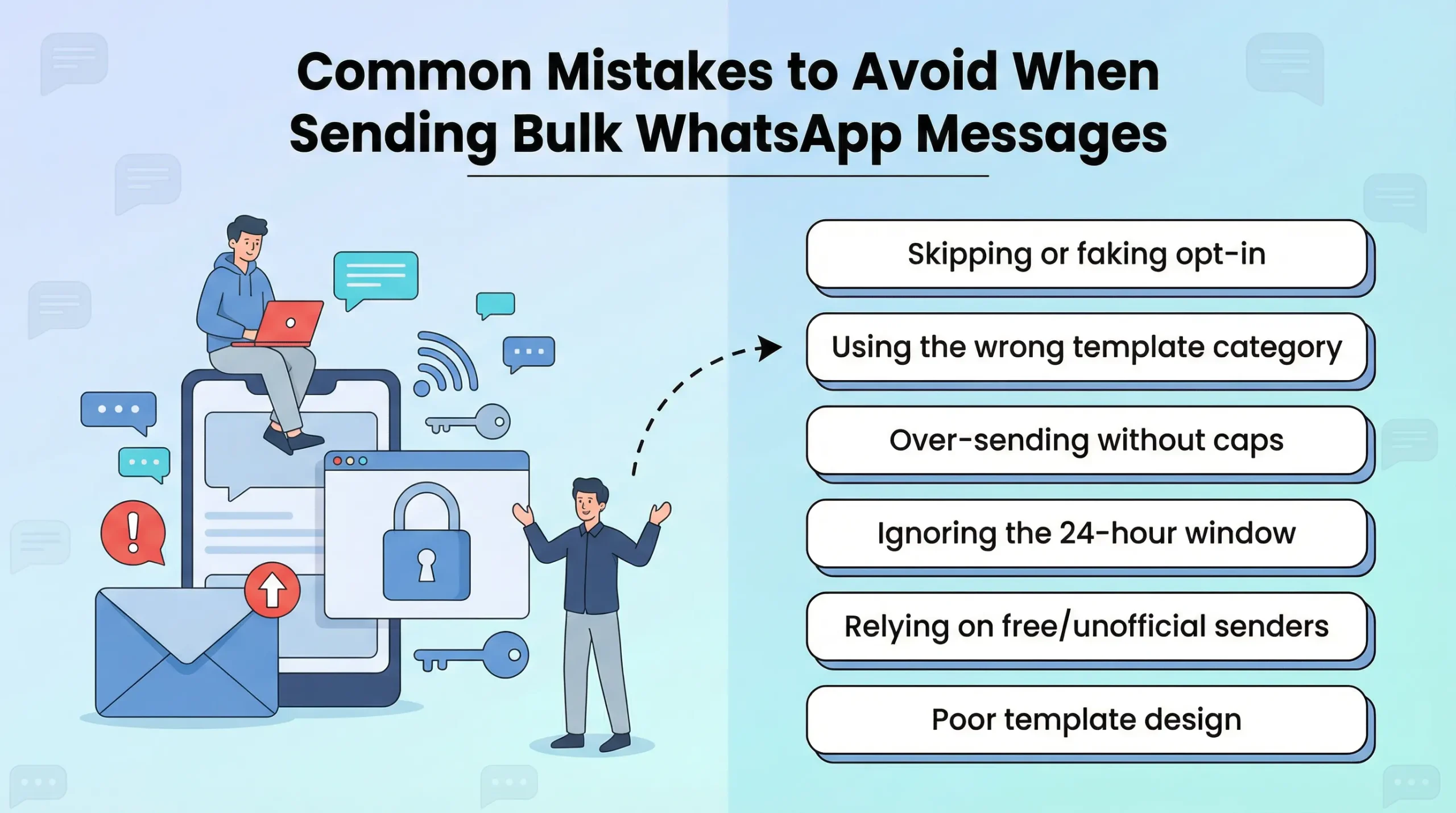
- Skipping or faking opt-in — Sending without clear consent leads to complaints, blocks, and bans. Always capture and store proof.
- Using the wrong template category — Labeling a promo as “Utility” gets rejected or penalized. Match intent accurately.
- Over-sending without caps — Bombarding contacts causes opt-outs and quality drops. Set limits (e.g., 2–3 messages/week max per segment).
- Ignoring the 24-hour window — Re-sending templates too soon wastes money. Guide conversations to resolve in-window.
- Relying on free/unofficial senders — “Whatsapp bulk message sender free” apps often use consumer accounts and trigger instant bans.
- Poor template design — Long, salesy copy or broken links hurt approval and engagement. Keep it short, valuable, and tested.
Avoid these, and your campaigns stay healthy and profitable.
Conclusion
Mastering how to send bulk WhatsApp messages in 2026 means embracing compliance, smart opt-in strategies, approved templates, and data-driven optimization. Done right, it becomes a high-ROI channel for whatsapp marketing—building loyalty, driving sales, and creating meaningful connections.
Skip risky “whatsapp bulk message sender free” shortcuts—they lead to bans. Instead, partner with reliable providers like SMSLocal, which simplifies setup, ensures policy adherence, and scales your outreach effortlessly. Whether you’re a local business in Nagpur or expanding nationally, SMSLocal equips you with the tools for compliant, effective whatsapp bulk message campaigns.
Start small, test rigorously, and watch engagement soar. Your customers are already on WhatsApp—meet them there the right way.