Introduction
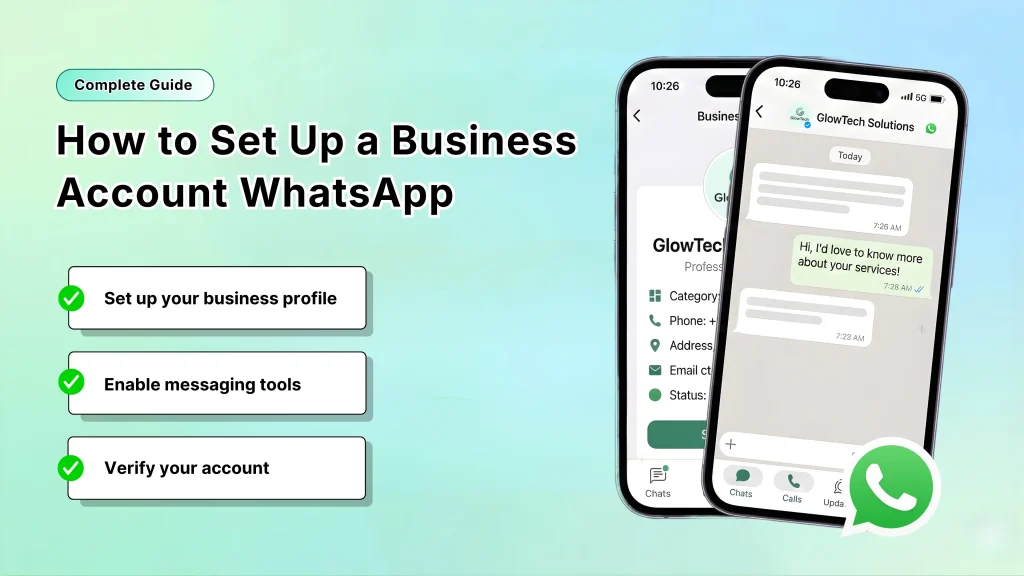
A business account WhatsApp lets you connect professionally with customers on the platform that’s home to over 3 billion monthly users worldwide. It’s built for businesses to handle support, sales, updates, and engagement in a trusted, direct way.
At SMSLocal, we simplify creating and scaling your business account WhatsApp, blending it with SMS and other tools for unified, results-driven communication—perfect for businesses in Nagpur and beyond.
Why Set Up a Business Account on WhatsApp?
Your business account WhatsApp delivers key advantages that go far beyond regular messaging:
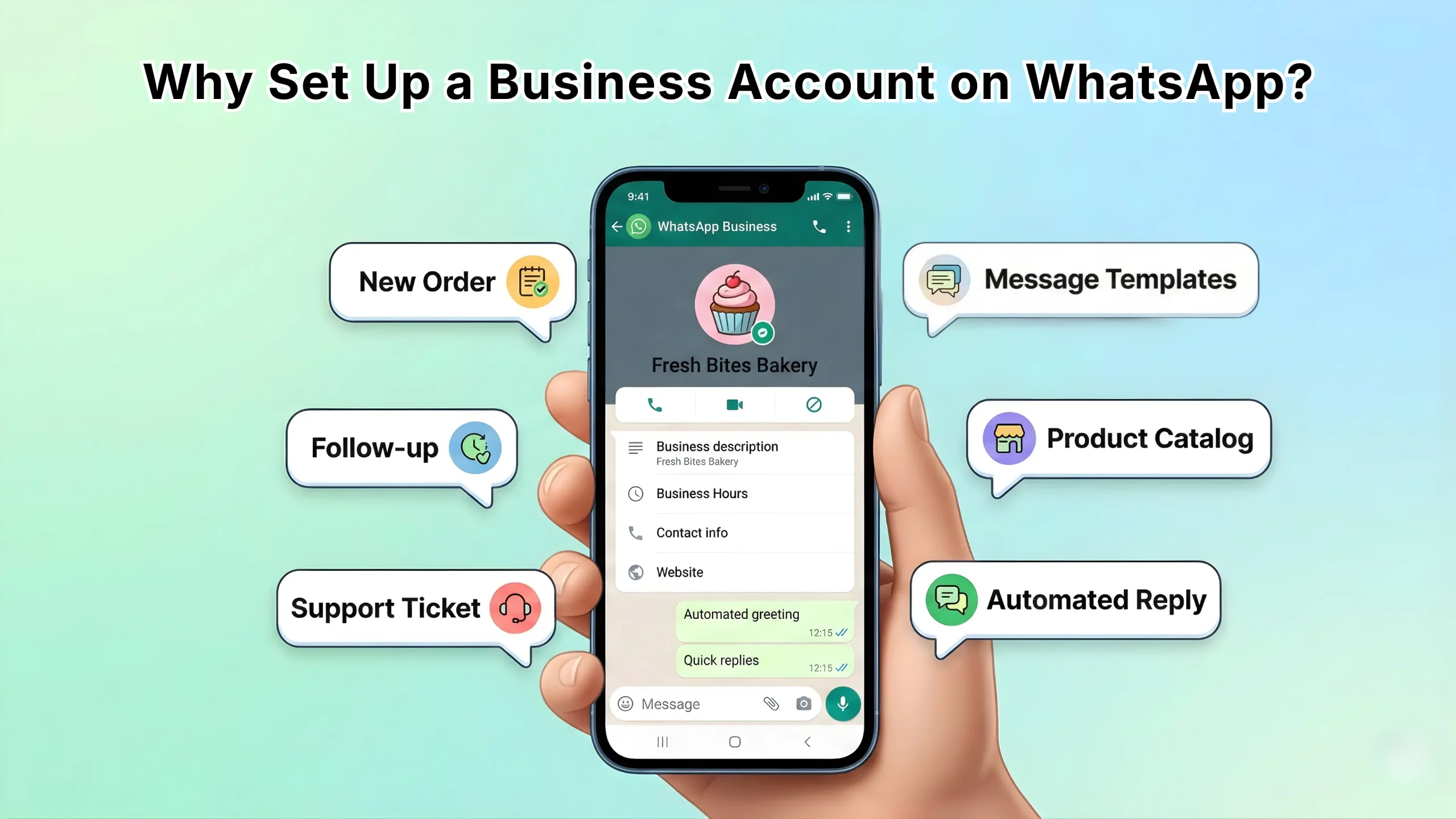
- A professional profile with logo, description, hours, address, website, and email so customers instantly know who they’re talking to.
- Automated greetings and away messages that set the right tone even when you’re offline.
- Quick replies and chat labels to handle high volumes without chaos—tag conversations as “New Order,” “Follow-up,” or “Support Ticket” for fast organization.
- Built-in product catalogs that let customers browse and ask about items directly in the chat.
- Detailed analytics showing message delivery rates, read receipts, and response times to help you improve.
- Modern interactive features like buttons, reply menus, Flows for guided bookings/forms, and secure sending of OTPs/verification codes with full end-to-end encryption.
Recent platform enhancements have made it even more powerful: smarter automation, AI-assisted reply suggestions, in-chat payments in supported regions, and rock-solid multi-device support so your whole team can respond from desktop or mobile.
These tools help small businesses in Nagpur close more sales, reduce support time, and build stronger customer relationships—all while staying compliant with WhatsApp’s strict opt-in rules.
Choosing the Right Path for Your Business Account WhatsApp
Pick based on your size and goals:
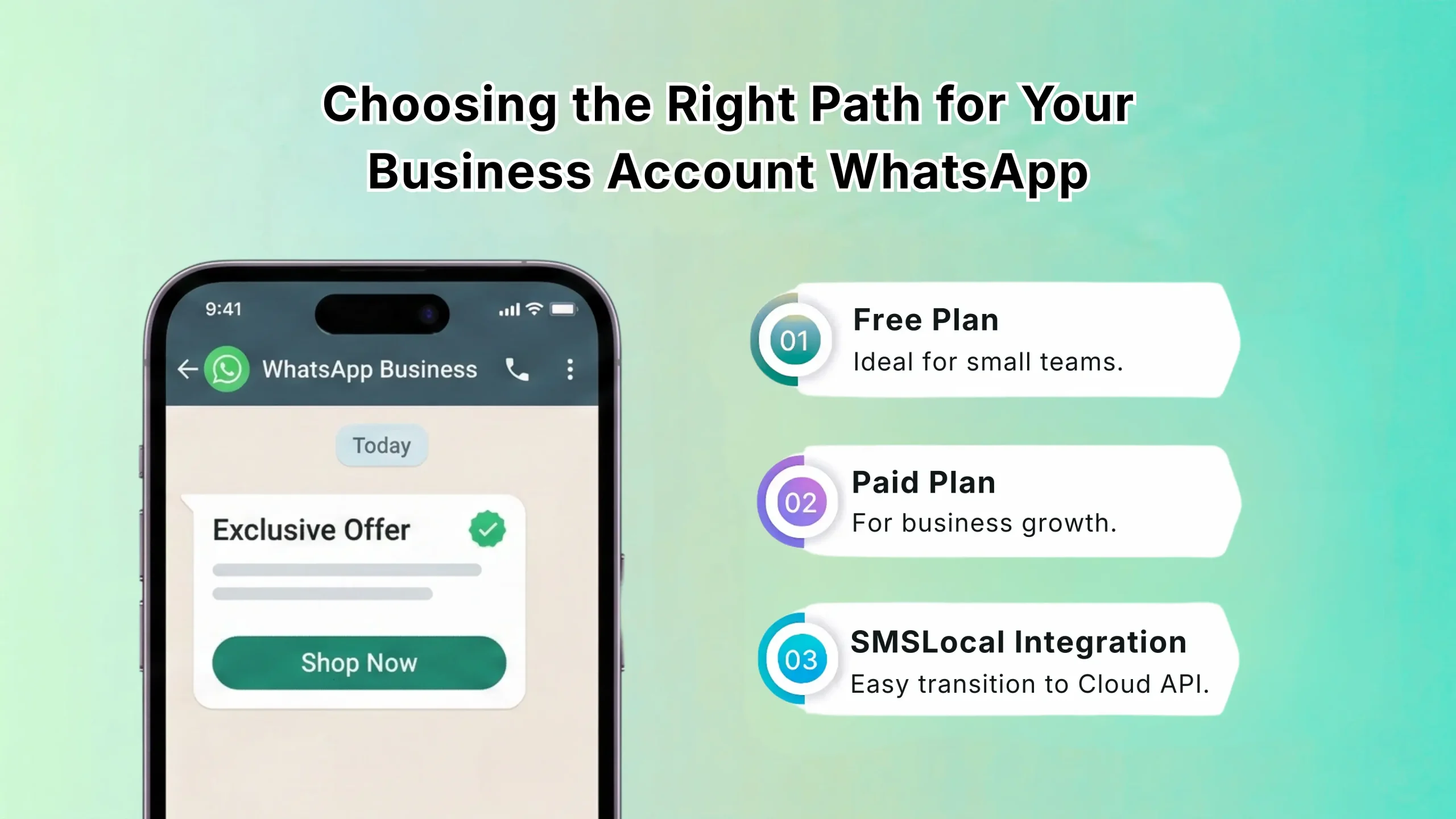
- WhatsApp Business App — Completely free and very simple for solo users or small teams. It offers quick setup, basic automation, and works on one main phone with linked devices. Perfect if you’re just testing the waters or managing low-volume chats yourself.
- WhatsApp Business Platform (Cloud API) — Designed for serious growth. Enjoy unlimited team members, powerful chatbots, deep CRM integrations, pre-approved message templates for broadcasts and notifications, per-message pricing (with many user-initiated conversations remaining free in the 24-hour service window), and enterprise-grade analytics.
Most growing businesses quickly outgrow the app and switch to the Platform for scalability. SMSLocal excels at helping you move to the Platform, integrating your business account WhatsApp seamlessly with SMS for personalized, multi-channel outreach that reaches customers on their preferred channel.
How to Create Your Business Account WhatsApp (Platform Focus)
The WhatsApp Business Platform suits most growing businesses best. Follow these steps:
- Log in or create a Meta Business Manager at business.facebook.com and add your details.
- Verify your business in the Security Center with documents (e.g., registration, address proof).
- In Accounts > WhatsApp Accounts, add and link a new WhatsApp Business Account.
- Register a dedicated phone number and verify via SMS/call.
- Set up Cloud API: Generate access token and phone number ID at developers.facebook.com.
- Integrate with your tools (CRM, helpdesk), create message templates, and submit for approval.
SMSLocal handles the technical side—Meta verification, API setup, template approval, and smooth integration—so your business account WhatsApp launches quickly and performs at its best without the usual headaches.
Getting the Verified Badge (Blue Tick) for Trust
The blue tick designates your business account WhatsApp as officially verified, always showing your business name (even to new contacts) and building instant credibility.
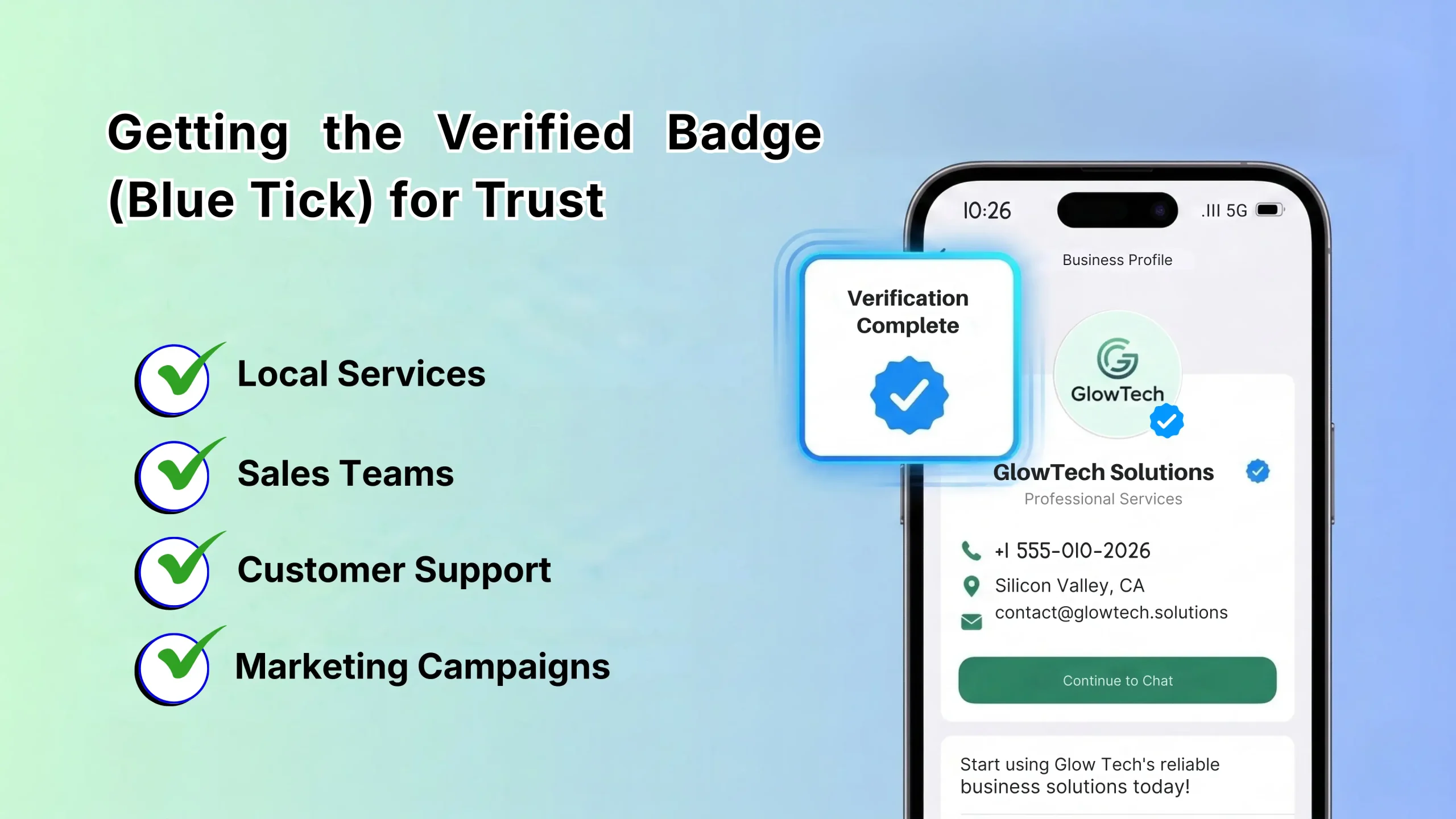
Typical requirements include:
- Using the Business Platform (not the app).
- Fully verified Meta Business Manager with 2FA enabled.
- Strong brand presence: active website, social media, low complaint rates, and Tier 2+ messaging quality.
- Often notable recognition or application through Meta or authorized partners.
A verified badge significantly improves open rates, reduces customer hesitation, and sets you apart—especially valuable for local services, retail, and e-commerce businesses in competitive markets like Nagpur.
SMSLocal can guide your application process and help strengthen your profile to meet verification criteria faster.
Migrating or Scaling Your Business Account WhatsApp
Ready to level up?
- Assess your current needs: message volume, team size, desired automations.
- Verify or update your Meta Business Manager.
- Choose your phone number strategy: use a fresh dedicated number or migrate your existing one (after backing up chats and deleting the old app account).
- Register on the Platform, integrate your systems, and test message templates thoroughly.
- Train your team and inform existing customers about the improved experience.
Quick Tips to Maximize Your Business Account WhatsApp
- Always secure clear opt-ins for compliant, welcome messaging.
- Add interactive buttons and Flows to dramatically lift response rates and guide customers through purchases or bookings.
- Use post-purchase utility messages (order updates, delivery tracking) to increase loyalty and repeat business.
- Send secure verification codes/OTPs with end-to-end encryption—ideal for login, payments, or account recovery.
Conclusion
Setting up a business account WhatsApp is one of the most effective moves you can make to meet customers where they already are—chatting daily on WhatsApp. Start simple with the app or go straight to the Platform for serious scale, and watch engagement, sales, and satisfaction soar.
SMSLocal makes the entire journey easier: from quick setup and Meta verification to powerful integrations and multi-channel strategies (WhatsApp + SMS) that deliver real growth for businesses in Nagpur and across India. Don’t wait—start connecting better and growing faster today.