Introduction
A significant percentage of the billions of daily text messages are now group communications, essential for coordinating both personal and professional life. However, the effectiveness of these chats hinges on the underlying technology.
The common frustration of a failed group reply or inability to share media isn’t a glitch; it’s the quantifiable difference between a basic SMS group and a modern, feature-rich group chat. This guide breaks down these distinctions, explores advanced features, and provides best practices to help you master SMS Groups.
Understanding the Types of SMS Groups
The term “SMS group” is frequently used as a general expression to describe any form of group messaging on a mobile phone. However, it’s crucial for users to understand the underlying technology powering these communications, as different methods offer varying functionalities, limitations, and user experiences. For more information on SMS apps and their features, check out our guide on SMS apps.
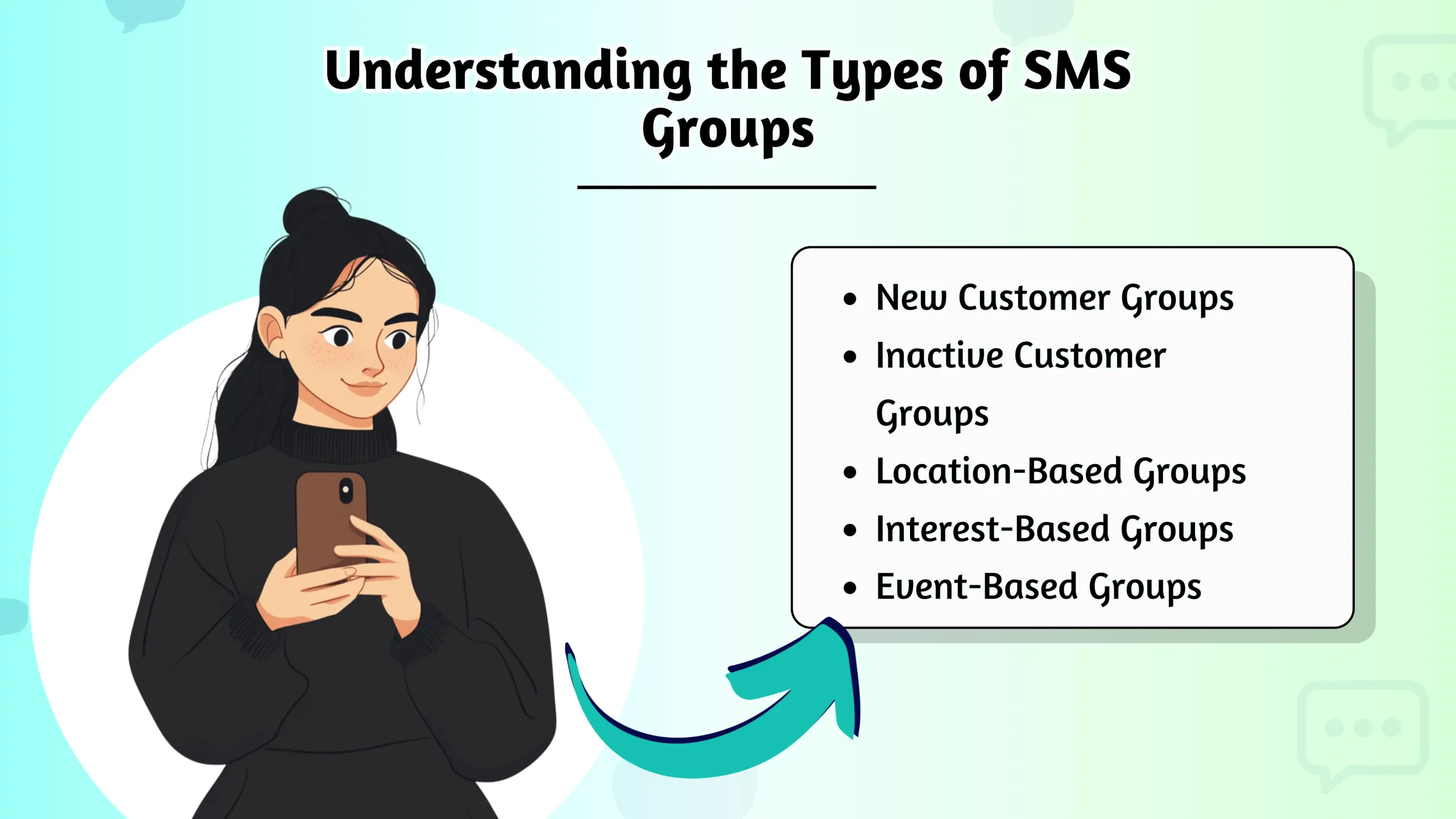
Standard SMS Group (Bulk SMS)
This is the most basic form. When you send a message to this type of group, your phone sends one individual SMS text to every person. If someone replies, their message comes only to you, not to the entire group.
Best for: One-way announcements, reminders, or alerts where you don’t need a group conversation.
MMS Group Chat
This is what most people think of as modern SMS Groups. It uses MMS (Multimedia Messaging Service) to create a single, threaded conversation where everyone can see all the messages and replies. You can also share pictures and videos.
Best for: Interactive conversations with friends, family, or small teams.
App-Based Group Chat
These advanced SMS Groups exist within third-party apps like WhatsApp, Signal, or Telegram. They use your internet connection (Wi-Fi or mobile data) instead of your carrier’s SMS/MMS service and offer the most advanced features.
Best for: Secure communication, international chats, and collaboration with rich media and features.
Creating and Managing SMS Groups
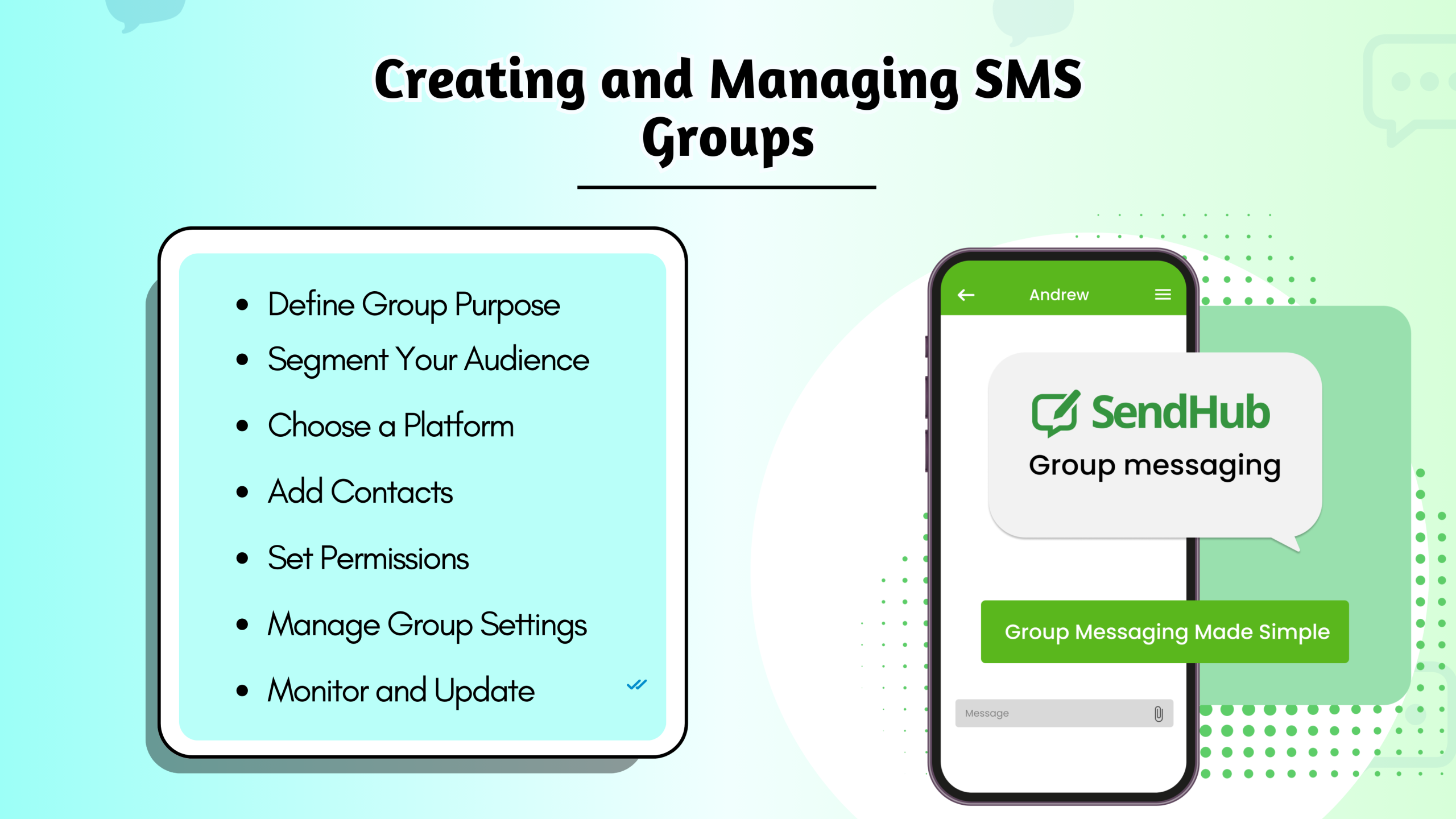
Creating an MMS group chat on your smartphone is straightforward. It allows you to send messages, photos, and videos to multiple people within a single conversation thread. This is a perfect way to keep friends, family, or colleagues connected and updated simultaneously.
On Android (using Google Messages)
- Open the Messages app and tap “Start chat.”
- In the “To” field, start typing the names or numbers of the people you want to add. Select each contact.
- Once you have more than one recipient, the app will automatically set it up as a group conversation (MMS).
- Type your message and hit send to create the group.
On iOS (using iMessage)
- Open the iMessages app and tap the “New Message” icon in the top right corner.
- In the “To:” field, add the contacts you want in your group.
- Type your message in the text box below and tap the send arrow. The group is now created.
- You can name the group by tapping the profile icons at the top and selecting “Change Name and Photo.”
Advanced Features in Modern Group Messaging
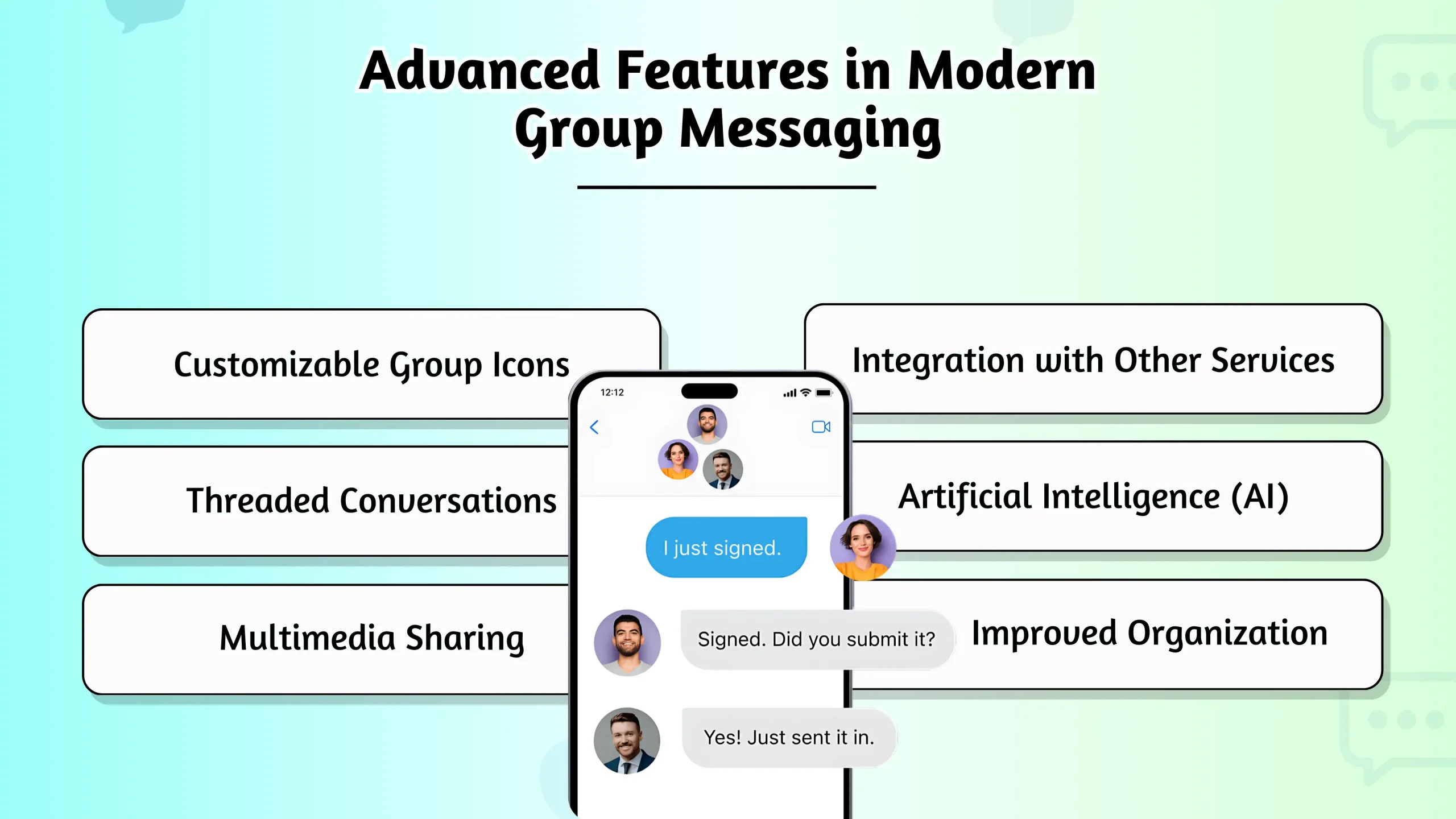
While standard SMS/MMS are limited, app-based platforms and Apple’s iMessage take group messaging to the next level. Note that these features are generally not available in a standard MMS group chat with Android users.
End-to-End Encryption:
For true privacy, apps like Signal and WhatsApp encrypt your messages so only the group members can read them.
File Sharing and Polls:
Easily share documents, create surveys to get feedback, or schedule events directly within the chat.
Custom Reactions:
React to individual messages with an emoji instead of cluttering the chat with short replies.
Read Receipts & Typing Indicators:
See who has read your message and when someone is actively typing a reply.
SMS Group Messaging Apps and Tools
Here’s a quick look at the tools you can use for your group text needs. These options range from your phone’s default messaging app to powerful third-party services. Each offers unique features designed for different purposes, whether for personal, social, or professional communication.
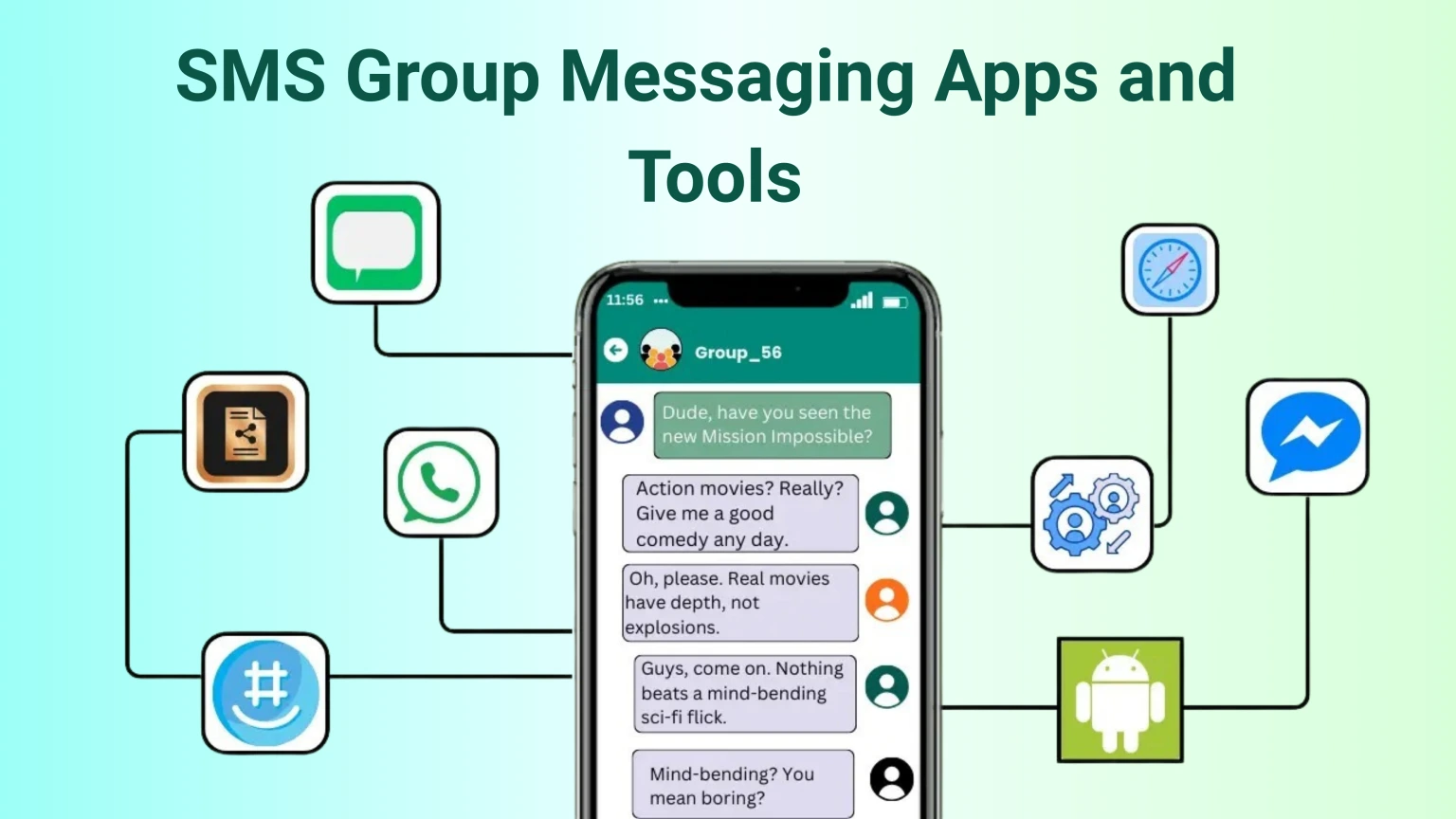
| Category | App/Tool Name | Technology Used | Best For |
|---|---|---|---|
| Built-in Apps | Messages (iOS & Android) | SMS / MMS / RCS | Everyday personal group chats with phone contacts. |
| Third-Party Apps | Internet / Data | Cross-platform communication, international chats, encrypted messaging. | |
| Third-Party Apps | Signal | Internet / Data | Highest level of security and privacy for sensitive conversations. |
| Third-Party Apps | Telegram | Internet / Data | Large communities, channels, and advanced file sharing. |
| Business SMS APIs | Twilio, MessageBird | SMS/MMS API | Automated alerts, SMS marketing, and integrating messaging into business applications. |
Best Practices for SMS Group Communication
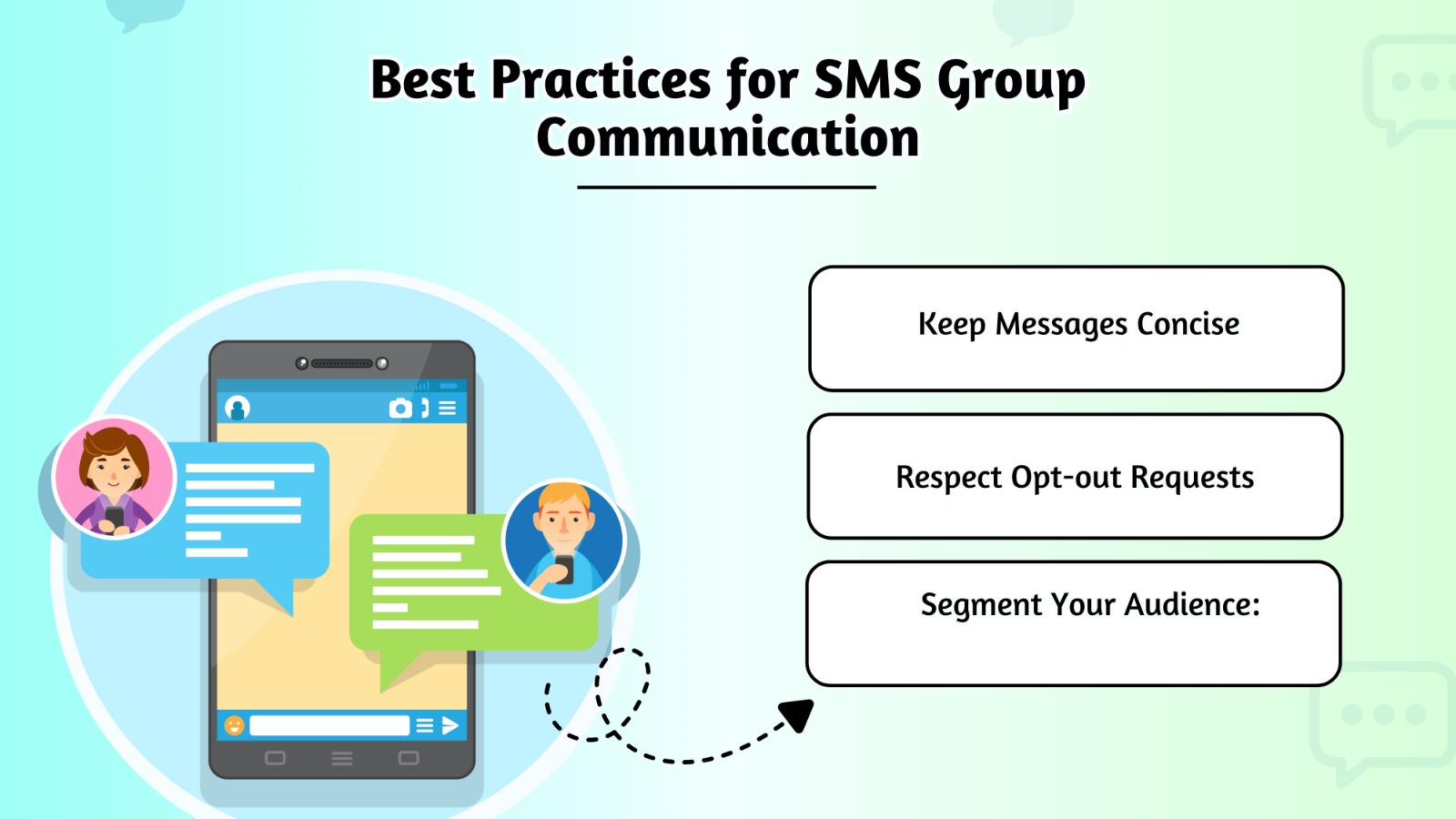
To keep your SMS Groups productive and respectful, follow a few simple guidelines. This includes establishing a clear purpose for the chat and being mindful of message frequency and timing. These practices ensure the group remains a valuable communication tool rather than a source of distraction for its members.
Establish a Clear Purpose
Before creating a group, define its purpose—work projects, family plans, or social chat. If you only need to send updates to many people at once, bulk message sending may be more effective.
Practice Good Etiquette
Keep messages concise and relevant to the group’s purpose. Avoid spamming with too many messages at once and be mindful of the time of day you’re sending them.
Managing Conflicts and Spam
If a conversation gets off-topic or heated, gently guide it back. For larger SMS Groups, it can be helpful to have a designated admin who can remove disruptive members or unwanted spam.
Troubleshooting Common Issues with SMS Groups
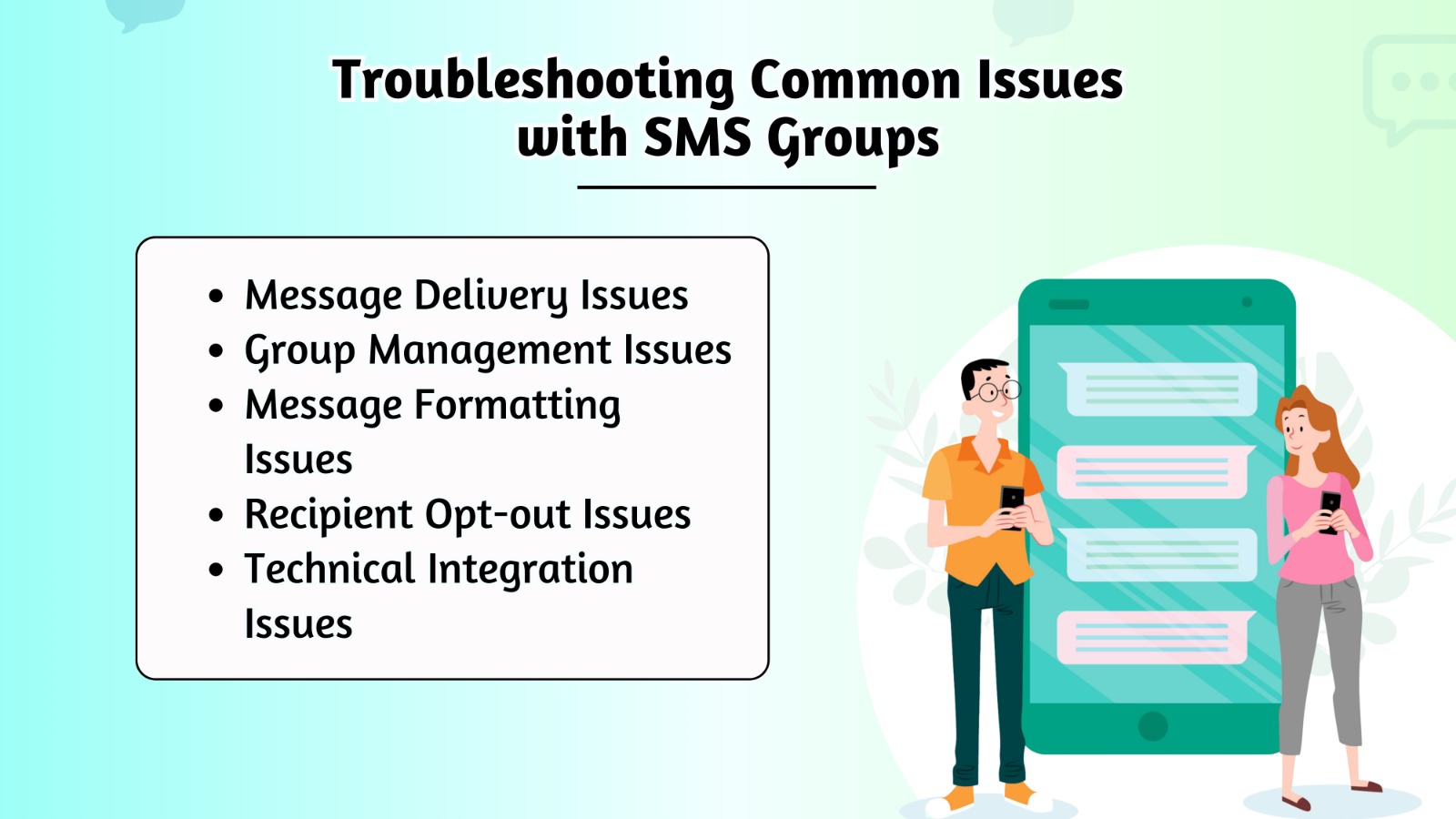
Encounter a problem? Here are some quick fixes. Issues can range from messages not being delivered to all members to media files failing to download. Often, these glitches are caused by simple configuration or network settings that you can easily correct.
Replies Go to Only One Person
This means you created a standard SMS group, not an MMS group chat. The best solution is to create a new group conversation following the steps above to ensure MMS is enabled.
Message Delivery Failures
Check your network connection. If you’re sending a picture or video, ensure MMS is enabled in your phone’s messaging settings and that you have a mobile data connection. For developers or businesses using automated systems, delivery failures can also stem from issues with their SMS API integration.
Someone Isn’t Receiving Messages
Double-check that you entered their phone number correctly. It’s also possible they have you blocked or have left the group conversation.
SMS Group Security and Privacy
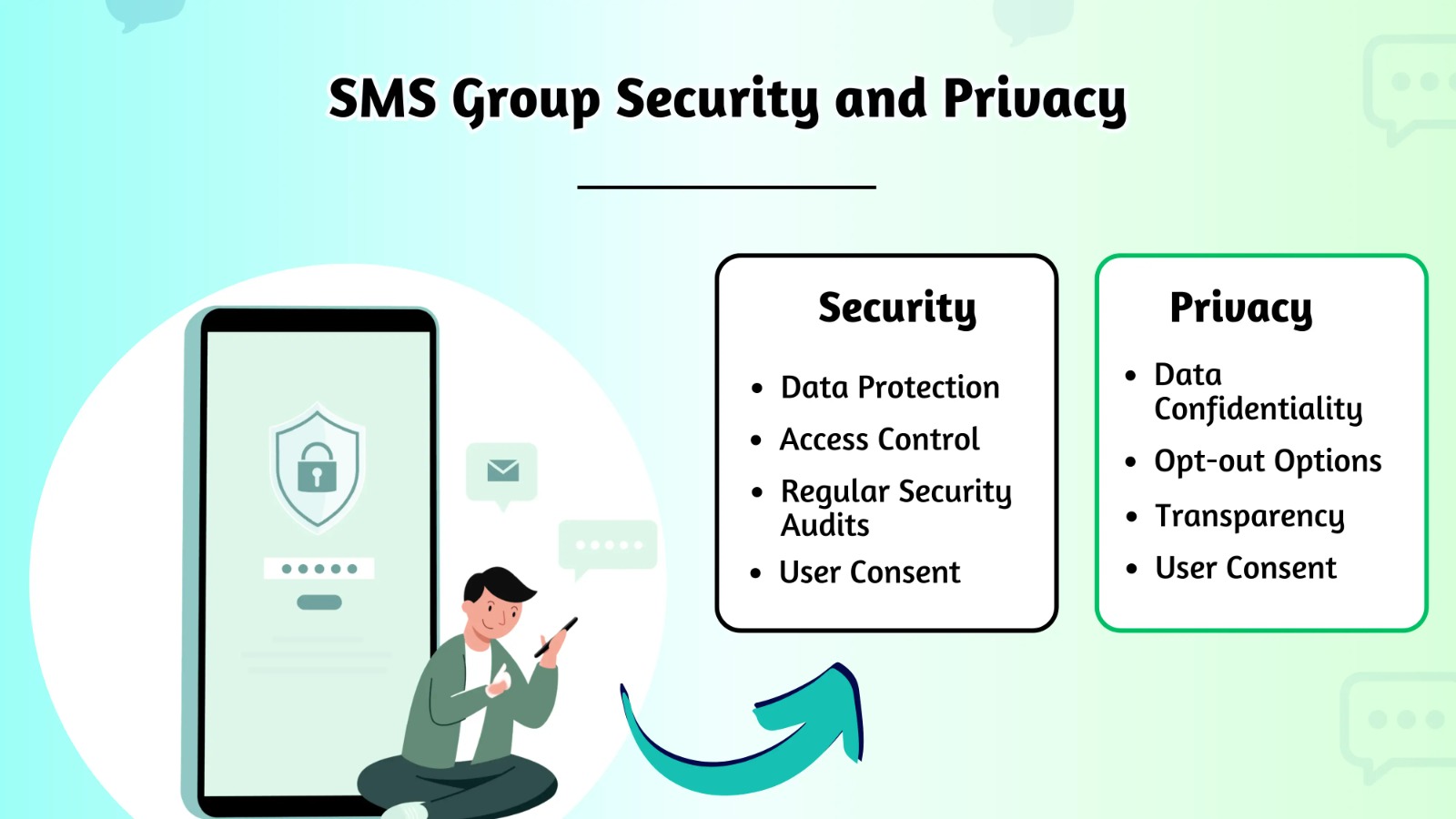
Your privacy is important. Remember these key points: Not all messaging platforms offer the same level of protection, such as end-to-end encryption. Be mindful that any information you post is visible to every member of the group, so always consider your audience.
SMS/MMS are Not Secure
Standard text messages are not encrypted and can be intercepted. Avoid sharing sensitive information like passwords or financial details in a regular group text.
Use Encrypted Apps for Privacy
For any conversation that requires confidentiality, use a service that offers end-to-end encryption, such as Signal or WhatsAap.
Be Mindful of What You Share
Once you send a message or photo to a group, you lose control over it. Assume anything you share can be saved and forwarded by others.
Conclusion
From simple announcements to powerful, app-based chats, SMS Groups are a versatile communication tool. By understanding the different types available, choosing the right tool for the job, and following best practices, you can communicate more effectively.
Modern platforms, often leveraging app-based features with SMS/MMS as a reliable foundation, enhance these conversations with multimedia sharing, reactions, and threaded replies, blurring the lines between traditional texting and dedicated chat applications. Recognizing whether you need a megaphone or a roundtable is the first step toward effective communication.