Get 60 free trial credit of every new sign-up,

Try Now

  +91 76210 73586 [email protected]

Choosing the Right SMS Message App for Your Needs

Choosing the Right SMS Message App for Your Needs

Table of Contents

Senior Writer: Sadik Patel

Introduction

What if we told you the most popular texting apps on your phone aren’t actually “texting” apps? While you’re busy sending messages, a technological battle is happening behind the scenes between old-school SMS, upgraded RCS, and internet-based chat platforms.

This isn’t just jargon; it’s the key to understanding why some messages are encrypted and others aren’t, why some have typing indicators and others don’t, and why iMessage creates the infamous “green bubble/blue bubble” divide. Forget what you think you know. We’ll demystify the tech and compare the apps that define it, ensuring you pick the right tool for the job.

Two Types of Messaging Apps You Need to Know

Before diving into apps, it’s essential to understand the two fundamental types of messaging technology. One type uses your cellular carrier’s network (think traditional SMS), while the other operates “over the top” using your internet connection (Wi-Fi or mobile data).

Two Types of Messaging Apps You Need to Know

SMS/MMS/RCS Apps:

A true sms message app uses your mobile carrier’s network to send and receive texts (SMS), multimedia files (MMS) for basic sms groups, and messages via the new Rich Communication Services (RCS) standard. These messages use your cellular plan, not your internet data, making them incredibly reliable even with poor Wi-Fi.

Internet Messaging Apps: These platforms (also known as Over-The-Top or OTT apps) use your internet connection (Wi-Fi or mobile data) to send messages. They offer advanced features like video calls, high-quality file sharing, and large group chats, but they require a stable internet connection to function.

Top Messaging Apps for Every User

With that distinction in mind, let’s look at the top apps, divided into their proper categories. We’ll cover both the default messengers built into your phone and the powerful standalone services that have become household names.

Top Messaging Apps for Every User

Default Phone Messengers

  • iMessage (Apple) – Seamless integration with iOS, supports SMS/MMS fallback.
  • Google Messages (Android) – RCS support, spam protection, and integration with Google services.
  • Samsung Messages – Optimized for Galaxy devices with extra features like scheduled messages.

Cross-Platform Messaging Apps

  • WhatsApp – End-to-end encryption, voice/video calls, and global popularity.
  • Telegram – Cloud-based storage, large group chats, and advanced privacy features.
  • Signal – Strong encryption and security-focused messaging.

Business & Productivity Messaging

  • Slack – Workplace communication with integrations for apps and workflows.
  • Microsoft Teams – Enterprise collaboration with video meetings and document sharing.
  • Discord – Originally for gamers, now a hub for communities and workgroups.

Best SMS/RCS Clients (For Your Carrier Plan)

These apps are designed to be the primary handler for your phone number’s texts.

Best SMS_RCS Clients (For Your Carrier Plan)

Messages by Google:

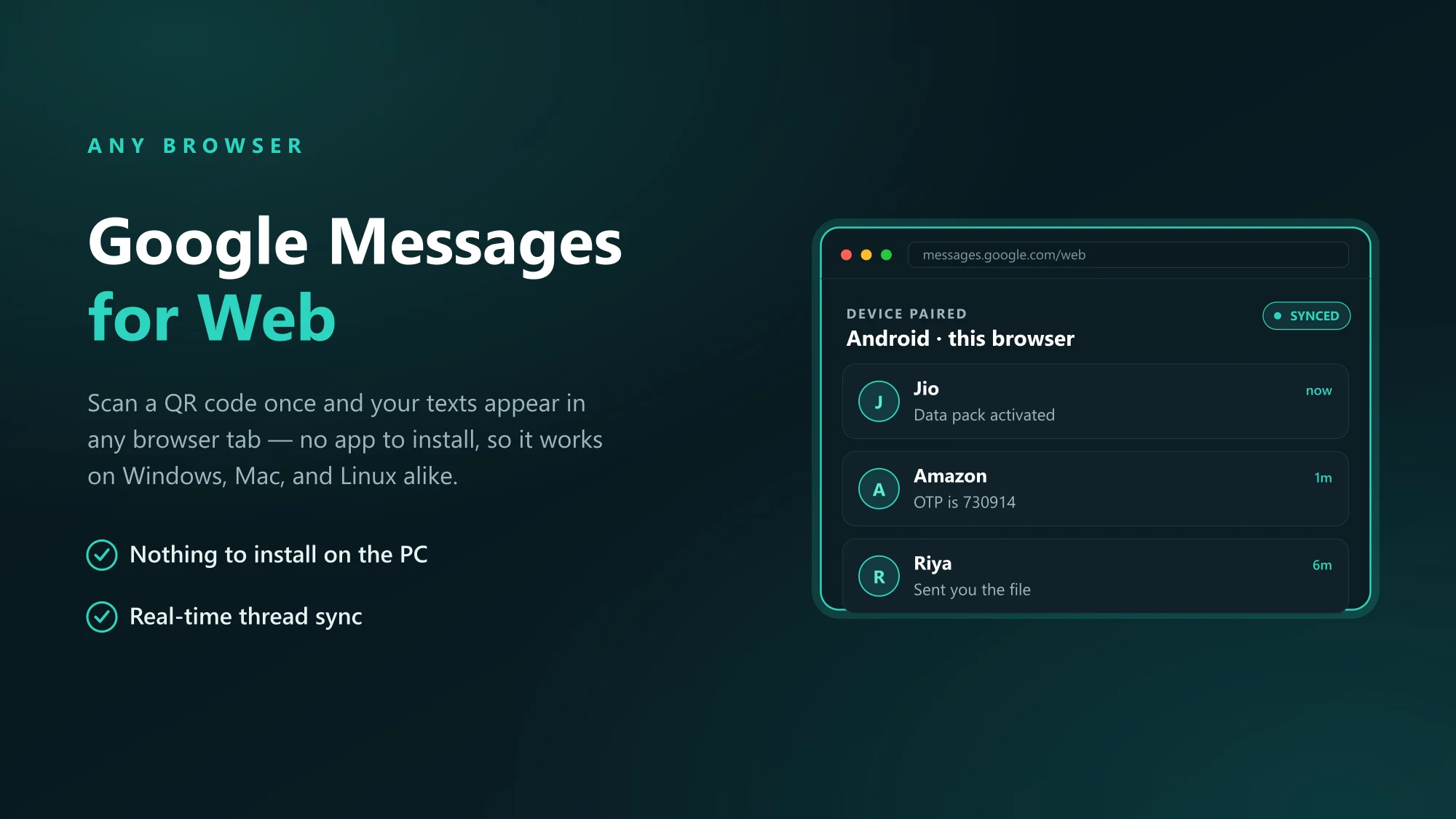
Messages by Google is a clean, intuitive sms app that serves as the default on many Android phones. Its biggest advantage is full support for SMS, MMS, and the next-generation RCS protocol, which brings modern chat features to standard texting.

  • Key Features: Clean interface, RCS support for typing indicators and read receipts, seamless integration with the Google ecosystem, and end-to-end encryption for RCS chats.
  • Why it’s a great free sms app: It offers a modern chat experience without needing everyone to download a separate third-party app.

Truecaller:

While famous for its caller ID and spam blocking, Truecaller also functions as a powerful sms message app. It automatically identifies unknown senders and filters out spam messages, creating a cleaner and safer inbox.

  • Key Features: Unmatched spam detection, Smart SMS organization for personal messages, transactions, and promotions, and integrated caller ID.
  • Why it’s a top choice: It excels at decluttering your inbox and protecting you from spam and fraud, making it a very practical texting app.

Making the Right Choice: A Comprehensive Comparison

Choosing the right sms message app or internet chat tool depends on your priorities. For more insights, you can explore various SMS apps to help make an informed decision. This table breaks down the key differences.

Making the Right Choice_ A Comprehensive Comparison

AppPrimary ProtocolEnd-to-End EncryptionGroup ChatsVideo CallingKey Differentiator
Messages by GoogleSMS, MMS, RCSYes (for RCS chats)Yes (RCS & MMS)Yes (via Meet)Native RCS support
TruecallerSMS, MMSNo (for SMS)Yes (MMS)NoSpam filtering & Caller ID
WhatsAppInternetYes (by default)YesYesMassive user base
SignalInternetYes (by default)YesYesUnmatched privacy
TelegramInternetYes (for Secret Chats)YesYesCloud features & channels

Tips for a Better Messaging Experience

Choosing the right app is only the first step; how you use it matters just as much. The following universal tips will help you enhance your security and improve your day-to-day messaging, no matter which platform you’re on.

Tips for a Better Messaging Experience

Boost Your Security 

No matter which app you choose, take these steps. Enable two-factor authentication (2FA) or a registration lock. Regularly review app permissions and revoke any that are not necessary. Use the built-in encryption features whenever possible.

Master Group Chats and File Sharing 

For effective group chats, establish clear rules or topics. Use @mentions to get a specific person’s attention. When sharing files, be mindful of size limits and only share sensitive information with trusted contacts in an encrypted chat.

Common Issues and Troubleshooting

Message failures can be frustrating, but the fix is often simpler than you think. Whether it’s a “Message Not Sent” error or media that won’t download, the issue usually stems from a few common culprits. Here’s how to diagnose the problem and get your conversations flowing again.

Common Issues and Troubleshooting

For SMS/MMS Issues (in Google Messages, Truecaller)

  • Check Cellular Signal: The most common cause is a weak or non-existent mobile network connection.
  • Verify Recipient Number: A simple typo can prevent delivery.
  • Check Carrier Plan: Ensure your mobile plan supports SMS/MMS.
  • Restart Your Device: A classic fix that often resolves temporary network glitches.

For Internet Messaging Issues (in WhatsApp, Signal, Telegram)

  • Check Internet Connection: Ensure you have a stable Wi-Fi or mobile data connection.
  • Update the App: An outdated version of your texting app can cause errors. Check the app store for updates.
  • Clear App Cache: Go to your phone’s settings, find the app, and clear its cache to resolve performance issues.
  • Contact Support: If problems persist, use the in-app help feature to contact the support team.

Future of Messaging: RCS, AI, and Beyond

The messaging landscape is about to change again, moving beyond the current ecosystem of apps. New standards like RCS and the integration of AI are poised to make our default texting experiences smarter, richer, and more interactive than ever before.

Future of Messaging_ RCS, AI, and Beyond

Carrier Messaging: From SMS to RCS 

The true future of the sms message app is Rich Communication Services (RCS). This upgrade to SMS brings modern features like read receipts, typing indicators, and high-quality photo sharing directly into your phone’s native sms app, without needing a third-party service.

Future Trends in Internet Messaging Apps 

Internet messaging platforms are innovating with Artificial Intelligence (AI) and automation. Expect to see smarter chatbots for customer service, predictive text that understands your context, and streamlined workflows integrated directly into your favorite free sms app alternatives.

The Critical Role of SMS in Emergencies

In natural disasters or public crises when internet infrastructure fails, the simple SMS becomes a lifeline. It operates on the more resilient cellular network, allowing emergency alerts and critical communications to get through when data-dependent apps cannot.

While a feature-rich internet messaging app is great for daily use, having a reliable free sms app like Google Messages is crucial for emergency preparedness.

The Critical Role of SMS in Emergencies

Effective Emergency Messaging Strategies

During emergency situations, clear and concise messaging is crucial. Emergency response teams should use simple language, avoid jargon, and prioritize essential information. Messages should be short, yet informative, and include clear instructions for action. It’s also essential to consider the audience’s needs and tailor messages accordingly.

Examples of Successful Emergency Messaging Campaigns

  • The American Red Cross’s blood donation SMS campaign during Hurricane Harvey
  • The CDC’s SMS-based Ebola outbreak alert system in West Africa
  • The Indian government’s SMS-based warning system for cyclones and floods

Tips for Creating Effective Emergency Messaging Systems

  • Establish a clear communication plan and protocol
  • Use simple, concise language and prioritize essential information
  • Consider the audience’s needs and tailor messages accordingly
  • Test and refine the system before an emergency occurs
  • Ensure message delivery is reliable and timely

Conclusion

Selecting the right communication tool is key to a great user experience. By understanding the fundamental difference between a dedicated sms message app and an internet-based texting app, you can make an informed choice. For reliable, carrier-based communication with modern RCS features, Messages by Google is an excellent option.

For unparalleled privacy or global connectivity, Signal and WhatsApp lead the pack. By evaluating your needs for security, features, and reliability, you can choose the best messaging app that not only connects you with others but also enhances and secures your digital life.

FAQ's

An SMS app uses your carrier’s network without needing internet, while apps like WhatsApp require a data or Wi-Fi connection to function.

For maximum privacy, Signal is the top choice as it offers mandatory, state-of-the-art end-to-end encryption for all your communications.

RCS is the modern upgrade to SMS, bringing chat features like typing indicators and better photo sharing directly to your phone’s native texting app.

While the app itself is free, sending messages might incur standard SMS/MMS charges from your mobile carrier depending on your plan.

Yes, absolutely. Your messages will simply be sent as standard SMS/MMS, allowing you to text any phone, including an iPhone.