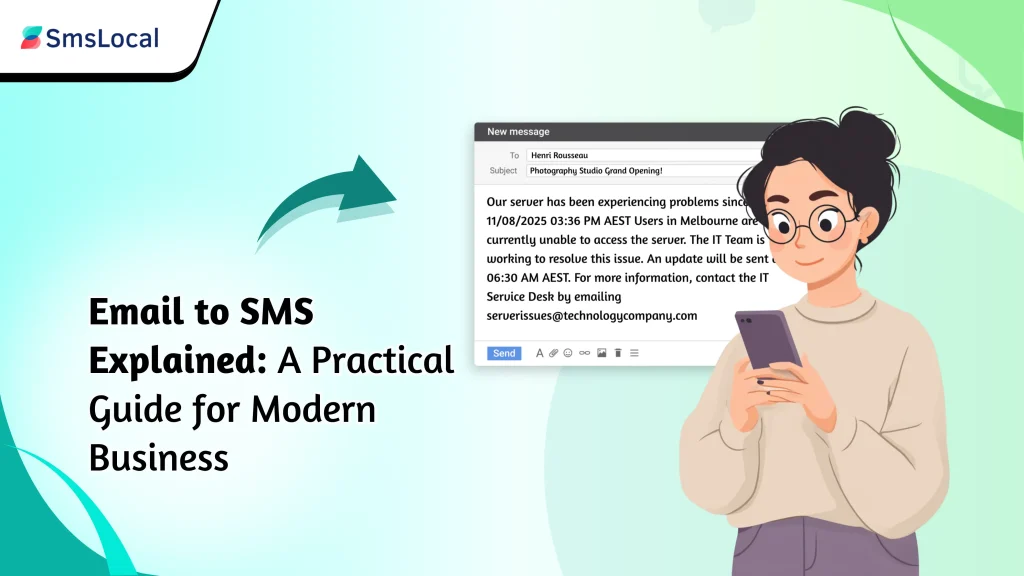
Introduction
Businesses aiming for immediate connection, the gap between a sent email and a read message is a critical one to close and the solution might already be in your outbox.This is where SMS messaging shines, boasting a near-perfect open rate within minutes. But what if you could combine the convenience of your email client with the immediacy of a text message?
This is where Email to SMS comes in. It’s a revolutionary technology that bridges the gap between your inbox and your audience’s mobile phones. Whether you need to send urgent alerts, appointment reminders, or marketing updates, learning to send email to sms can transform your communication strategy.
Key Takeaways:
Seamless Integration: Email to sms technology connects your standard email application directly to mobile phone networks, enabling a powerful link between your email client and SMS recipients.
Overcomes Connectivity Issues: Email to sms is a powerful tool for reaching audiences in areas with poor or no internet access, as the recipient only needs a mobile signal.
Cost-Effective Communication: Utilizing an Email to sms service is often more affordable for sending bulk notifications compared to traditional SMS platforms.
The Process is Key: Successful Email to sms delivery depends on choosing a reliable provider, correct formatting, and understanding the system’s limitations and alternatives.
- Turning Your Inbox into a Texting Tool
Imagine your trusted email platform be it Gmail, Outlook, or any other gaining a new ability: the ability to send SMS messages. That’s precisely what this technology accomplishes. It reconfigures the destination of your email, sending it not to another inbox but through a specialized ‘mail to sms gateway.’
This gateway acts as a digital translator, intelligently taking the plain text from your email, reformatting it for the mobile network, and ensuring it arrives on someone’s phone as a simple, instant text message.
How Does It Work?
The process of Email to Sms is surprisingly straightforward, with a service provider managing the technical details behind the scenes. Here is a simple breakdown of the journey your message takes:
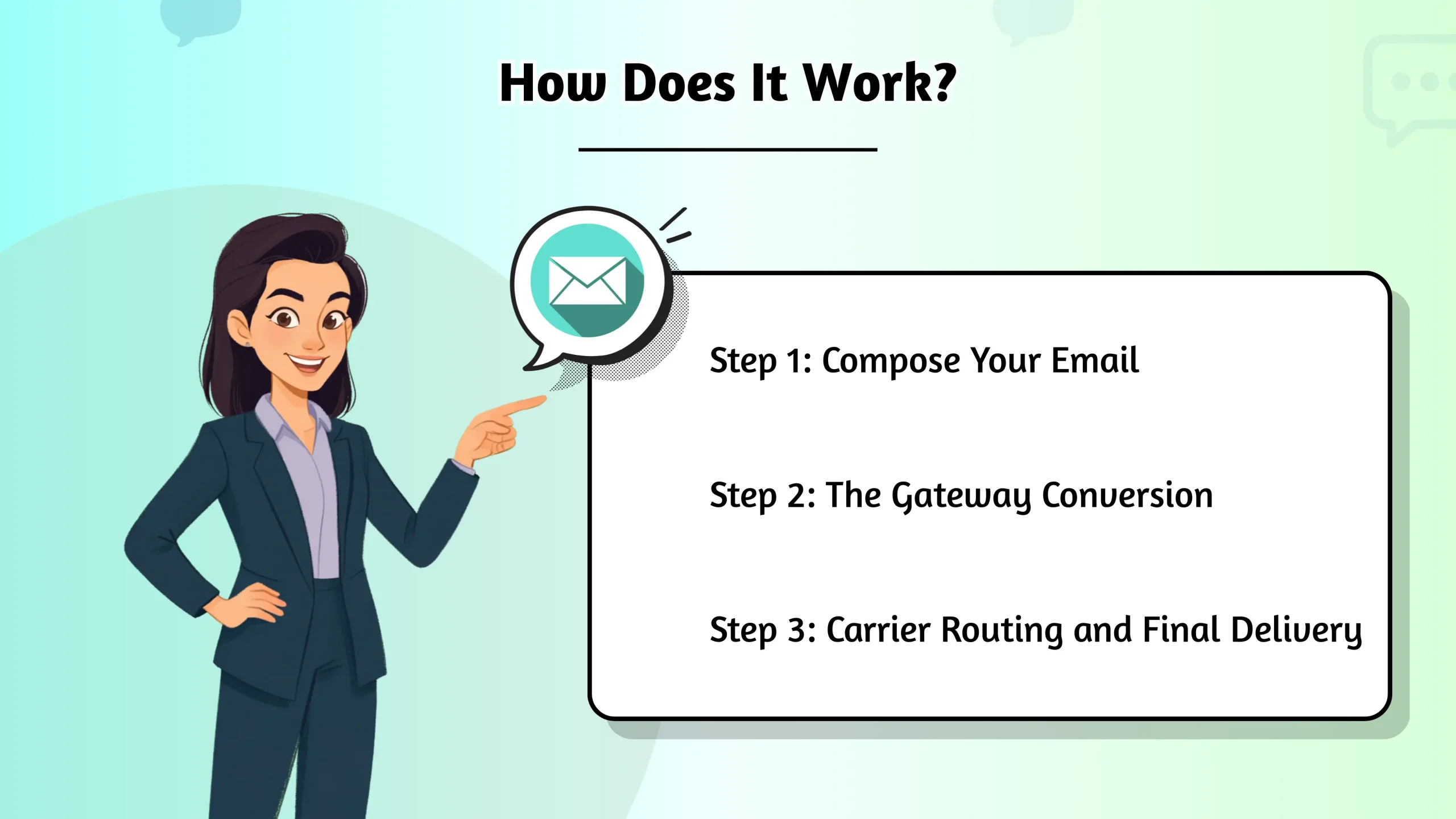
Step 1: Compose Your Email
You begin by writing a new email. In the “To” field, you’ll use a special format that combines the recipient’s phone number with their mobile carrier’s gateway address instead of a standard email address.
What is an SMS Gateway Address?
This is the most critical part of the Email to Sms process. An SMS gateway is a unique address provided by each mobile carrier. The format is typically the 10-digit phone number followed by the carrier’s domain.
For example, for a T-Mobile user in the US, you might use: [email protected]. A good service often simplifies this by letting you send to a centralized address that handles the carrier lookup for you.
Step 2: The Gateway Conversion
Once you hit “send,” your email is routed to the Email to Sms gateway. The gateway’s server strips away any HTML formatting, like images and rich text, and extracts the subject line and plain text from the email body. It then converts this content into a message that is compliant with the SMS protocol. This process is highly efficient for bulk message sending.
Step 3: Carrier Routing and Final Delivery
The gateway forwards the newly formatted text message to the recipient’s mobile carrier. The carrier then routes the message through its network, delivering it to the recipient’s phone where it appears as a standard text.
Why Use This Service?
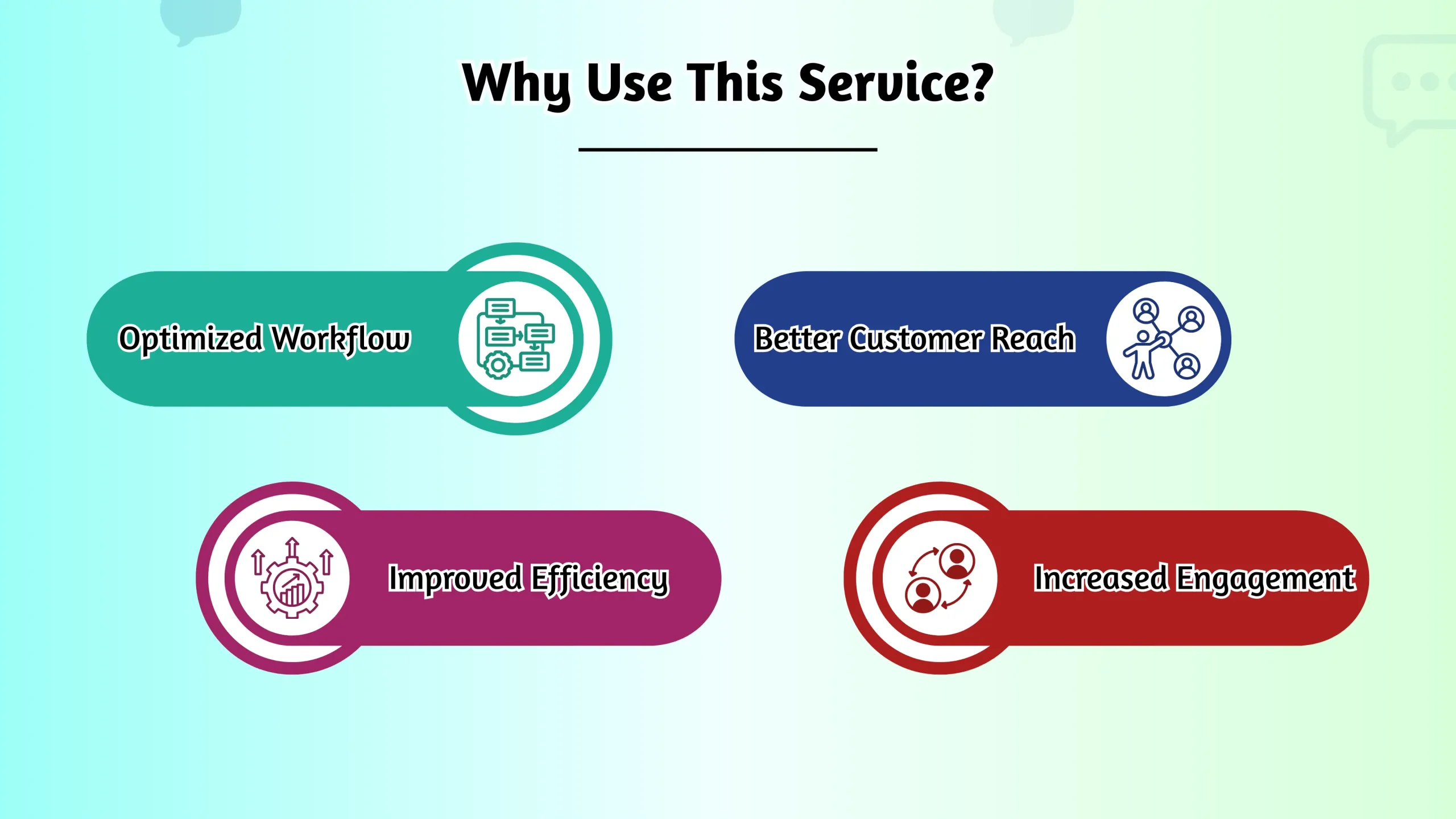
Integrating this technology offers numerous benefits. The synergy of email and SMS enhances customer connection and improves operational efficiency. By leveraging the immediacy of SMS for urgent alerts and the richness of email for detailed content, you ensure your message is always seen.
Enhanced Accessibility
The primary advantage is reaching people where they are, regardless of their internet status. Since the final message is an SMS, the recipient doesn’t need a data connection or a smartphone to receive it. This is invaluable for communicating with audiences in rural communities or for sending emergency alerts where internet connectivity may be down.
Cost-Effective Mass Communication
For businesses sending appointment reminders, delivery notifications, or promotional alerts, using an email to text service can be significantly more economical than other methods.
- Utilize competitive bulk SMS rates to dramatically lower the cost per message.
- Manage all messaging from a single email platform, eliminating the need for separate, expensive software.
- Leverage built-in analytics provided by the service to track delivery and engagement, optimizing your spend.
Seamless Integration with Existing Systems
You don’t need to learn a new platform. An email to sms service integrates directly with the email clients your team already uses, making it easy to send sms online from a familiar interface. This simplifies workflow, reduces training time, and allows for powerful automation. For example, you can configure your existing systems to automatically send sms online as an alert for a new sales lead or a critical server error.
How to Send an Email to SMS: A Step-by-Step Guide
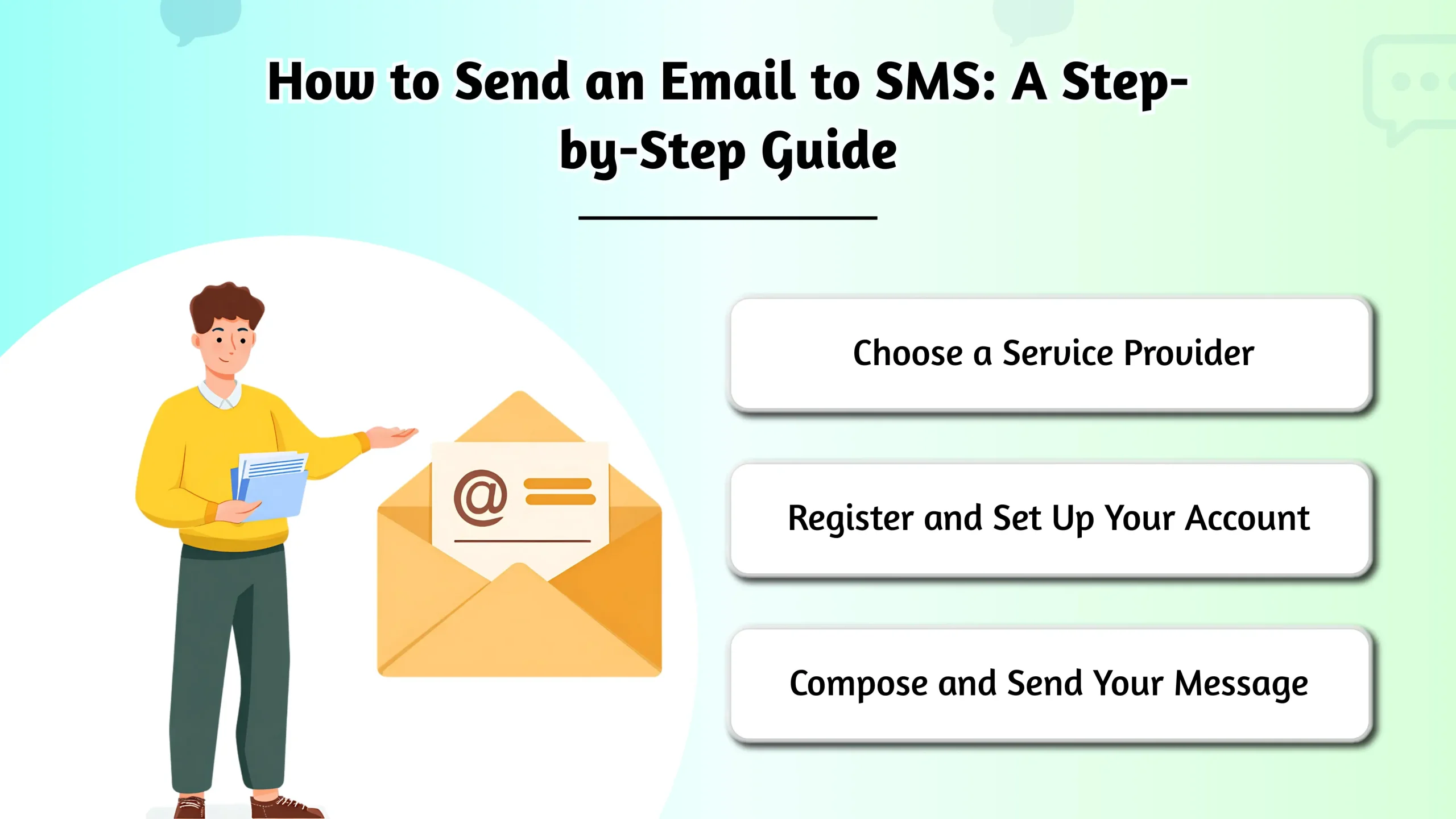
Ready to send your first message? The process is simple and involves three main steps. You’ll be sending texts directly from your inbox in no time.
Choose a Service Provider
While some mobile carriers offer a free, basic gateway, a dedicated email to sms service provider like Textmagic, Twilio, or DialMyCalls offers far greater reliability, analytics, and features. When choosing, prioritize uptime, delivery rates, customer support, and pricing that aligns with your needs.
Register and Set Up Your Account
Registration typically involves providing your email address, creating a secure password, and verifying your account. A crucial step here is authorizing your email address. This security measure ensures that only approved users can send email to sms through your account, preventing unauthorized use.
Compose and Send Your Message
This is where you put the technology to work.
- Recipient: Enter the recipient’s SMS gateway address in the “To” field.
- Subject: The subject line often becomes the first part of the sms email. Keep it short and impactful.
- Body: Write your message in the email body. Remember the character limit! A standard SMS message is restricted to 160 GSM characters. If your message is longer, most services will automatically split it into multiple texts, but this may incur extra costs. Be clear, concise, and get straight to the point.
What Are the Limitations of Email to SMS?
Despite its benefits, the technology has some limitations to keep in mind. The conversion process strips away all rich formatting, so elements like images, hyperlinks, and attachments will not carry over.

Character Limitations
As mentioned, the 160-character limit is a significant constraint. It forces you to be brief and can make it challenging to convey complex information.
Potential Delivery Time Delays
While usually fast, delivery isn’t always instantaneous. The time can be affected by network congestion, the efficiency of the mail to sms gateway, and carrier-specific traffic. It’s reliable for reminders and notifications but may not be suitable for time-critical trading alerts where every second counts.
Sender’s Dependence on Internet Connection
This is a key distinction: while the recipient doesn’t need the internet, the sender does. You must have an active internet connection to send the initial email from your client to the gateway.
What Are the Alternatives to Email to SMS?
If your needs are more complex, one of these alternatives might be a better fit. Dedicated platforms using an SMS API or business messaging apps like WhatsApp offer far more robust capabilities.

SMS Gateway:
An SMS Gateway directly connects to mobile carrier networks, offering businesses a faster and more reliable way to send high volumes of text messages by bypassing email-to-text conversion.
SMS API:
An SMS API allows developers to integrate text messaging capabilities directly into their own software, websites, or apps. This offers maximum flexibility for creating custom solutions like two-factor authentication, automated alerts, and notifications.
SMS Marketing Platforms:
These all-in-one platforms are built to create, manage, and analyze SMS marketing campaigns. They include essential tools for contact management, scheduling, and detailed analytics, offering capabilities far beyond a simple email-to-SMS service.
Conclusion
This technology offers a powerful and accessible bridge between the worlds of traditional email and sms. This email to text method provides a cost-effective, easy-to-use solution for businesses and individuals to communicate reliably with audiences, even when internet access is a challenge.
However, it’s essential to recognize its limitations, such as character constraints and potential delays. For more demanding applications, alternatives like dedicated SMS APIs or marketing platforms may offer the robust features you need. By carefully evaluating your goals, message volume, and technical requirements, you can choose the right tool to perfect your communication strategy in today’s mobile-first world.