Sending SMS from a computer or web browser is faster, cheaper, and more reliable than sending from a phone — especially at any kind of scale. This guide walks through every legitimate way to send SMS online in India, the tradeoffs, and which path fits your use case.
Who sends SMS online and why
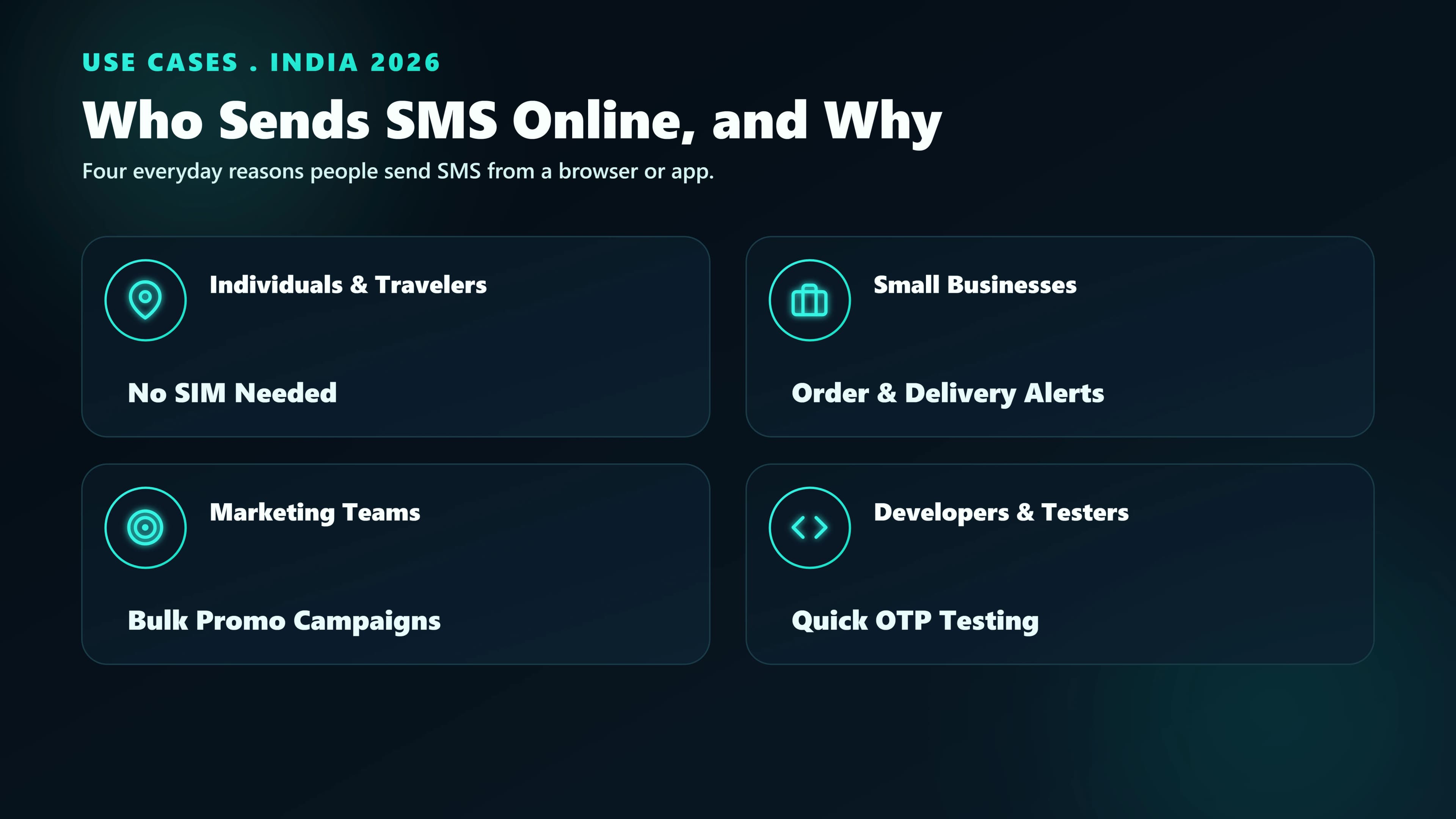
Four user segments dominate online SMS sending in India:
- Small businesses running customer follow-ups, appointment reminders, and seasonal promotions. Typical volume: 100–10,000 SMS/month.
- Developers and startups integrating SMS via API into their products —OTPs, verification codes, service notifications. Typical volume: variable, demand-driven.
- Enterprise marketing teams running scheduled bulk campaigns and cart recovery. Typical volume: 100,000+ SMS/campaign.
- Schools, clinics, housing societies sending parent/member notices. Typical volume: a few thousand per event.
This guide covers sending SMS. If instead you need to receive SMS online in India— using a temporary number for OTPs and sign-ups — that's a different tool with its own safety tradeoffs worth understanding first.
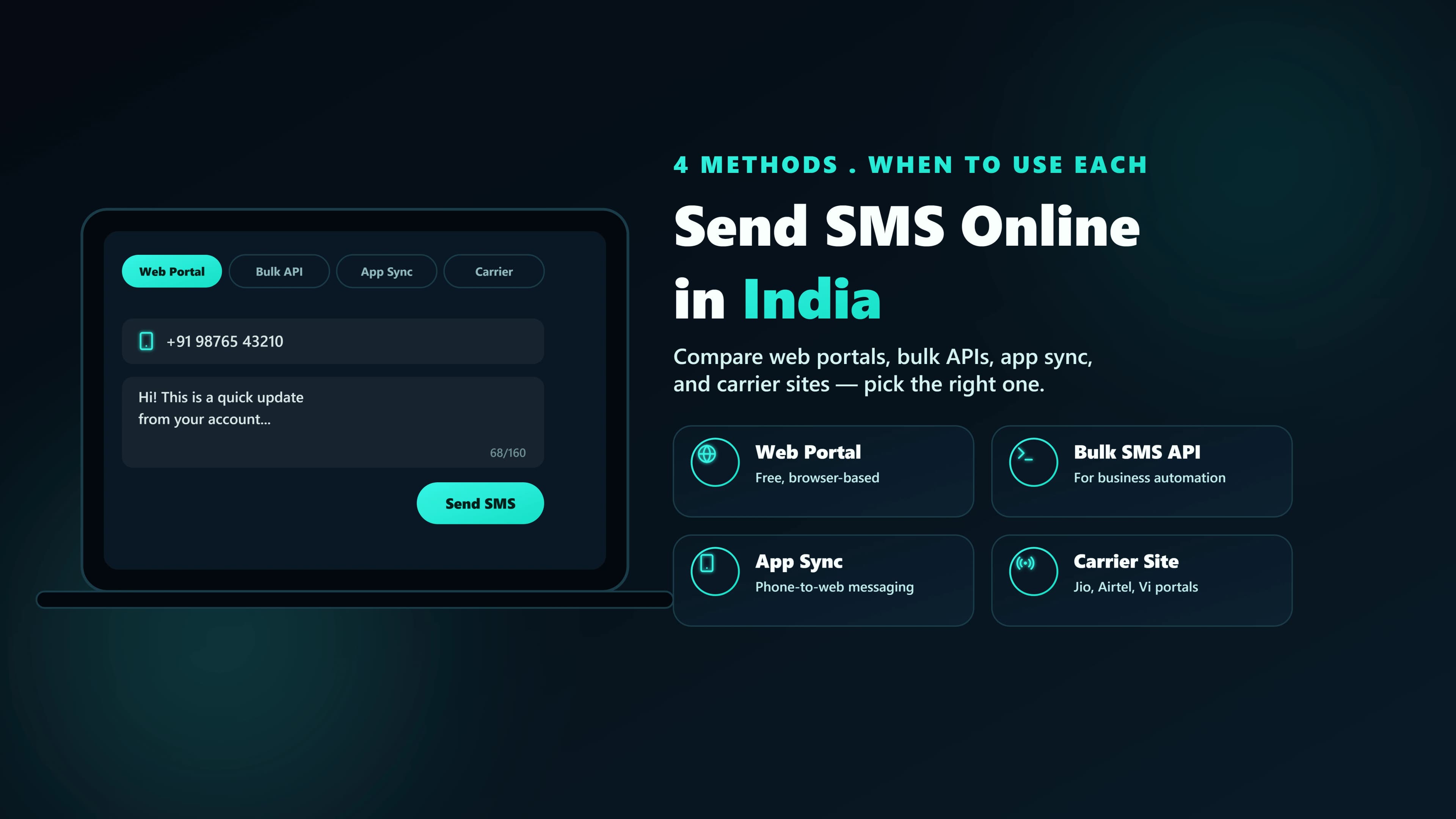
The four ways to send SMS online
| Method | Best for | Cost | Setup time |
|---|---|---|---|
| Web-to-SMS dashboard | Non-technical users, small batches | ₹0.10–0.40/SMS | 10 minutes |
| SMS API | Developers, in-app notifications, OTPs | ₹0.10–0.25/SMS | 30 minutes |
| Bulk SMS platform | Marketing teams, scheduled campaigns | ₹0.08–0.20/SMS | 1 hour |
| WhatsApp Business API | Rich content, higher engagement | ₹0.40–1.40/msg | 2–7 days (verification) |
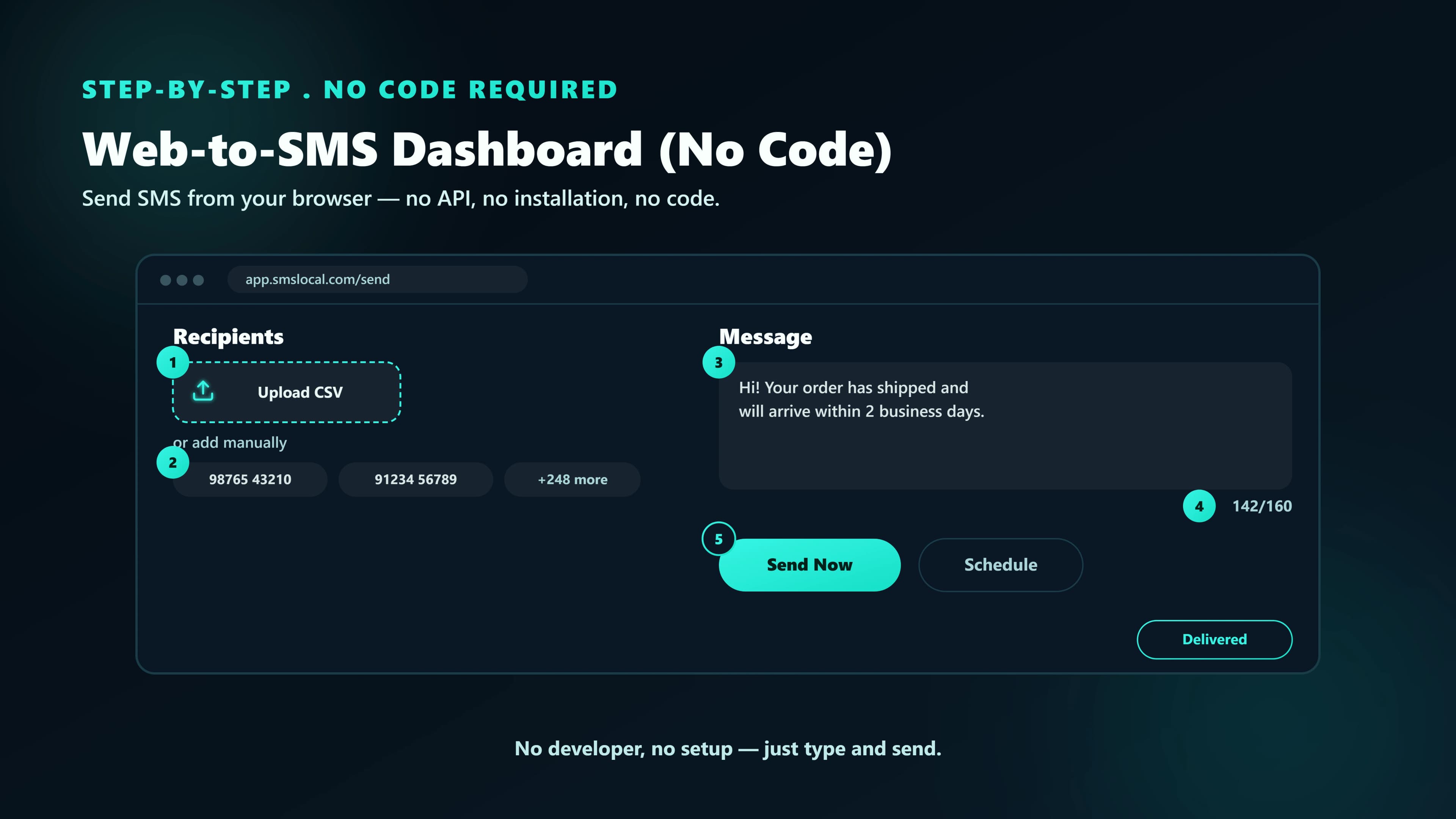
1. Web-to-SMS dashboard (no code)
The fastest way in. You sign up on a platform, upload a CSV of numbers, type the message, and hit send. This is what non-technical users typically want.
What to look for:
- DLT-compliant.Platform must scrub your list against NCPR and reject any un-registered sender attempt. If a service lets you send without DLT, don't use it — they're operating illegally and you're liable.
- Campaign scheduling. Send at 10am the day of, not at 3am when you finish drafting.
- Delivery reports. Every send should show per-number delivery status — delivered, dropped, DND-filtered.
- Template manager. Approved DLT templates stored in the platform; you pick from a list instead of copying between tools.
2. SMS API (for developers)
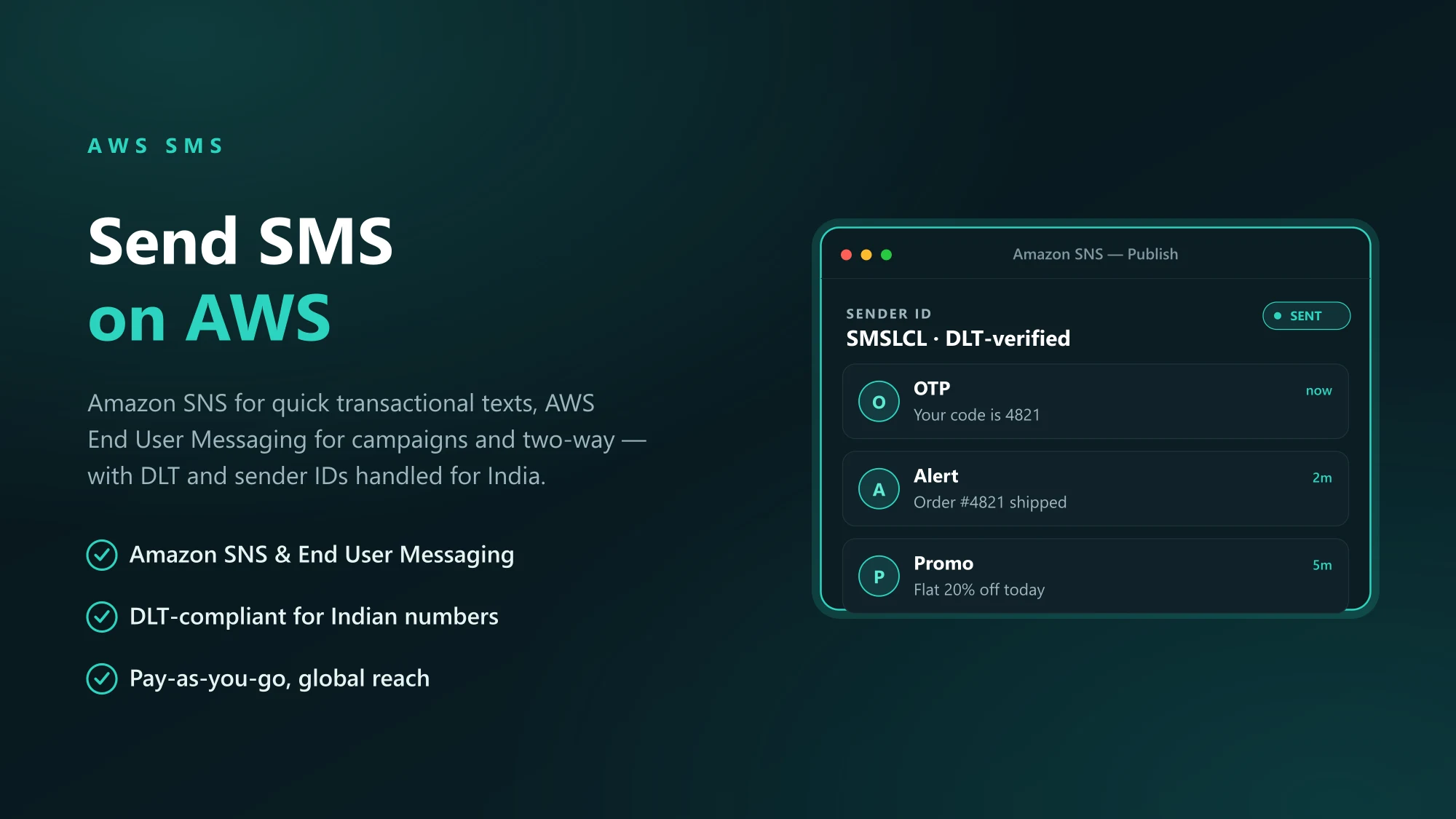
If you're building a product, use an API instead of a dashboard. You call an endpoint with the recipient's number and message body, and the SMS is dispatched. The typical request looks like this:
What a good SMS API gives you that a dashboard doesn't:
- Webhooks. Push delivery updates to your server instead of polling.
- Per-message tracking. Correlate every SMS back to your user, flow, and template.
- Template interpolation. Send the same DLT-approved template with different variable values per user.
- Rate-limit-aware queueing. Built-in backoff when you hit carrier-side throttles.
3. Bulk SMS platform (for marketing teams)
Bulk platforms are web-to-SMS with campaign management layered on top. You upload a segmented list, pick a template, schedule a send, and get a post-campaign dashboard with deliveries, bounces, and DND drops.
Key features a marketing team needs:
- Audience segmentation. Filter your list by state, language preference, last-engagement, or any custom attribute.
- A/B testing. Split your audience across two templates and compare delivery + response rates.
- Regional sending. Send Hindi templates to Hindi-belt pincodes and English templates to metros — from the same campaign.
- Unsubscribe handling. Built-in STOP-keyword handling that updates your list automatically.
4. WhatsApp Business API (when SMS isn't enough)
When you need richer content (images, buttons, catalogs) or higher engagement than SMS gives you, WhatsApp Business API is the modern answer. The tradeoff is complexity: there are message categories, template approvals, 24-hour sessions, and Meta verification.
WhatsApp makes sense when:
- You need two-way conversations, not just one-shot sends.
- Your audience is mostly on WhatsApp already (which, in India, is most audiences).
- You want to send rich media — receipts with product images, appointment cards with confirm buttons.
- You have the bandwidth to manage template approvals through Meta.
Legal requirements for sending SMS online in India
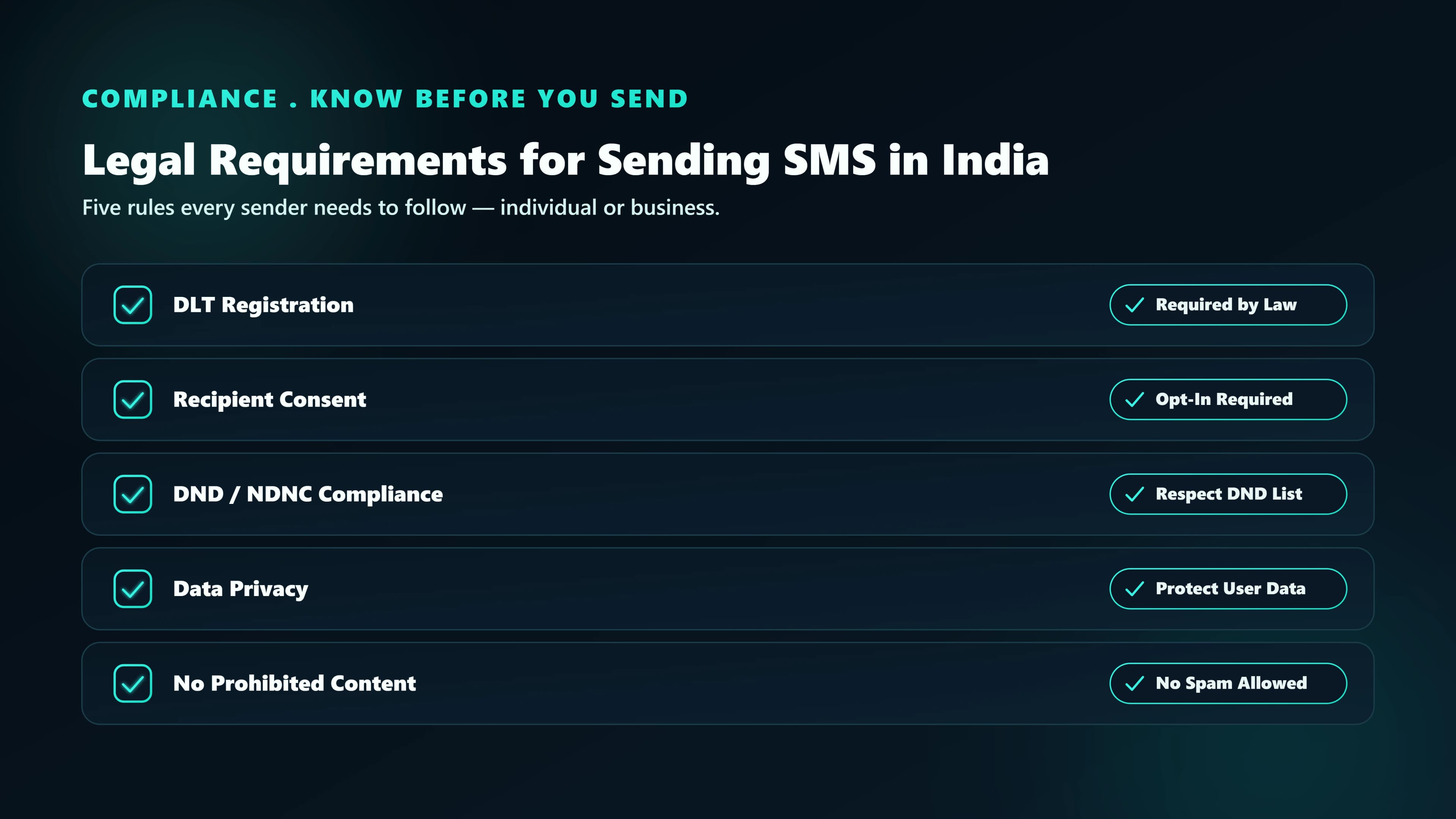
Whatever channel and platform you pick, these rules apply to every SMS sent from India to an Indian number:
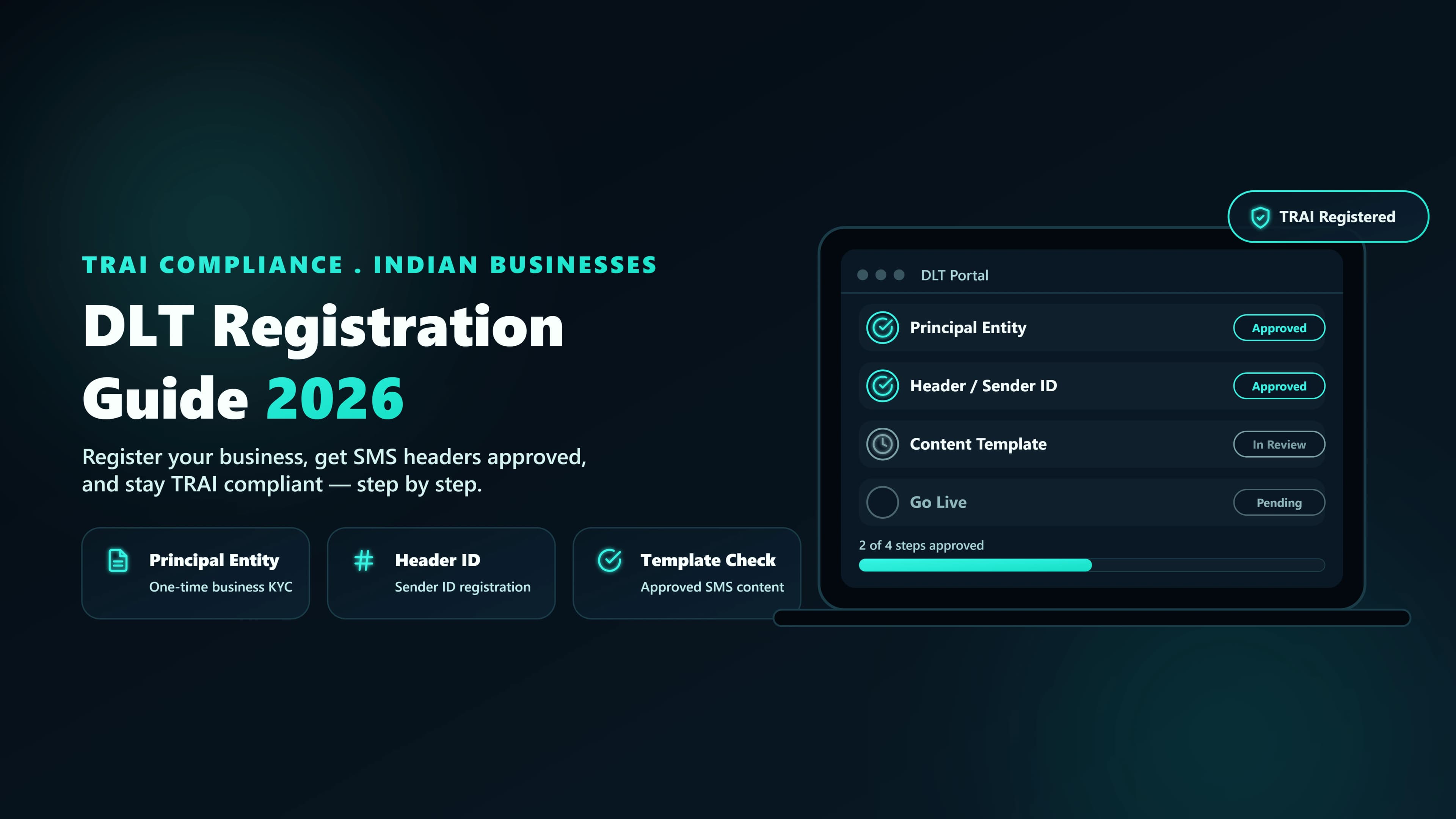
- DLT registration.Your company (Principal Entity), sender ID (Header), and every template you send must be registered on TRAI's DLT platform. Read the full DLT registration guide.
- Consent.You must hold documented, auditable opt-in for every recipient of a promotional message. Service SMS to your own customers (OTPs, receipts) don't need explicit SMS consent — they're implied by the relationship.
- NCPR scrub. Promotional lists must be scrubbed against the National Customer Preference Register before every send.
- Send windows. 9am to 9pm IST for promotional and service-implicit messages. 24×7 for transactional and service-explicit.
- Unsubscribe mechanism. Promotional templates must include a STOP keyword instruction, and you must honour opt-outs within 24 hours.
FAQ
The whole process took three days — two for DLT header approval and one for us to set up the dashboard. After that, every campaign is 10 minutes: pick template, upload list, schedule, done.