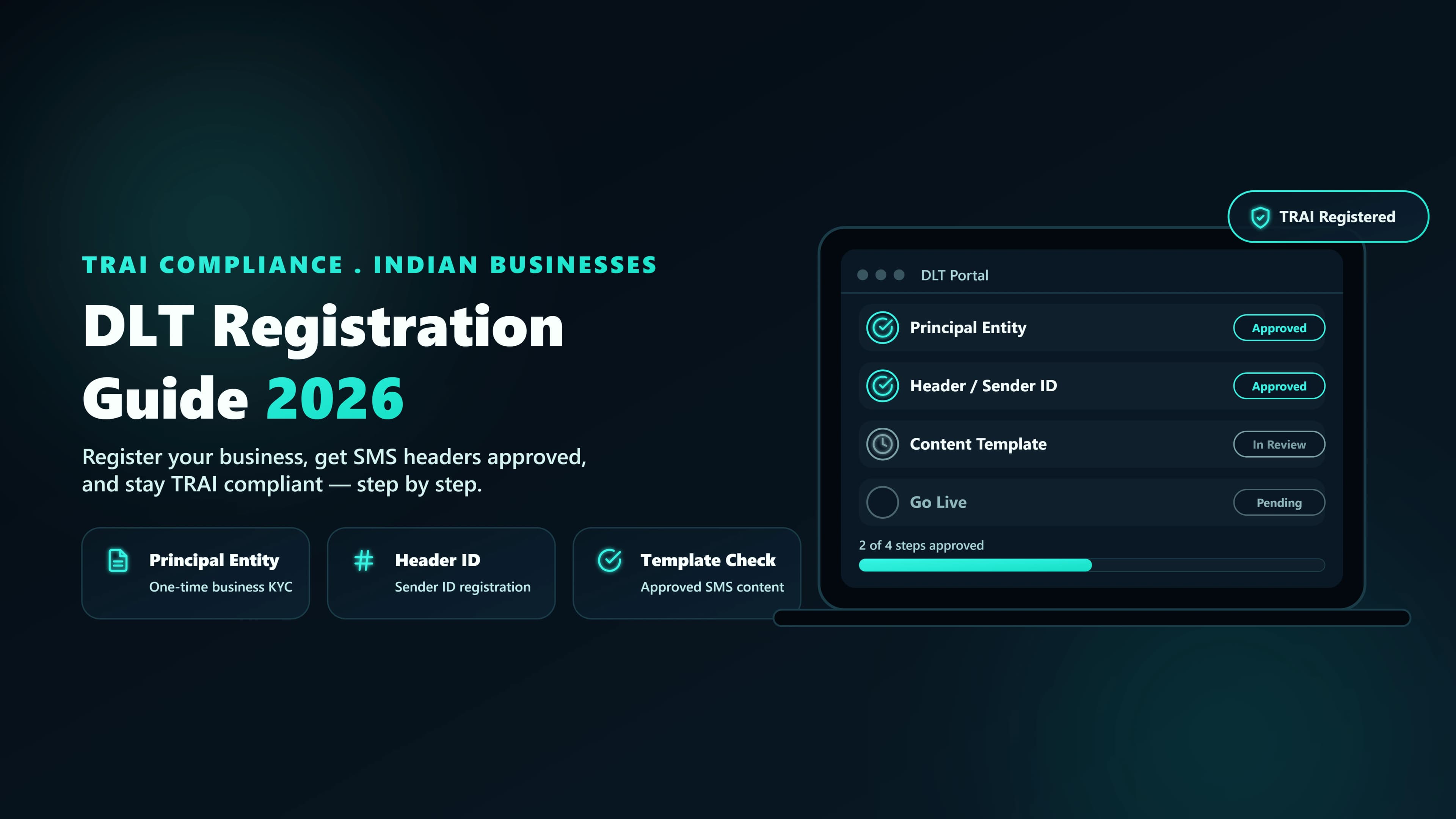
Every Indian business that wants to send SMS — even a single OTP — has to be registered on DLT. This guide walks through the exact steps, the paperwork, the gotchas, and the reasons your first application will probably get rejected.
Why DLT exists
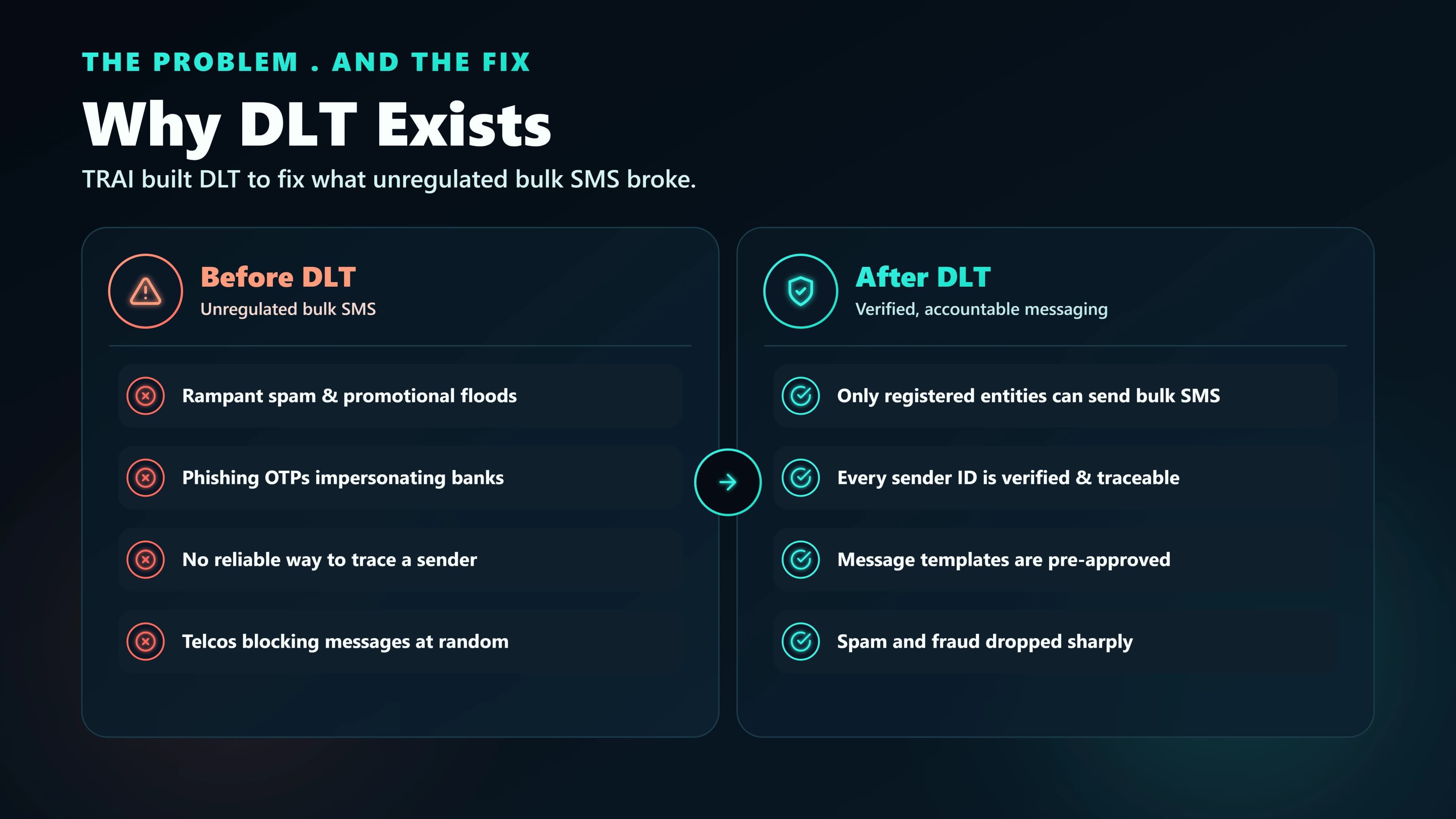
Distributed Ledger Technology (DLT)is the compliance layer TRAI mandates between every Indian sender and every Indian mobile number. Before DLT, consumers were drowning in spam and had no real recourse. The regulator's answer was to make every sender, every sender-ID, every template, and every consent chain verifiable on a blockchain-backed registry — operated by the major telecom operators.
In practice, DLT means three things for you: you register who is sending (your company as a Principal Entity), what name shows up on recipients' phones (the Header), and what you plan to say (the Content Template). If any of these are missing or mismatched, the message is dropped at the operator gateway — not delivered, not reported, not billed.
Who actually needs DLT
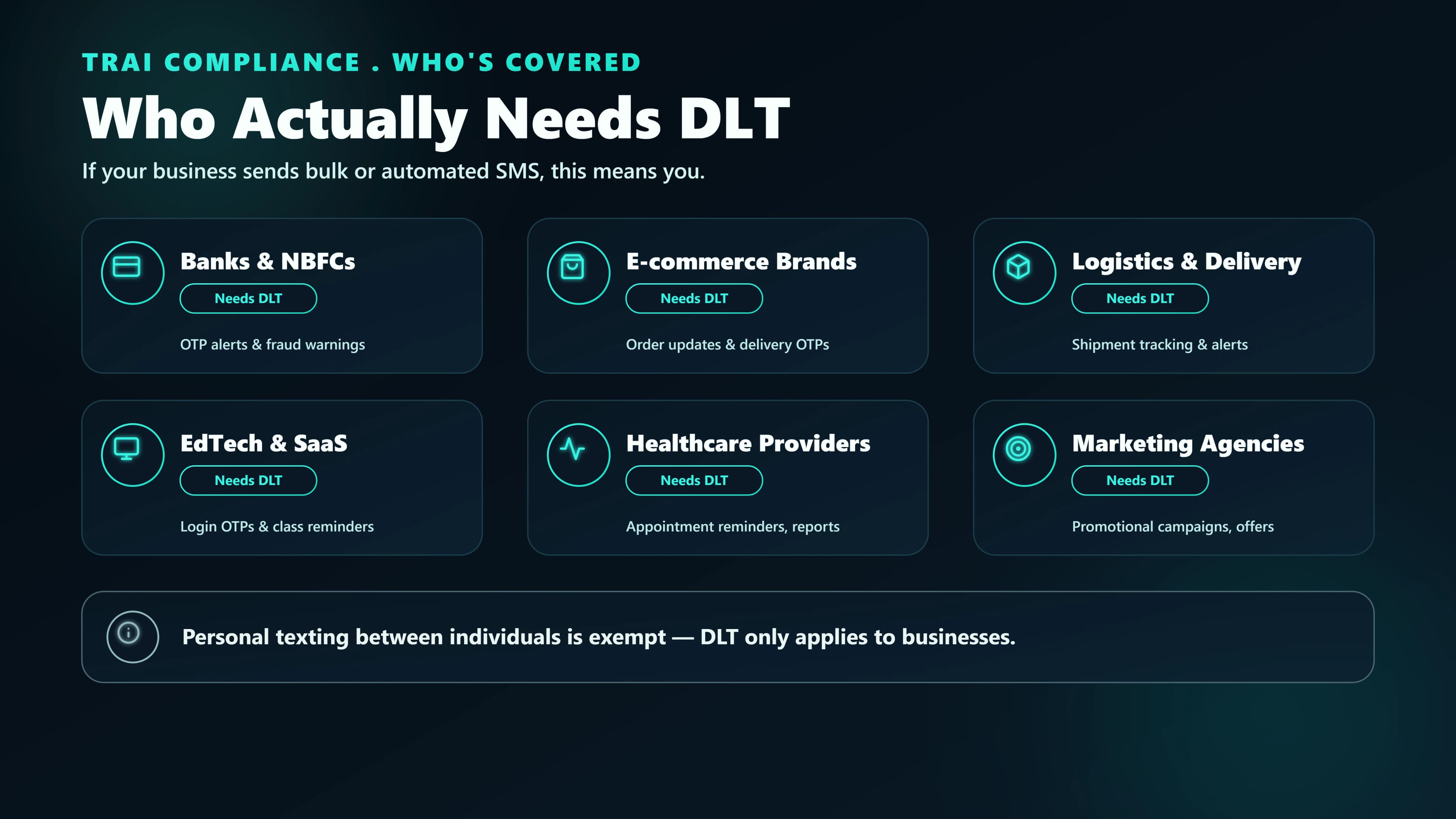
You need DLT if your application sends any SMS to any Indian mobile number, whether transactional, promotional, or service-related. There are very few exceptions — and even those (personal messages from a consumer SIM) don't apply when you're building a product.
- Transactional senders (OTPs, payment receipts, shipping updates): yes, DLT required. See our OTP SMS product for how this works end-to-end once you are registered.
- Service senders (alerts, reminders, policy updates): yes, DLT required.
- Promotional senders (marketing, offers, newsletters): yes, and additionally constrained by DND rules and 9am–9pm IST send windows. Our Bulk SMS product handles NCPR scrubbing, send-window enforcement, and DLT compliance automatically.
- International businesses sending to Indian numbers: yes, you still need DLT, and typically appoint a local entity or use your Indian operations arm as the PE.
The four things you'll register
People rush this part and pay for it later. You'll register four distinct objects, and each has its own approval cycle, rejection reasons, and update semantics.
| Object | What it is | Who approves | Typical time |
|---|---|---|---|
| Principal Entity | Your legal business identity on DLT | Operator (Jio/Airtel/Vi/BSNL) | 24–72 hrs |
| Header (Sender ID) | The 6-character name recipients see | Operator | Near-instant after PE is approved |
| Content Template | The exact SMS body with variable slots | Operator | 2–24 hrs |
| Consent | Your proof that a user opted in | You (audit trail) | Ongoing |
Step 1: Register your Principal Entity (PE)
The PE is your company's identity on DLT. You only register it once per legal entity, and the same PE works across every operator's DLT portal. Pick one operator to register with first — whichever you trust most operationally. Most customers go with Jio or Vodafone Idea.
Documents you'll need
- Certificate of Incorporation or Partnership Deed (PDF).
- GSTIN certificate. Make sure the address matches the one on your CoI.
- PAN card of the business (not personal PAN).
- A board-authorised letter naming an Authorised Representative (AR).
- AR's personal KYC (PAN + Aadhaar).
Step 2: Register your Header (sender ID)
The Header is the 6-character string that appears in place of a phone number when recipients get your SMS — e.g. SMSLCL or MYBRND. Pick it carefully; you'll live with it for years. Headers are also category-scoped: you'll register separate headers for transactional and promotional use, even if the brand name is the same.
Rules every Header has to follow
- Exactly 6 characters, alphabetical only (A–Z).
- Must match your registered brand or be a recognisable short-form of it. Random codes get rejected.
- Transactional and promotional Headers live separately. You can't send a marketing SMS on a transactional Header, and vice versa.
- Competitor brand names, profanity, and generic words (INFO, ALERT) are rejected.
Step 3: Register your Content Template
This is where most rejections happen. A Content Template is the exact body of an SMS you plan to send, with variable slots marked as {#var#}. The operator approves the template once; after that, every send that references the Template ID must match the template body character-for-character, with only the variable slots filled in.
What makes templates reject
- Mismatch with Header category. Submitting a marketing template under a transactional Header is the single most common cause of rejection.
- Variable slots used for copy.
{#var#}is for dynamic values (OTP codes, order IDs, names). You can't put sentences in variables. - Wrong language declaration. Hindi template body with an English declaration gets rejected. Pick the declared language accurately.
- URL shorteners. Only pre-whitelisted URLs or your registered domain. Raw bit.ly links are rejected for promotional routes.
Step 4: Capture consent (the ongoing obligation)
You don't register consent on the DLT portal — you own it. But if a recipient complains, the operator will ask you to produce the exact opt-in record for that number. "The user checked a box in our app" is not enough. You need the timestamp, the channel, the exact text they consented to, and the IP address.
Store consent events in their own table in your database, retain them for at least 2 years, and back them up. If you can't produce the log, the complaint stands and the operator can freeze your Header.
Picking your DLT platform
All four major operators run their own DLT portals and they all accept the same format. In practice teams pick based on support responsiveness and UI quality.
| Platform | Strengths | Quirks |
|---|---|---|
| Vi (Vodafone Idea) | Cleanest UI, fastest template approvals | Sometimes slow on weekends |
| Jio | Most popular, strong support, documented well | Newer UI can be laggy |
| Airtel | Strict but predictable template reviews | PE verification can take 72+ hours |
| BSNL | Accepts everything the private operators accept | Interface feels legacy |
Common rejection reasons (and how to fix them)
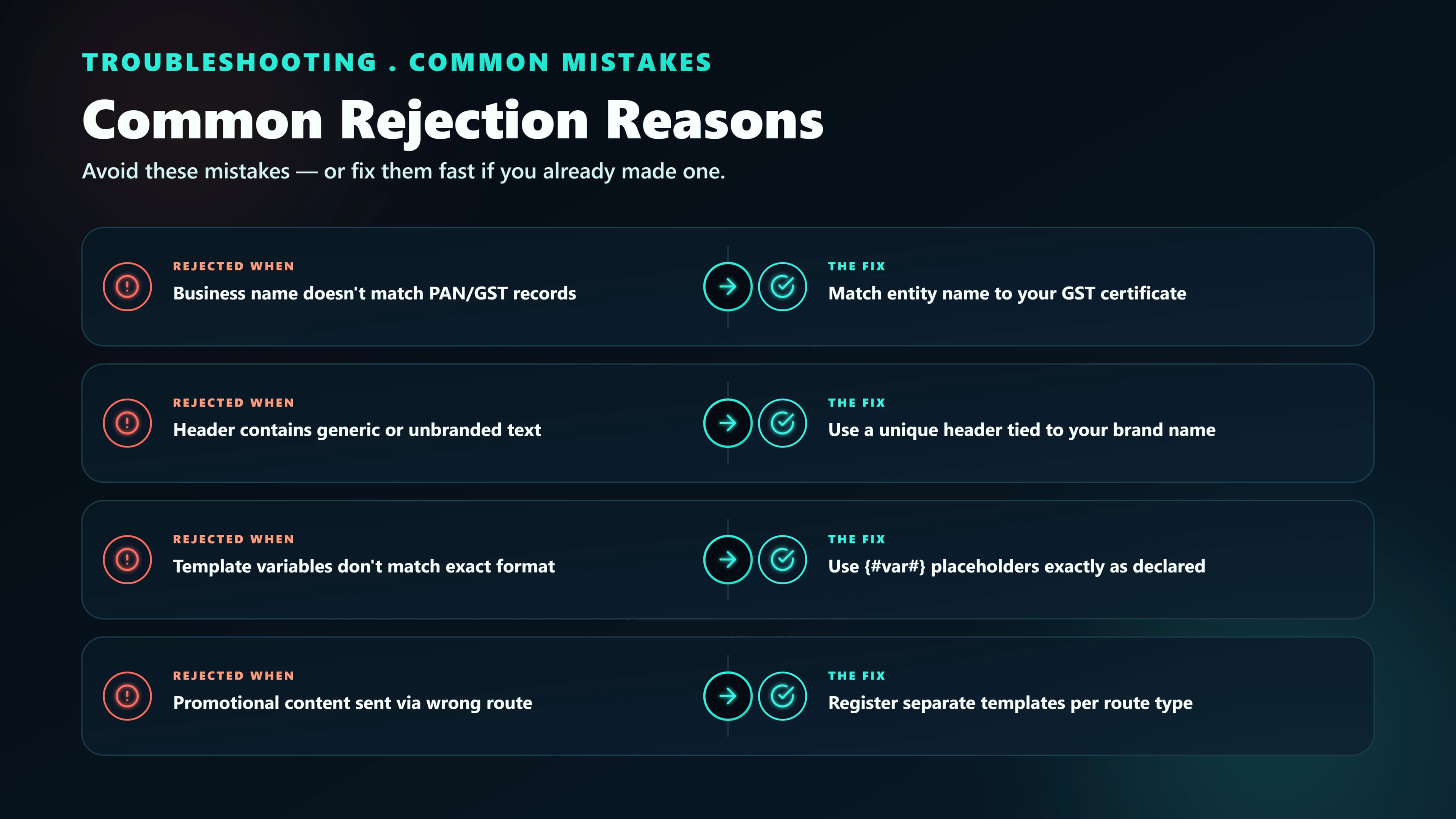
Don't take rejections personally — they're the norm. Here are the ten most common reasons we see at SMSLocal, ranked.
- PE name doesn't match CoI. Use the name exactly as printed on the Certificate of Incorporation. No abbreviations, no trading names.
- GST address mismatch. If your GSTIN is at one address and your CoI shows another, resolve that before applying.
- AR authorisation letter on plain paper. Use your company letterhead and include the registered company seal.
- Header too generic."ALERTS", "UPDATE", "INFO" all get rejected.
- Template body doesn't match Header category. See above.
- Template URL not whitelisted. Register your domain on the DLT portal before submitting templates that contain it.
- Too many variables. Templates with more than 4–5 variable slots look like form letters and get flagged.
- Missing unsubscribe instructionon promotional templates. Add "To opt out, send STOP to {#var#}".
- Language mismatch. Declare the actual language. Hindi body declared as English is an auto-reject.
- Competitor brand name in Header. Even a substring gets rejected.
Realistic timelines
Plan backwards from your first send. Here's what actually happens:
| Milestone | Best case | Typical | Worst case |
|---|---|---|---|
| PE approval | 4 hours | 24 hours | 72 hours |
| Header approval | Instant after PE | 2 hours | 24 hours |
| Template approval | 30 min | 4 hours | 48 hours |
| Sync to other operators | Instant | 2 hours | 12 hours |
| First SMS delivered | Same day | Next day | 3–5 days |
After approval: sending Day 1 SMS
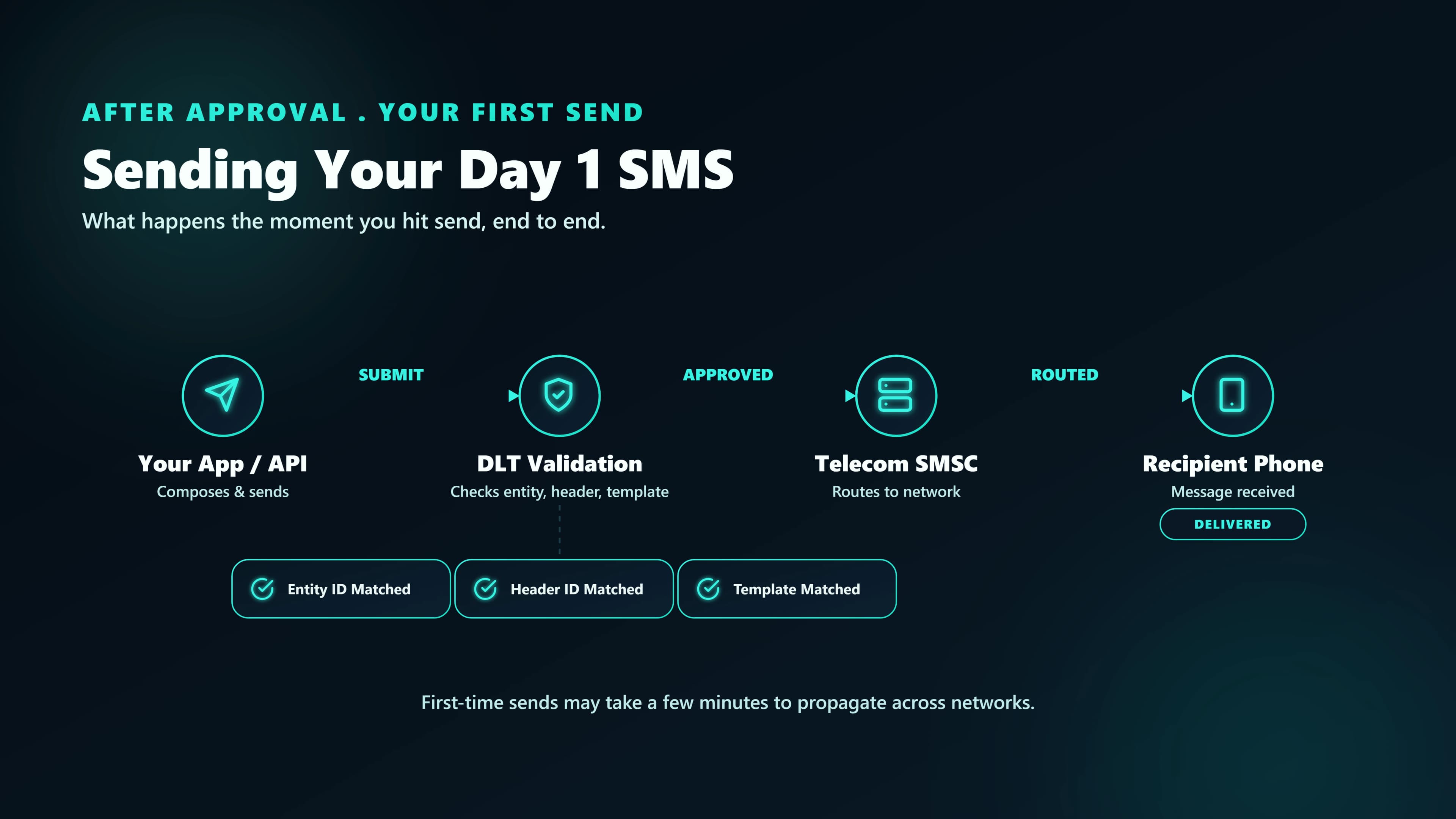
Once your PE, Header, and at least one Template are approved, add the Header in your SMSLocal dashboard under Settings → Sender IDs, wait ~2 hours for sync, and test. We recommend a 3-step validation before any production traffic:
- Send a single SMS to your own phone using the transactional Header + Template. Confirm it arrives with the correct Header name.
- Pull the delivery report via
/api/dlrapiand confirmDELIVERED. - Configure a webhook and repeat, so you verify the end-to-end event pipeline before launch.
DLT registration cost in India
DLT registration is not free. You pay once per operator at the Principal Entity level, and once per content template in some categories. Here is what to budget in 2026:
| Item | Jio | Airtel | Vi | BSNL |
|---|---|---|---|---|
| PE registration | ₹5,900 + GST | ₹5,900 + GST | ₹5,900 + GST | ₹4,000 + GST |
| Header registration | Free (after PE) | Free | Free | Free |
| Template registration | Free (most categories) | Free | Free | Free |
| Annual renewal (PE) | ₹5,900 + GST | ₹5,900 + GST | ₹5,900 + GST | ₹4,000 + GST |
Most businesses register with a single operator (typically Jio or Vi for UI quality) and pay once. The annual renewal applies on the anniversary date. Templates are free regardless of how many you register — so register generously.
Ongoing obligations
DLT isn't set-and-forget. Four things need attention forever:
- Template hygiene.Every time your product copy changes, register a new template. Don't try to edit an approved one.
- Consent audit trail. Retain opt-in records for at least 2 years.
- Complaint response. Operators forward every complaint; respond within 48 hours or risk Header suspension.
- Annual AR re-authorisation on some operators (Airtel, notably). Keep a reminder.
The one thing I wish someone had told us: treat DLT like an ongoing partnership with your operator, not a one-time signup. Reply fast to every complaint email and you'll almost never see your Header suspended.