A bulk SMS service API lets your application send DLT-compliant SMS to any volume of recipients with a single HTTP call — no dashboard, no manual upload. This guide covers what the API actually does, the DLT requirements every Indian sender must meet, a working code example, and what separates a reliable provider from a risky one.
What a bulk SMS service API actually does
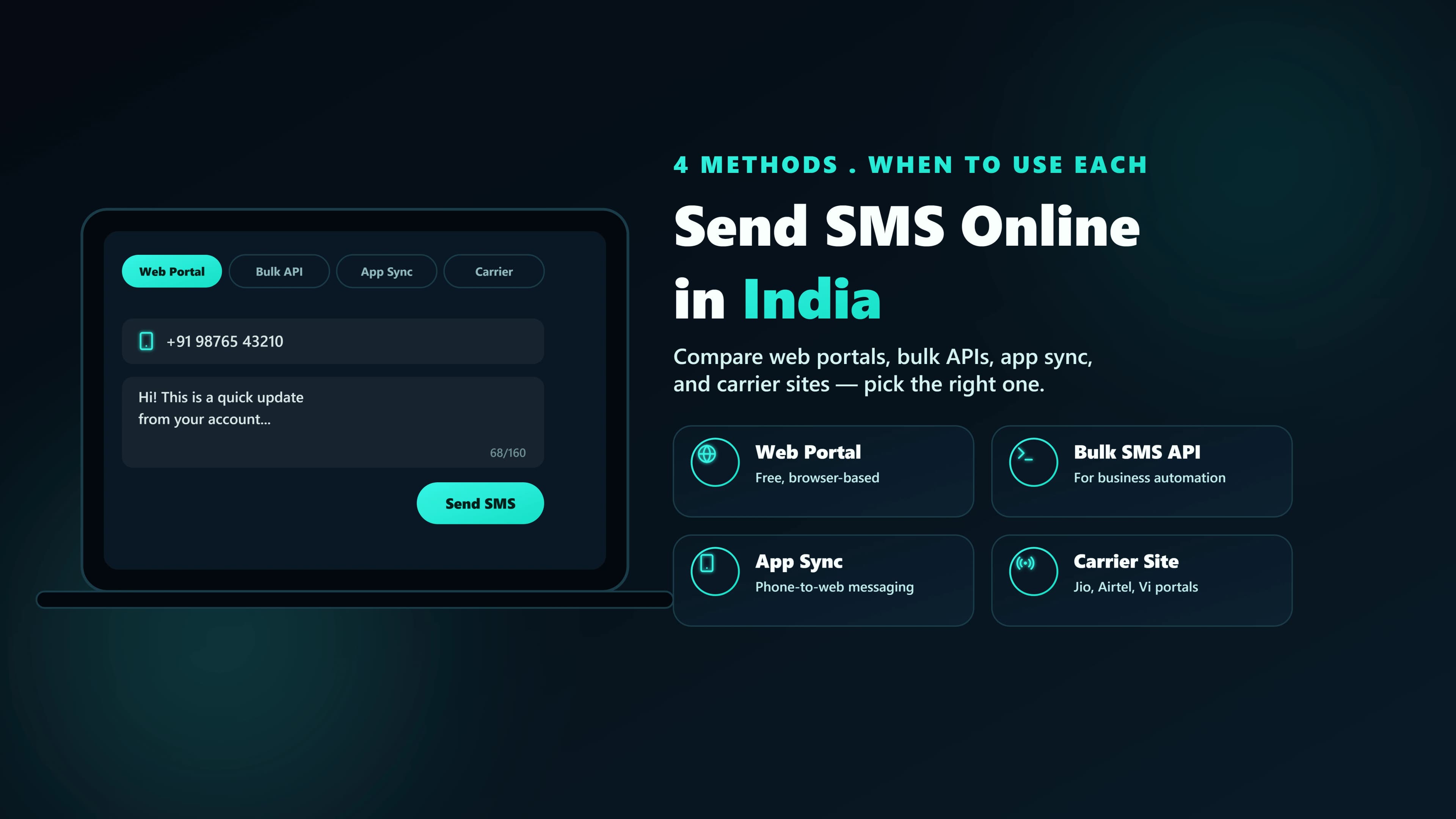
At its core, a bulk SMS API is a request/response contract: you send an HTTP request with the recipient number(s), the message content, your registered sender ID, and (in India) a DLT template ID. The provider's platform validates the request, routes it to the recipient's carrier, and returns a message ID you can use to track delivery status.
The word “bulk” just means the same endpoint accepts one recipient or thousands in a single call — the API doesn't change, only the size of the recipient array.
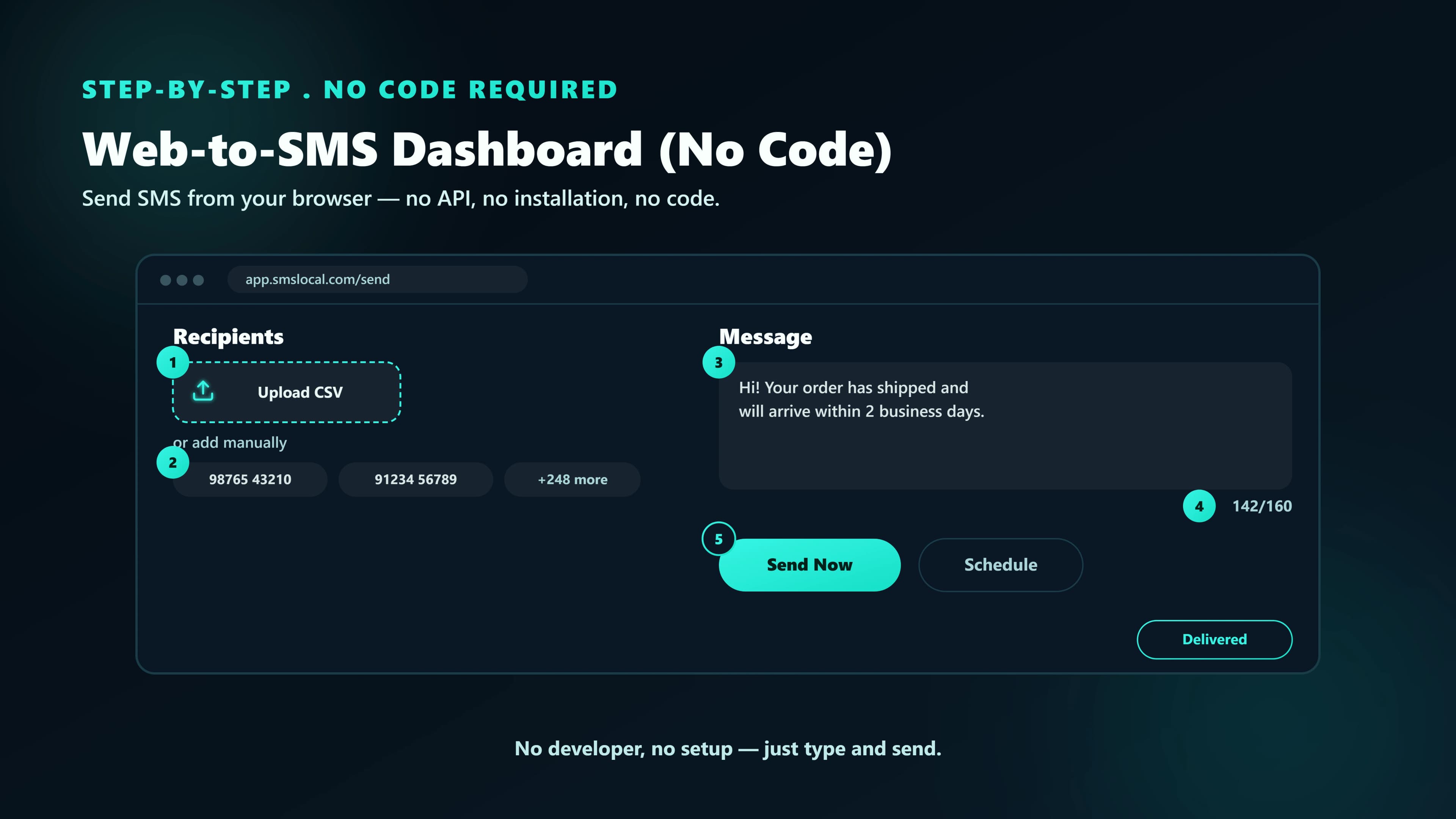
How a send actually works, end to end
- 1. Authenticate. Every request carries an API key tied to your account, usually as a header (
Authorization: Bearer YOUR_API_KEY). - 2. Match a DLT template. Your message text must match a pre-approved template byte-for-byte (with variables substituted in the approved positions) — this is checked before the request reaches the carrier.
- 3. Route and send. The platform picks the fastest available carrier route for the destination network and dispatches the message.
- 4. Delivery report. The API returns a message ID immediately; the final delivered/failed status arrives moments later via a delivery-report webhook or a status endpoint you poll.
The DLT requirement (India-specific)
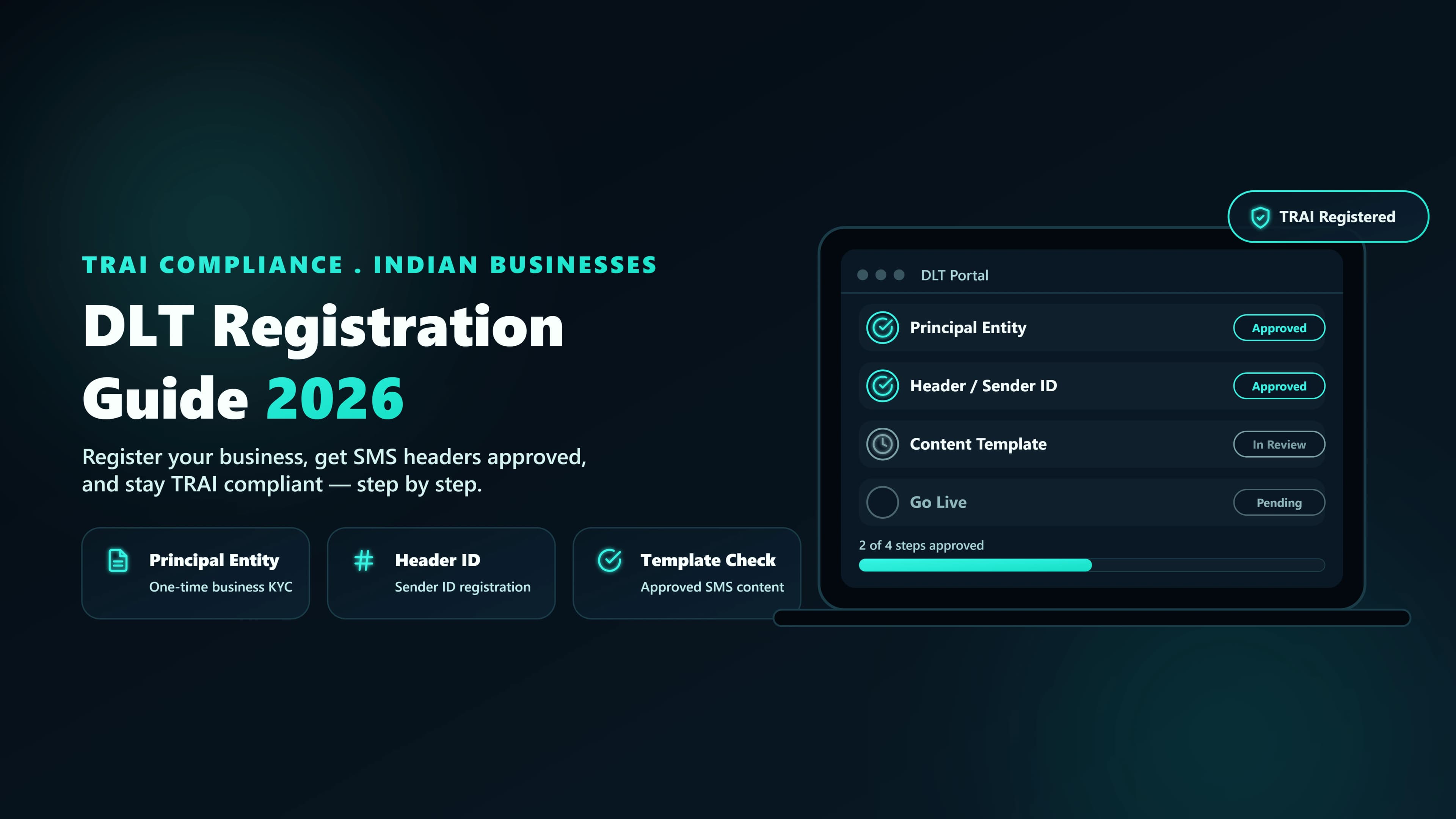
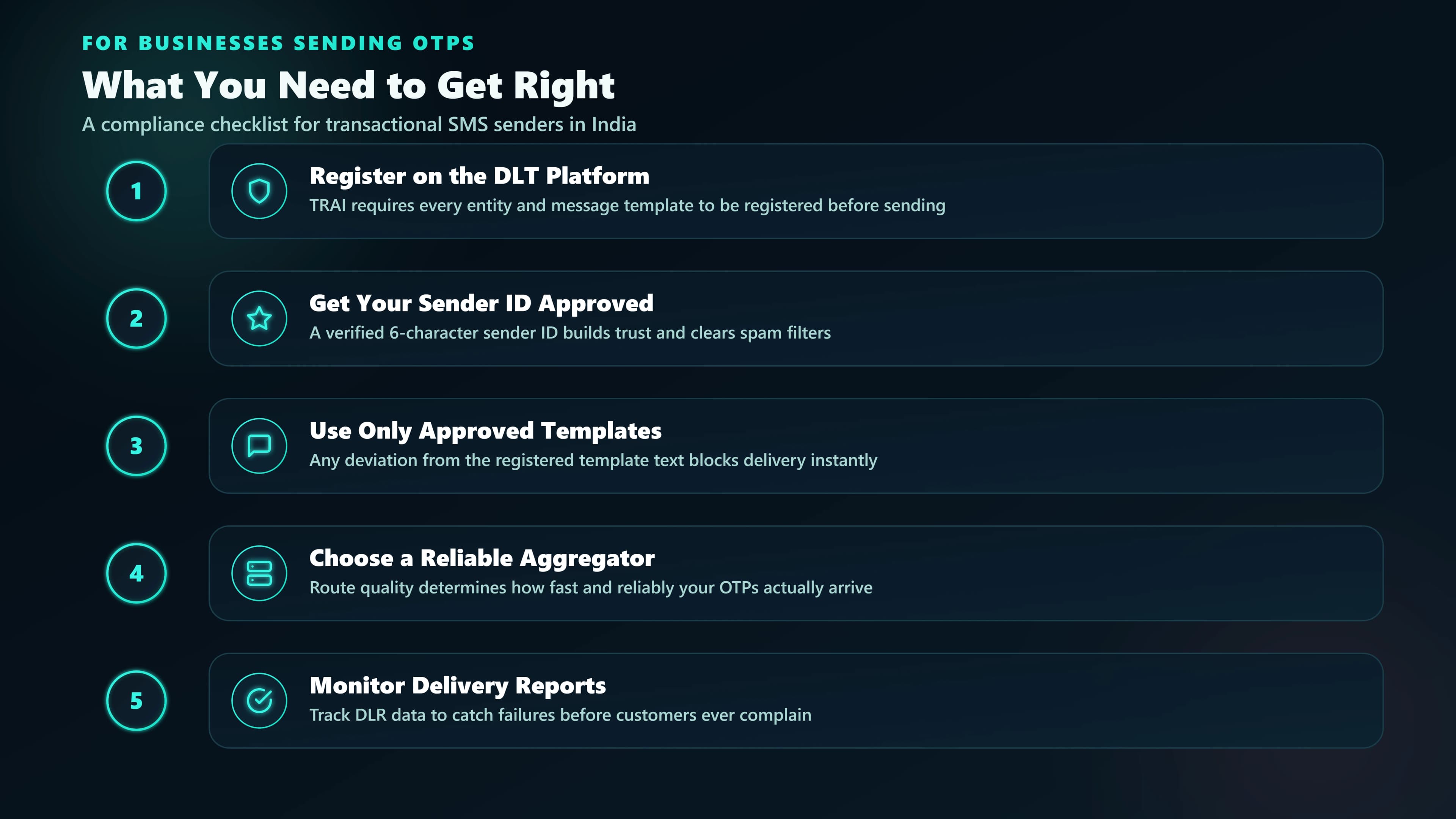
Every business SMS sent to an Indian number — transactional or promotional — must originate from a registered DLT Sender ID and match an approved content template. This is a TRAI rule enforced at the carrier level, not something any provider can bypass. An API call with an unregistered template returns a success response from the platform but the message never reaches the recipient.
| Step | What it registers | Typical approval time |
|---|---|---|
| Principal Entity (PE) | Your business as a legal sender | 1–2 business days |
| Sender ID (Header) | The 6-letter name recipients see (e.g. SMSLCL) | 1–2 business days |
| Content Template | The exact message text with variable slots | Same day–2 days |
For the complete step-by-step process, document checklist, and common rejection reasons, see our DLT registration guide.
A working request example
Every modern bulk SMS API follows roughly the same shape — a POST request with your sender ID, approved template ID, recipient, and template variables:
| Field | Example value | Notes |
|---|---|---|
| sender_id | SMSLCL | Your approved DLT Header |
| template_id | 1707xxxxxxxxxxxxxxxx | Must match an approved DLT template |
| to | +919876543210 | Single number or an array for bulk sends |
| variables | { otp: "482913" } | Substituted into the approved template's variable slots |
See the API quickstart for a full working cURL, Node.js, and Python example you can paste in directly, and the SMS API reference for every endpoint.
How to choose a bulk SMS API provider
Pricing per SMS is the most visible number, but it's rarely the deciding factor once you compare providers seriously. These matter more in practice:
- DLT onboarding help. Some providers walk you through Entity, Header, and Template registration; others hand you a TRAI portal link and leave you to it.
- Direct operator routes vs. resold routes. Direct connectivity to Jio, Airtel, Vi, and BSNL is faster and more reliable than routes resold through an intermediary aggregator.
- Real delivery receipts. A webhook or endpoint that reports delivered/failed per message, not just an "accepted" response at send time.
- Transparent pricing. A published per-segment rate card with no hidden monthly platform fee layered on top.
See our full pricing breakdown or read how SMSLocal compares to MSG91 and Fast2SMS on API depth and route quality.