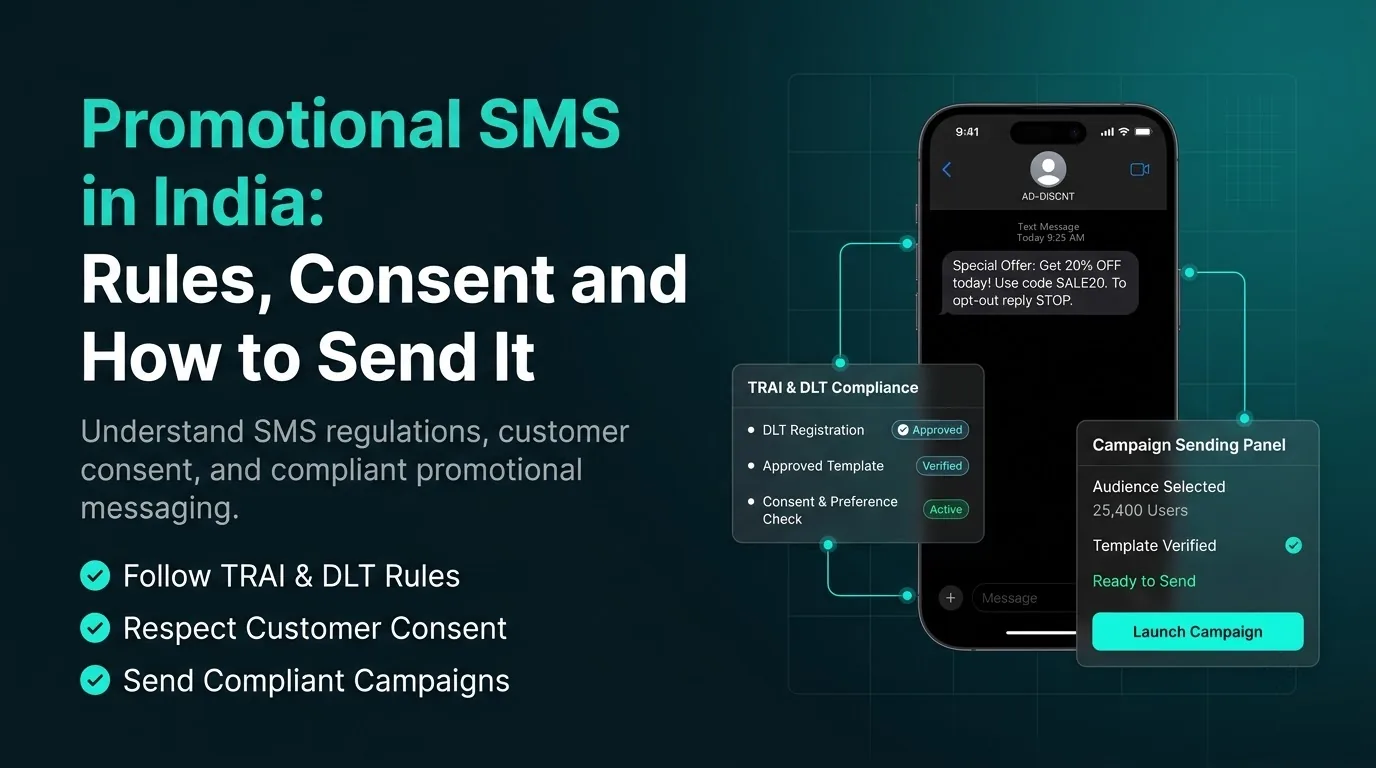
Promotional SMS is a text message that advertises a product or service, such as an offer, a sale or a new launch. In India it is the most regulated kind of business SMS. You need a registered sender name and template, you must respect each customer's DND preference, and you can send only between 9 AM and 9 PM.
This guide explains what promotional SMS is, who can receive it, how to send it, how DLT registration works, TRAI's rules and penalties, the mistakes that get messages blocked and what a recipient can do about unwanted ones.
What promotional SMS is
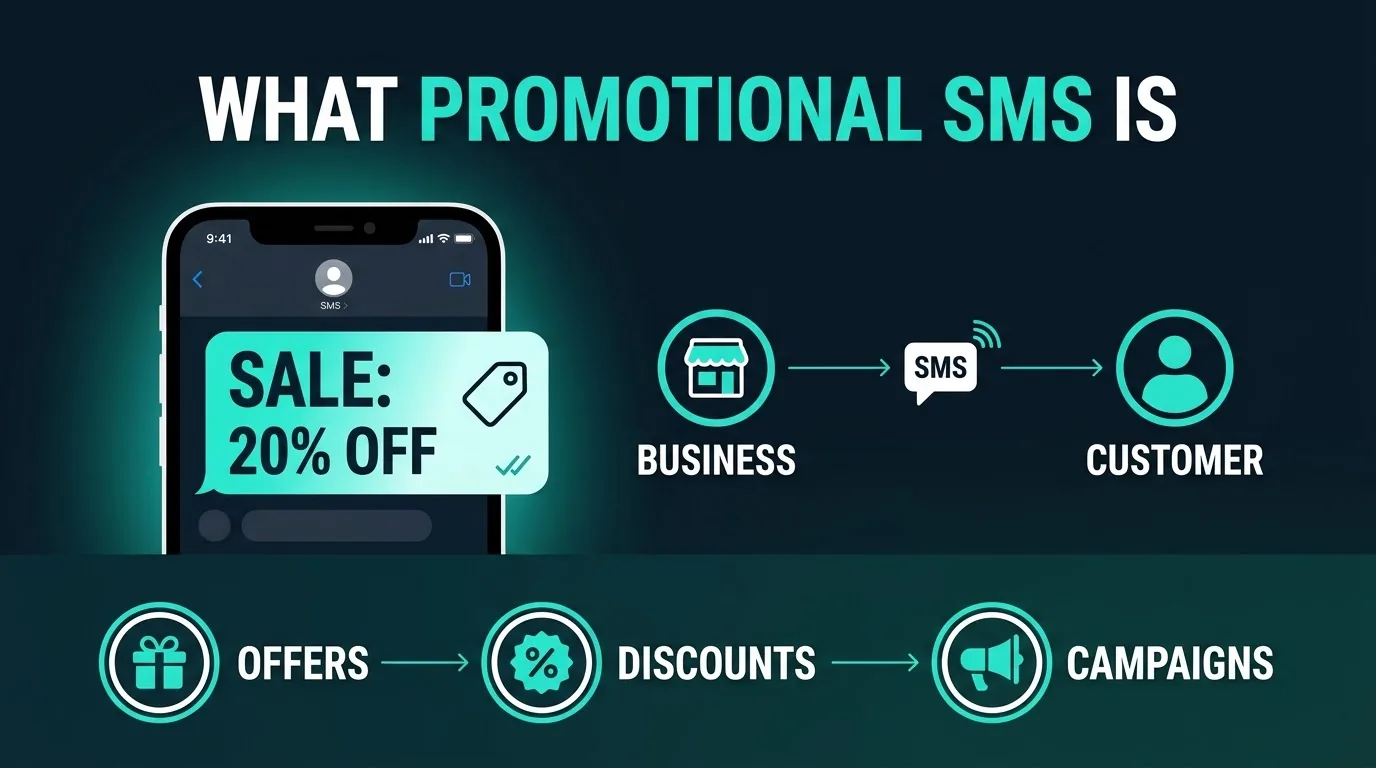
TRAI, India's telecom regulator, defines a promotional message as a commercial communication that contains promotional material or an advertisement of a product or service. Sale announcements, discount codes, new product launches and event invitations that sell something are all promotional.
Two rules follow from the definition. A promotional message must include an opt-out mechanism in the same message. And if you mix promotional content into a transactional or service message, such as adding an offer to an order confirmation, TRAI treats the whole message as promotional.
Who can receive promotional SMS
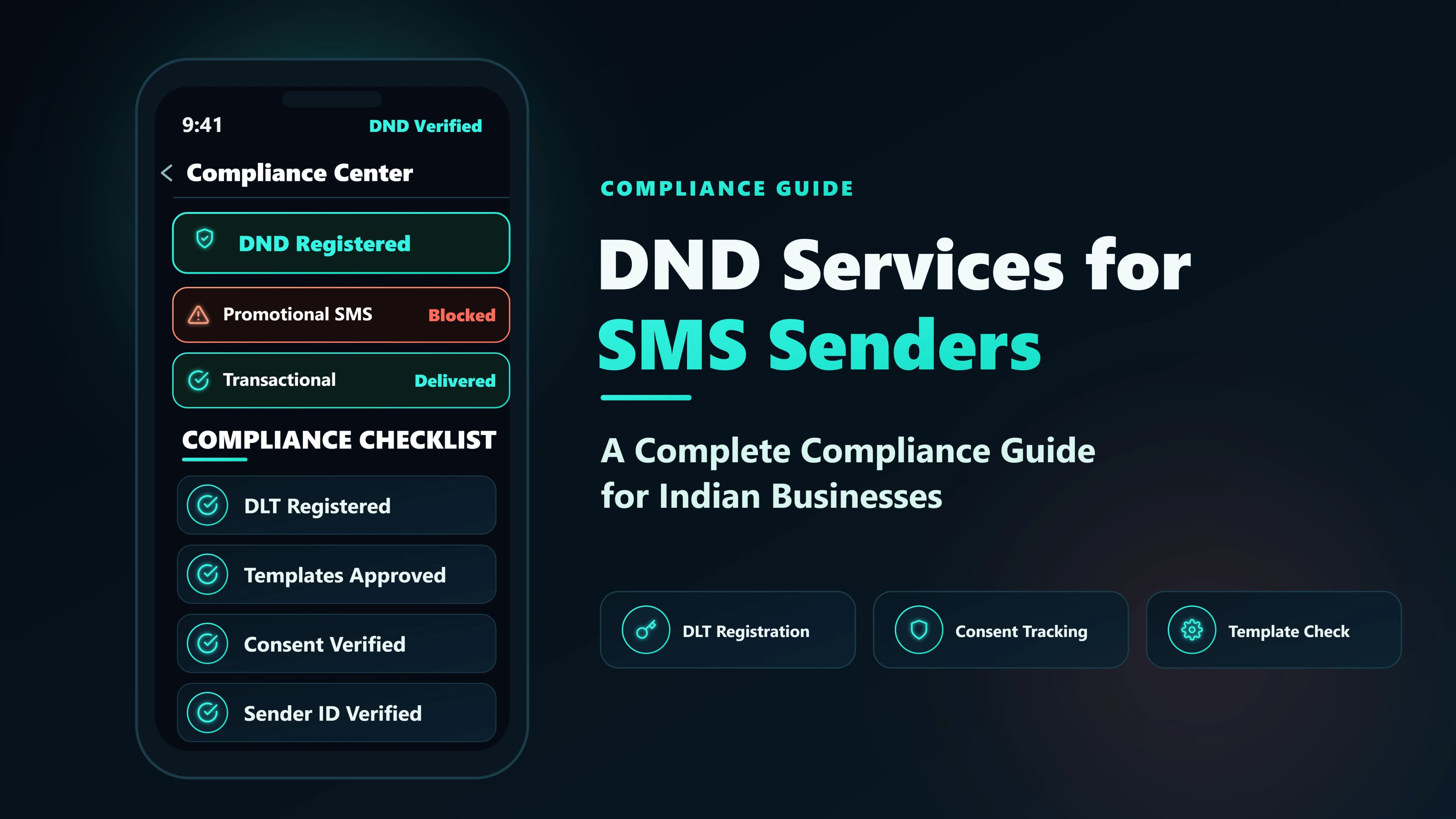
TRAI keeps two registers. In the Preference Register, customers record what they do not want to receive. In the Consent Register, customers record what they have agreed to. A promotional message can go only to customers who have not blocked promotions under the applicable category in the Preference Register, or who have given consent in the Consent Register.
If you hold explicit digital consent from a customer, your promotional message can reach them even if they registered a DND preference. TRAI defines explicit consent as permission verified directly with the recipient in a robust and verifiable manner and recorded by a Consent Registrar. It can also be permission you collected through verifiable means and then registered in the Consent Register.
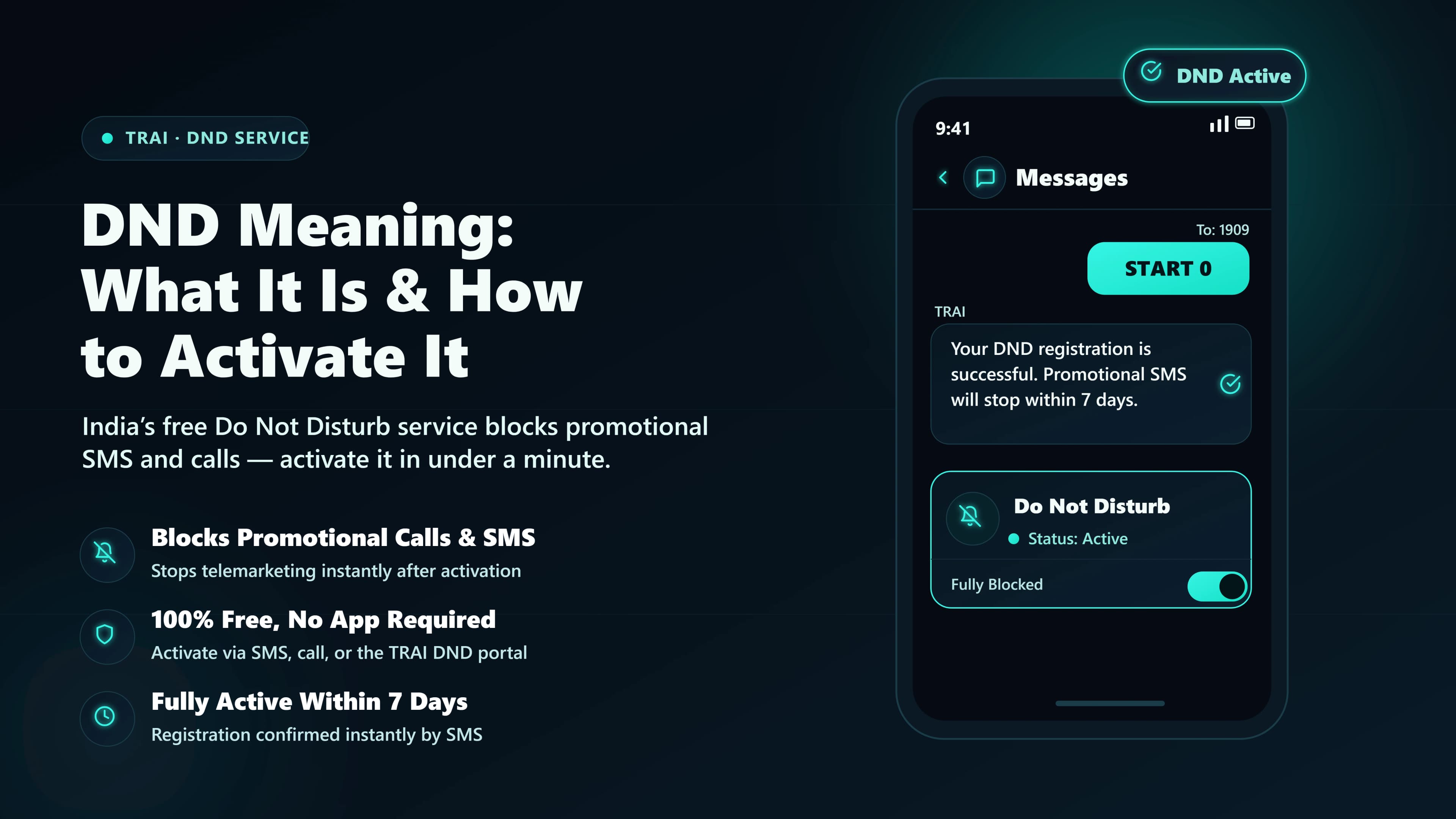
Customers set their preferences through 1909, and the options decide who your message can reach. TRAI's September 2026 amendment retires the older Fully block option and moves those customers to Block promo. That change takes effect 30 days after the amendment's publication in the Official Gazette.
| Preference | Code | What it blocks |
|---|---|---|
| Block promo | 50 | All promotional messages, in every category. Transactional messages, service messages and government communication still arrive |
| Block a category | 1 to 8 | Messages in one category: 1 banking, insurance, financial products and credit cards; 2 real estate; 3 education; 4 health; 5 consumer goods and automobiles; 6 communication, broadcasting, entertainment and IT; 7 tourism and leisure; 8 food and beverages |
Your content category matters. A customer who blocked category 3 will not receive your education offer even if they never blocked promotions in general.
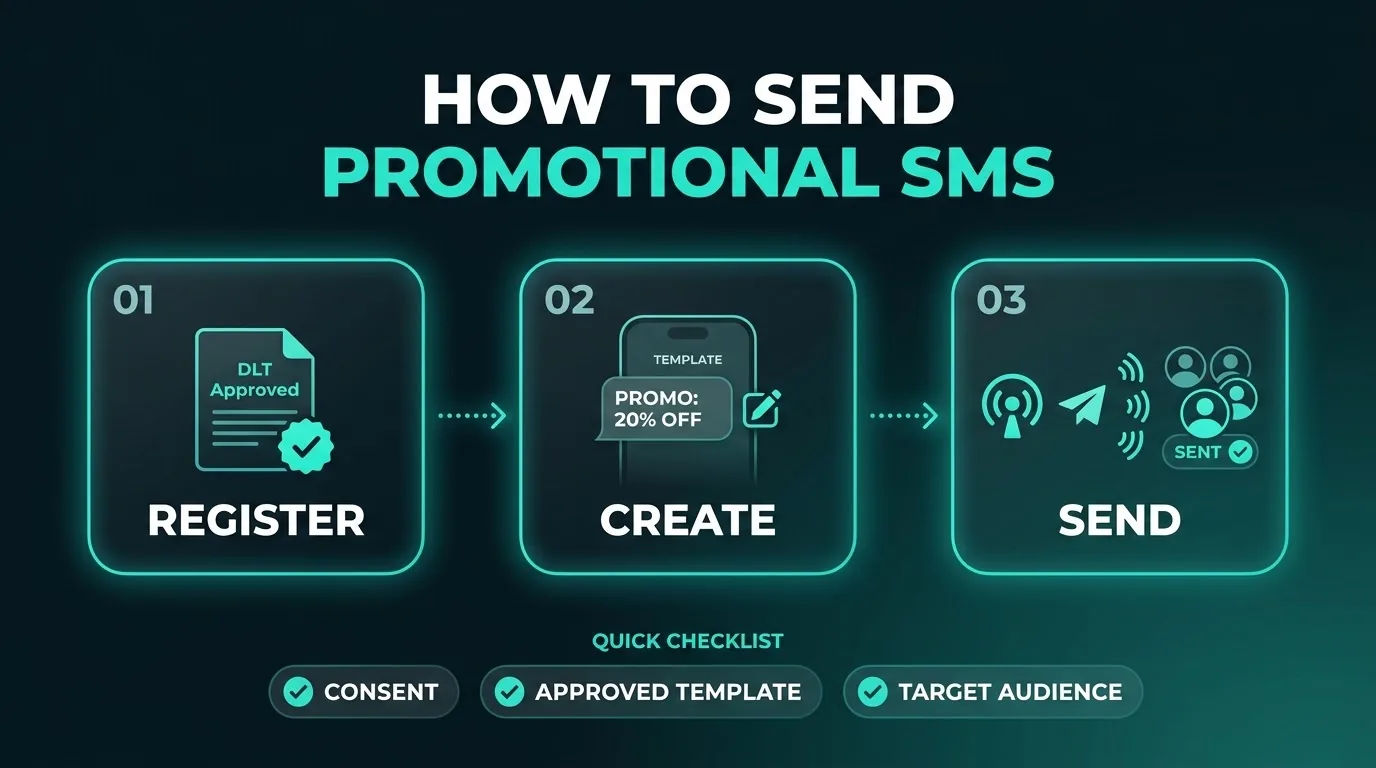
How to send promotional SMS
Here is the usual path from nothing to a first campaign.
- Get your consent in order. Decide which customers gave explicit digital consent, and keep proof of how and when each person agreed. Everyone else is subject to the DND scrub.
- Register with DLT. You need your business, a sender name and an approved template, covered in the next section.
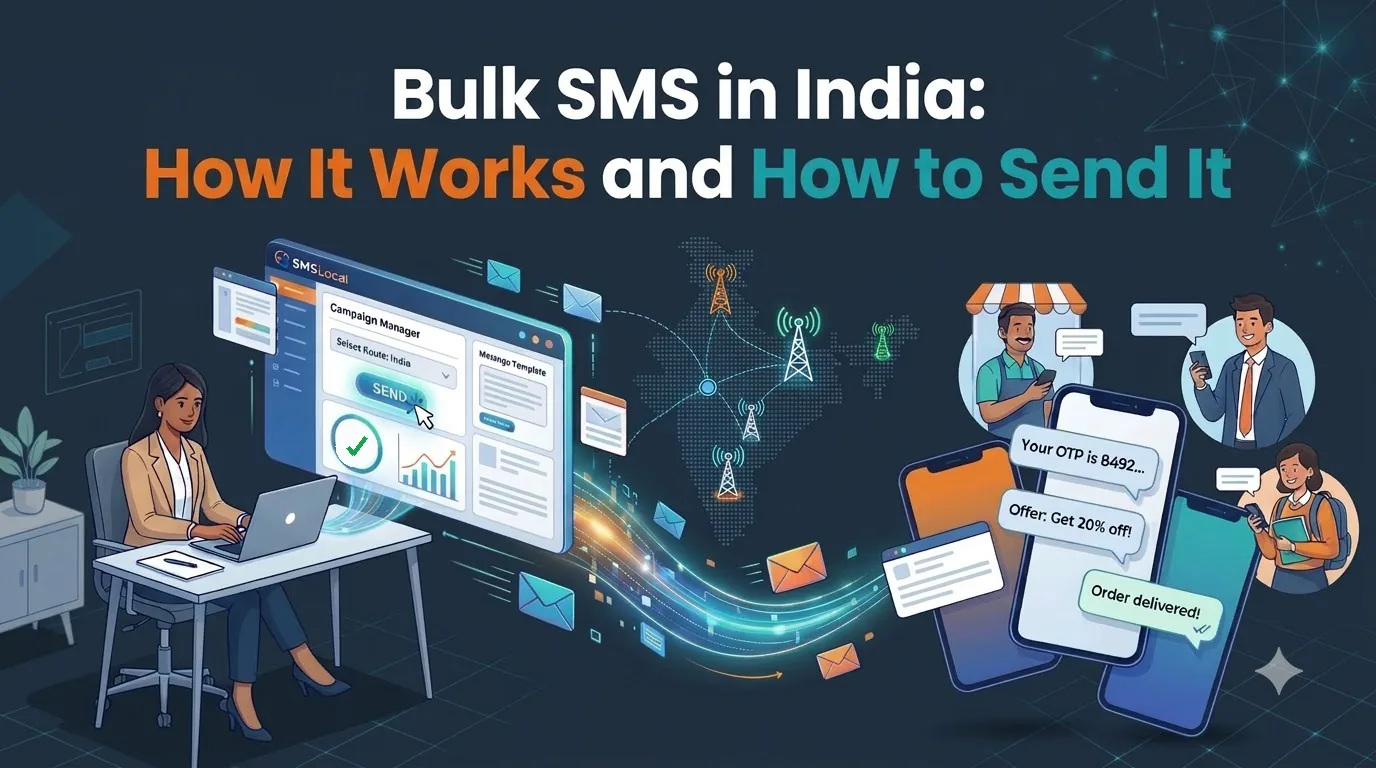
- Choose a platform. A platform such as SMSLocal's bulk SMS service handles the upload, template selection, scheduling and delivery reports.
- Upload your contacts. Import a CSV of numbers and clean out invalid ones first.
- Write to your template. The final text must match an approved template, and it must include the opt-out.
- Schedule inside the window. Send between 9 AM and 9 PM, and schedule so messages are delivered inside that window.
- Send and read the report. Check delivery and failures, then fix problems before the next send.
DLT registration and templates for promotional SMS
Indian operators will not deliver business SMS from an unregistered sender. You register three things.
- Your business. This is the Principal Entity, which identifies you as a legal sender.
- Your sender name. This is the header recipients see. TRAI defines a header as an alphanumeric string of up to eleven characters.
- Your message templates. The exact wording, with variable slots for the parts that change, such as a name or a discount code.
TRAI requires commercial communication to go out through registered headers and registered content templates. In practice, a message that does not match an approved template will not reach the recipient. Each operator's portal has its own fees and timing, so start early. Our DLT registration guide walks through the steps, the documents and the common reasons for rejection.
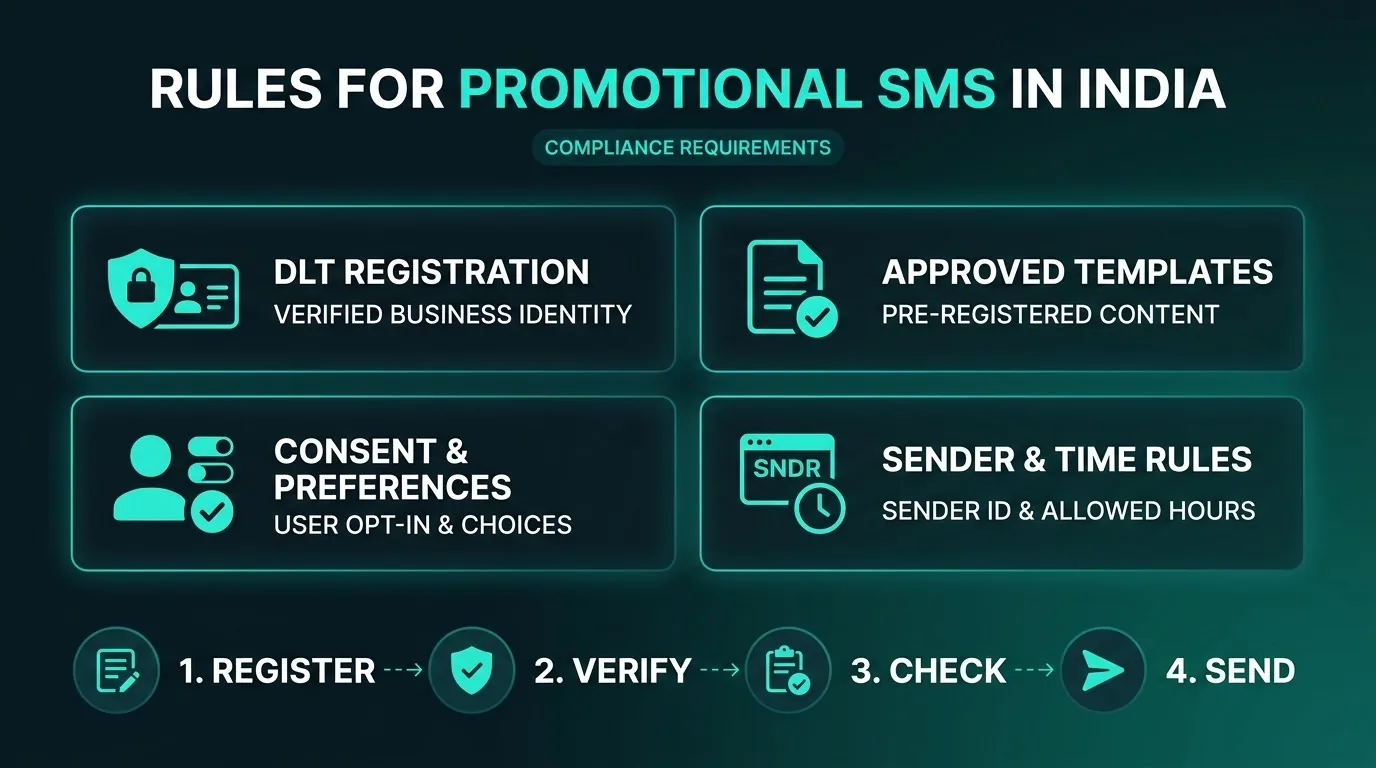
Rules for promotional SMS in India
These are the rules that matter most, from TRAI's regulations as amended.
- Respect preferences and consent. Send only to customers who have not blocked promotions in the category you are sending in, or who gave consent.
- Include an opt-out. It must be in the same message.
- Keep to the hours. TRAI's summary of its 2018 rules limits commercial communication other than transactional messages to 9 AM to 9 PM.
- Do not mix content. An offer inside a transactional or service message makes the whole message promotional.
- Expect fast action on misuse. TRAI's September 2026 amendment will require an operator to suspend a misused header or template, across all operators, within six hours of noticing it. That part takes effect 60 days after Gazette publication.
- Know the penalties. When an investigation finds a sender was sending unsolicited commercial messages, the first violation bars outgoing services on all of the sender's telecom resources for 15 days. A second or later violation means disconnection for one year and blacklisting.
Read the definitions and DND options in TRAI's Second Amendment Regulations, 2025, and check TRAI's September 2026 amendment for the latest changes. This is a summary, not legal advice.
Common promotional SMS mistakes
- Messaging customers who blocked your category. The message may not be delivered, and repeated complaints put your sender name at risk.
- Leaving out the opt-out. The definition requires it in the same message.
- Scheduling outside 9 AM to 9 PM. Check the time zone and the delivery time, not just the send time.
- Adding an offer to a transactional template. It becomes promotional, with promotional rules.
- Using a list you did not collect. People on a bought list have not given you consent.
- Keeping no proof of consent. If you rely on explicit consent, you need to show how and when it was given.
If you receive unwanted promotional messages
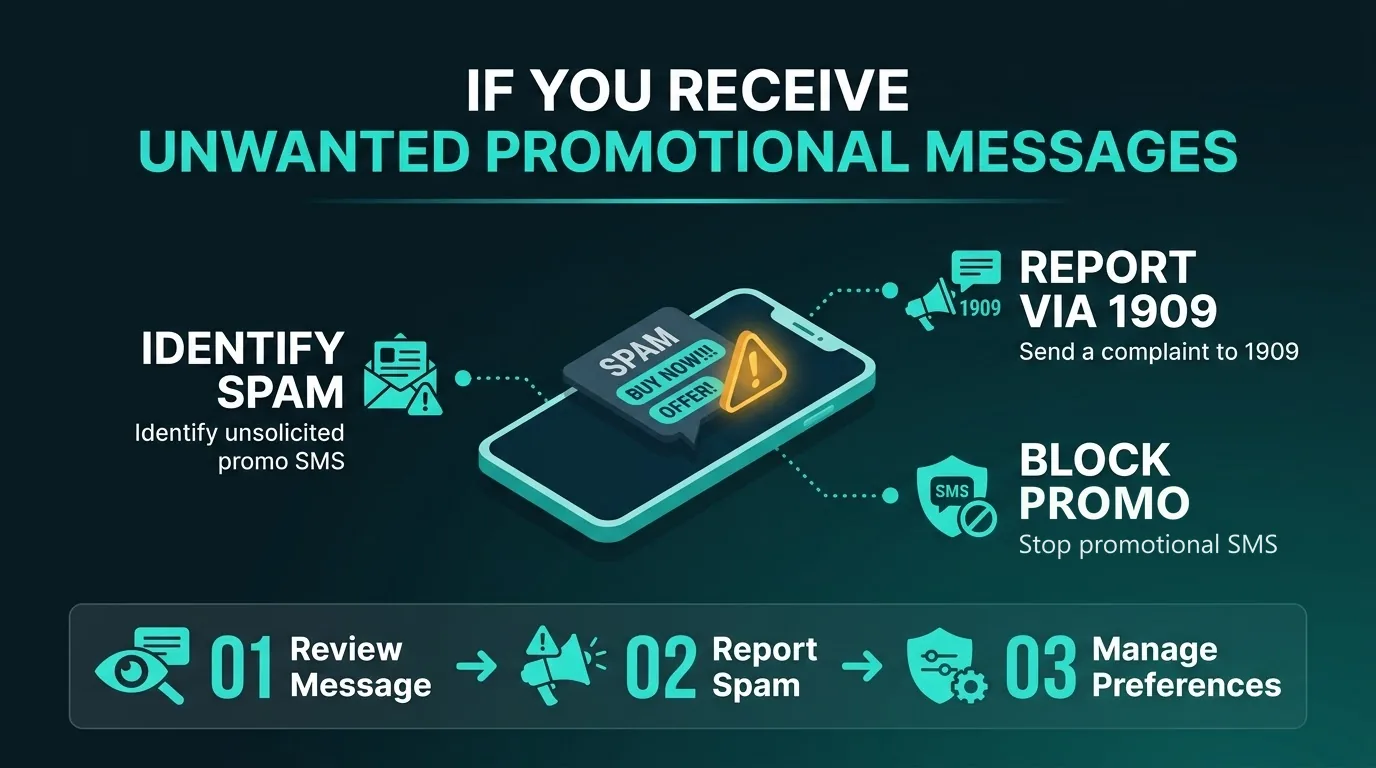
You can block promotional messages through TRAI's 1909 service. To block promotions only, call 1909 and press 50 at the prompt, send the text BLOCK PROMO to 1909, or dial *1909*50#. To block one category, such as real estate, use its number from 1 to 8. Block promo never stops transactional messages, service messages or government communication.
You can also use the opt-out in the message itself. TRAI's rules require every promotional message to carry one.
If a sender ignores your choices, report the message. TRAI lets you register a complaint by sending an SMS to 1909, by calling 1909 or through the mobile app. File it within seven days of receiving the message.
What SMSLocal offers
SMSLocal's bulk SMS and Quick SMS pages describe the following.
- DLT help. DLT registration support is included, and SMSLocal's team helps across the operator portals.
- Campaign tools. Import a CSV, choose a DLT-approved template, preview the message, and send now or schedule it.
- Number checks. Invalid numbers are flagged before you send, so credits are not spent on numbers that cannot receive.
- Retries. Messages that fail on the primary route are retried on an alternate route.
- Compliance controls. DND filtering, opt-out handling and sender ID validation are applied to every send, according to the Quick SMS page.
- Reports. A live delivery feed, a per-carrier breakdown and click tracking on links.
Conclusion
Promotional SMS works when you treat the rules as part of the campaign. Know who has blocked what, hold consent you can prove, include the opt-out, register your header and template, and send inside 9 AM to 9 PM.
Start small. Send to customers who gave explicit consent, read the delivery report, and widen to the rest of your list only after you have checked who the DND scrub removes.