Introduction
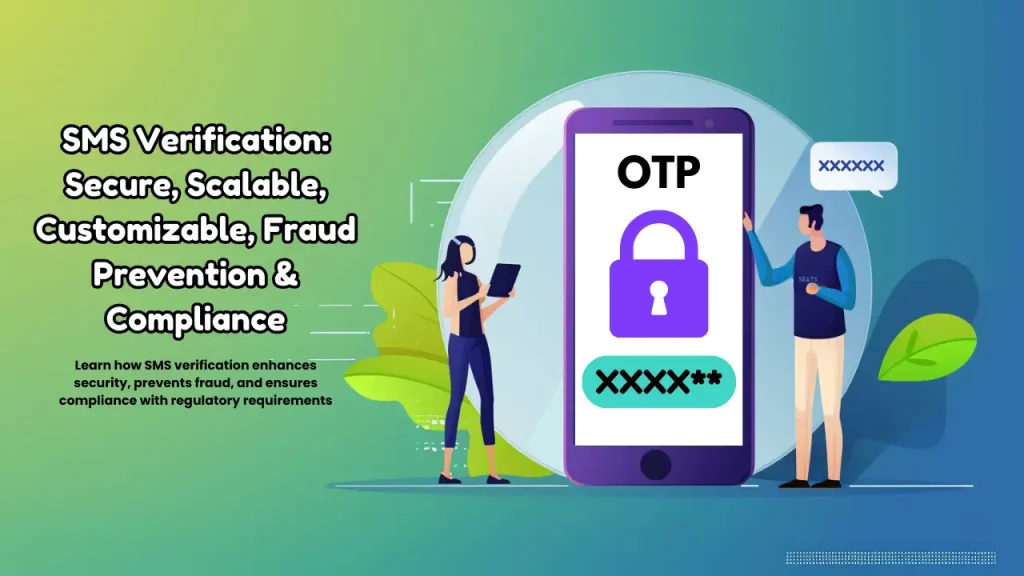
SMS verification is a crucial security process that confirms user identities by sending a one-time password (OTP) to their mobile number. This process prevents fraudulent activities, protects sensitive data. By verifying users through SMS, businesses can ensure that only authorized individuals access their services.
By understanding SMS verification, businesses can appreciate its importance in ensuring security, compliance. SMS verification helps prevent identity theft, phishing, and other malicious activities. It also enables businesses to comply with regulatory requirements.
What and Why of SMS Verification: Understanding the Fundamentals
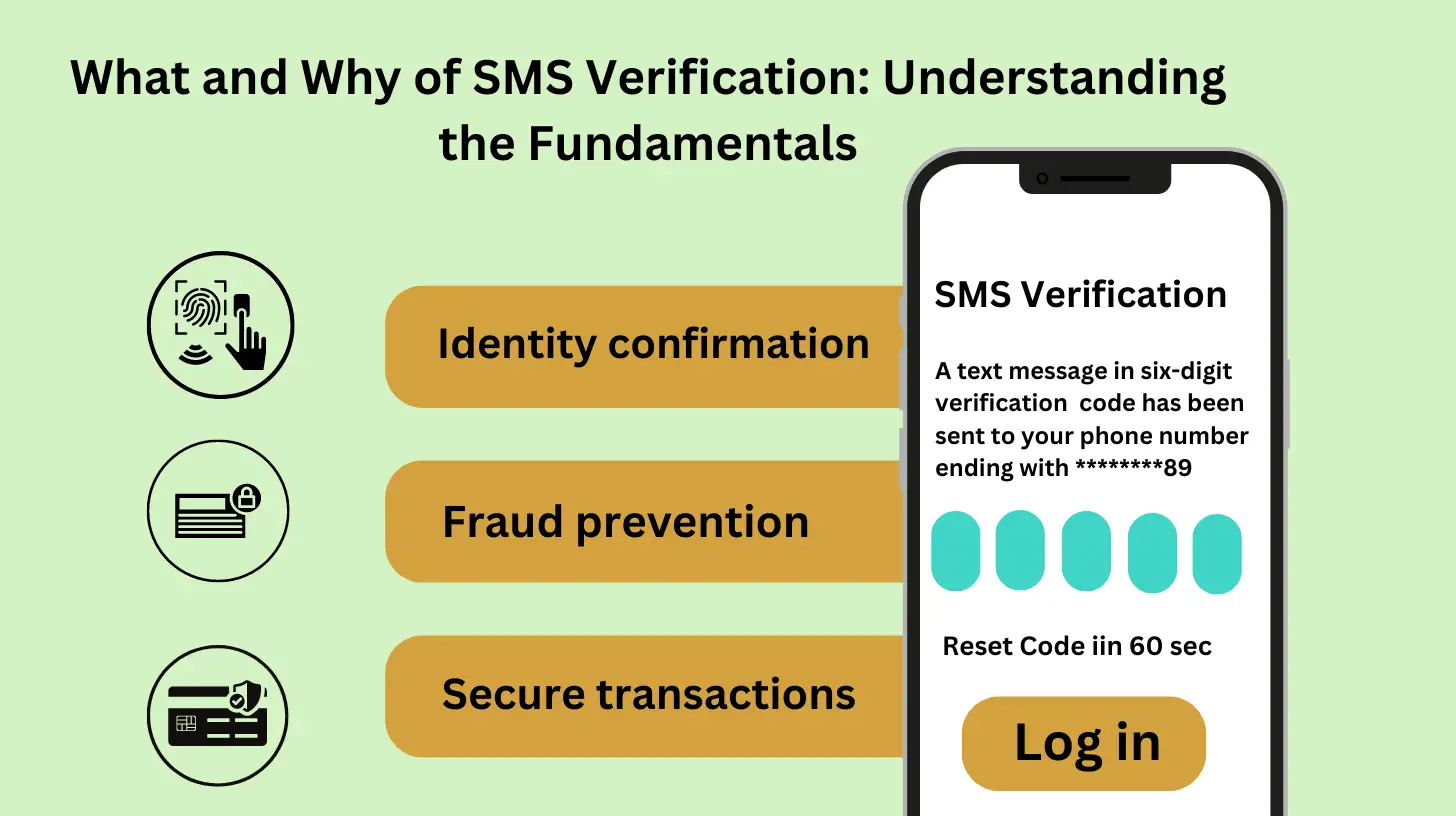
SMS verification is a security process that sends a one-time password (OTP) to a user’s mobile number to confirm their identity. It prevents fraudulent activities, protects sensitive data, and ensures compliance with regulatory requirements.
In situations where security checks trigger temporary access restrictions, users can restore access by following the steps in our Account Blocked help guide
Understanding the Fundamentals of Mobile Verification
Mobile verification, also known as phone verification, is a security process that involves sending a one-time password (OTP) or verification code to a user’s mobile number to confirm their identity. This process helps ensure that the user is human and not a bot, and that they have access to the phone number they provided.
Why Mobile Verification is Necessary
Mobile verification is essential for businesses and users aeovers, spam registrations, and fake reviews. It also ensures that users are who they claim to be, which is critical for sensitive transactions like banking and e-commerce. For users, mobile verification provides an additional layer of security, protecting their accounts from unauthorized access.
How SMS Verification Works: A Step-by-Step Explanation
The Mobile Verification Process: A Step-by-Step Guide
The mobile verification process involves several key players and technical steps to ensure secure authentication, which are governed by the DLT system in Bulk SMS to maintain compliance and message integrity.

Overview
- User: Initiates the verification process by providing their mobile number to a service provider.
- Service Provider: Requests verification and sends the user’s number to an SMS gateway.
- SMS Gateway: Sends a verification code to the user’s mobile number.
Technical Details
- Message Sending and Receiving: The SMS gateway sends a verification code to the user’s mobile number via SS7 or SMS over IP protocols.
- Code Generation and Validation: A unique verification code is generated and sent to the user. The user enters the code, which is then validated by the service provider.
- User Authentication and Verification: If the code matches, the user is authenticated and verified. The service provider updates the user’s status, and access is granted to the requested service or feature.
This process ensures that the user has access to the mobile number they provided, adding a crucial layer of security to online transactions and account registrations. By understanding how mobile verification works, businesses and users can appreciate the importance of this simple yet effective security measure.
Types of SMS Verification: One-Time Passwords (OTPs) and More
SMS verification comes in various forms, including One-Time Passwords (OTPs), verification codes, and two-factor authentication (2FA), providing an additional layer of security to prevent unauthorized access and ensure user authenticity.
Key Considerations for a Seamless Experience
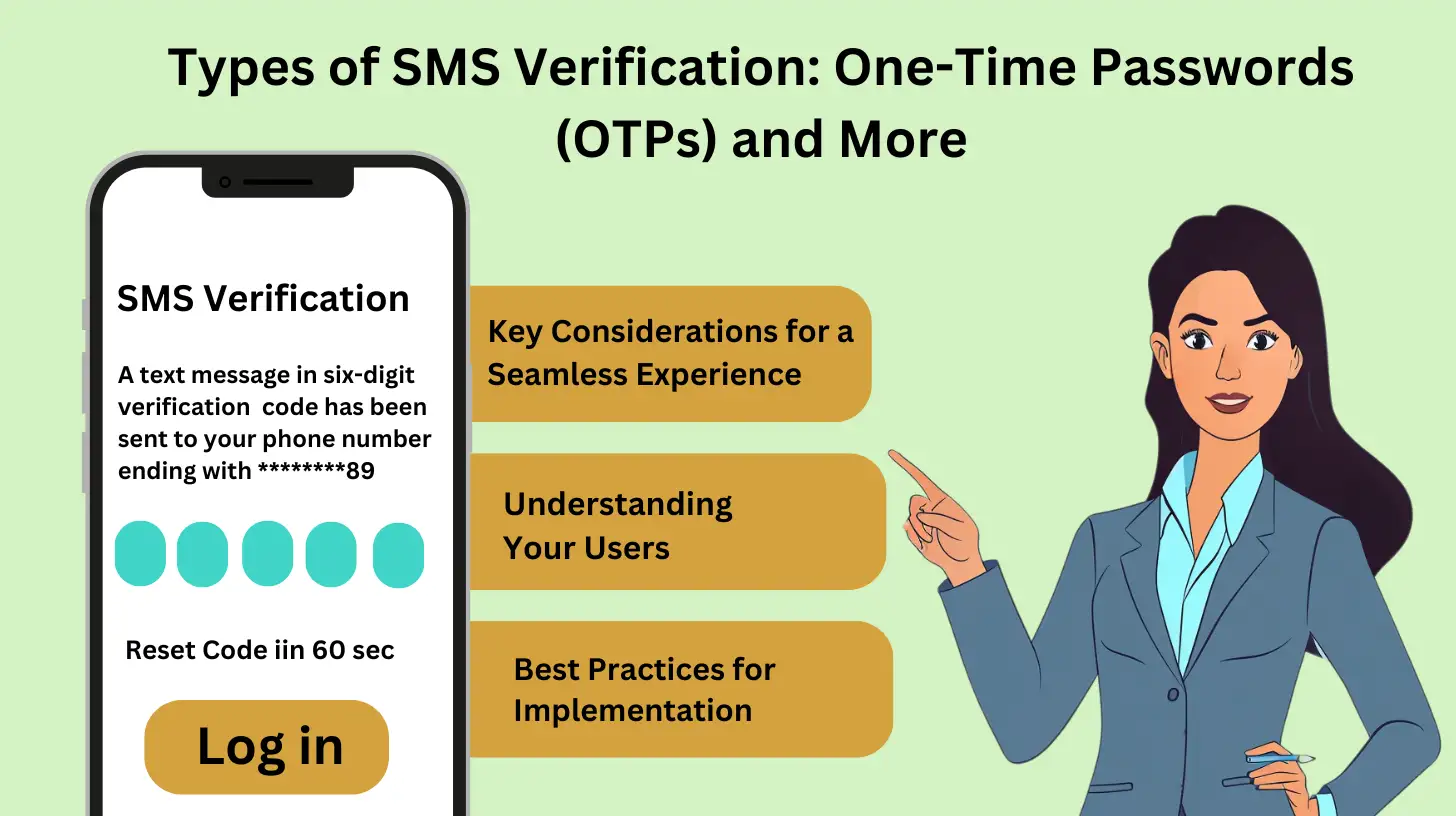
When creating and implementing mobile verification, businesses should prioritize user experience, ensuring that the process is seamless and intuitive. Security is also crucial, with measures such as encryption and secure storage of verification codes. Technical requirements, including compatibility with various devices and networks, must also be considered.
Understanding Your Users
Knowing your target audience is vital to creating an effective mobile verification process. Consider their technical expertise, device usage, and preferences to design a user-friendly experience. This understanding will help you choose the most suitable verification method and ensure a smooth implementation.
Best Practices for Implementation
Prioritize user experience and simplicity, ensure security measures such as encryption and secure storage, consider technical requirements and device compatibility, evaluate trade-offs between security and convenience, and continuously monitor and improve the verification process.
Ensuring SMS Verification Security: Threats and Countermeasures
SMS verification faces threats like SIM swapping and phishing. Implement encryption and secure protocols to counter these and ensure integrity.
| Measure | Description |
| 1. Monitor Message Traffic | Analyze message patterns to detect suspicious activity |
| 2. Implement Rate Limiting | Limit the number of SMS requests to prevent brute-force attacks |
| 3. Use One-Time Passwords (OTPs) | Generate unique, time-sensitive passwords for each verification |
| 4. Regular Security Audits | Conduct periodic security assessments to identify vulnerabilities |
By understanding these potential threats and implementing countermeasures, businesses can enhance the security of their SMS verification processes and protect their users’ sensitive information.
Benefits of SMS Verification: Security, Convenience, and Compliance
SMS verification offers a trifecta of benefits: enhanced security through robust authentication, convenience for users with easy access, and compliance with regulatory requirements for businesses, making it a vital tool in today’s digital landscape.
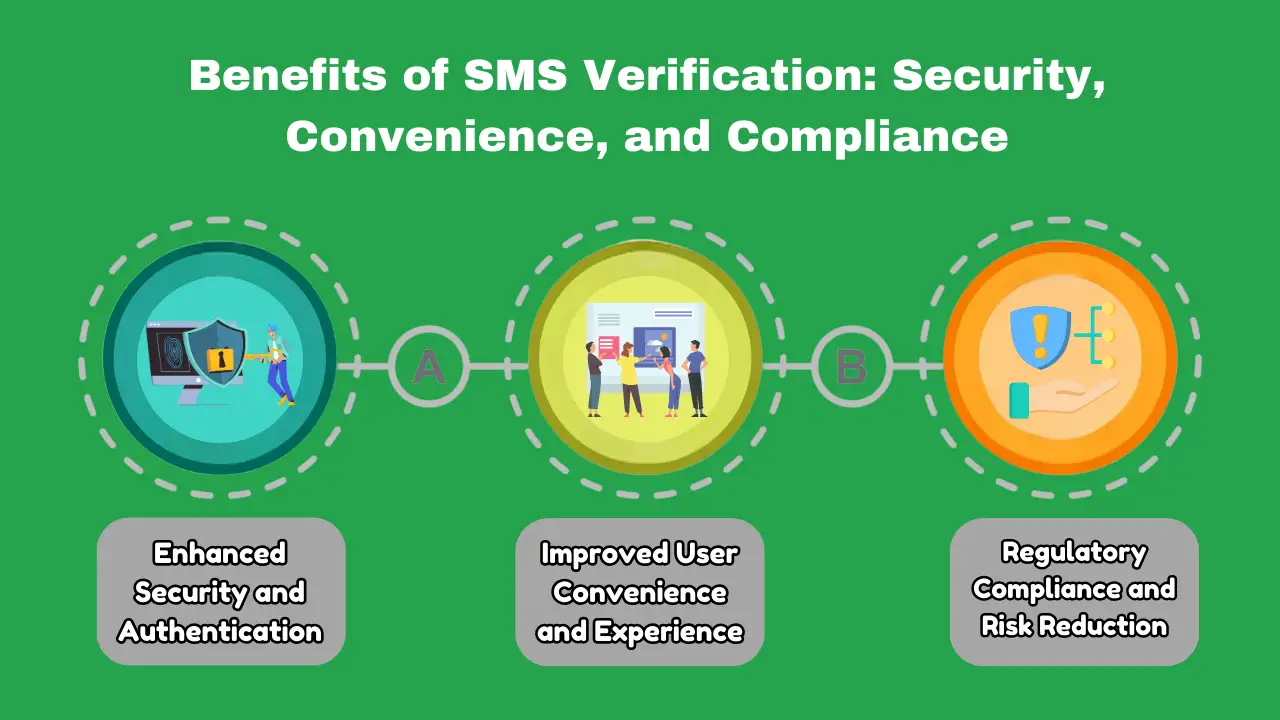
Enhanced Security and Authentication
Mobile verification adds a robust layer of security, ensuring that users are who they claim to be. This prevents fraudulent activities, protects sensitive data, and reduces the risk of identity theft.
Improved User Convenience and Experience
Mobile verification streamlines the authentication process, providing users with a seamless and convenient experience. With just a few clicks, users can verify their identity and access services, making it an ideal solution for businesses that prioritize user experience.
Regulatory Compliance and Risk Reduction
Mobile verification helps businesses comply with regulatory requirements, reducing the risk of non-compliance and associated penalties. By implementing mobile verification, businesses can demonstrate their commitment to security and data protection, enhancing their reputation and trust with users.
By embracing mobile verification, businesses can reap these benefits, creating a secure, convenient, and compliant experience for their users.
SMS Verification vs. Alternative Verification Methods: A Comparison
SMS verification is user-friendly, but alternatives like authenticator apps and biometrics offer enhanced security and cost savings. Each method has its strengths, and the best choice depends on specific needs.

Verification Methods Compared
When it comes to verifying user identities, several methods exist. Here’s a comparison of mobile verification with alternative methods:
Email Verification
- Advantages: Easy to implement, low cost
- Disadvantages: Vulnerable to phishing, email account compromise
Biometric Verification
- Advantages: High security, unique identification
- Disadvantages: Requires specialized hardware, user acceptance
Knowledge-Based Verification
- Advantages: Easy to implement, low cost
- Disadvantages: Vulnerable to social engineering, user frustration
Mobile Verification
- Advantages: High security, convenience, wide reach
- Disadvantages: Dependence on mobile network, potential for SIM swapping
Each method has its strengths and weaknesses. Mobile verification stands out for its high security and convenience, making it a popular choice for businesses. However, alternative methods may be suitable depending on specific use cases and user needs. By understanding the advantages and disadvantages of each method, businesses can make informed decisions about their verification strategies.
Overcoming SMS Verification Challenges: Common Issues and Solutions
Common issues like delayed or lost messages, incorrect or expired codes, and user error can be overcome with solutions such as message retries, code re-sending, and user education. By addressing these challenges, businesses can improve the verification process, reduce user frustration, and enhance security.
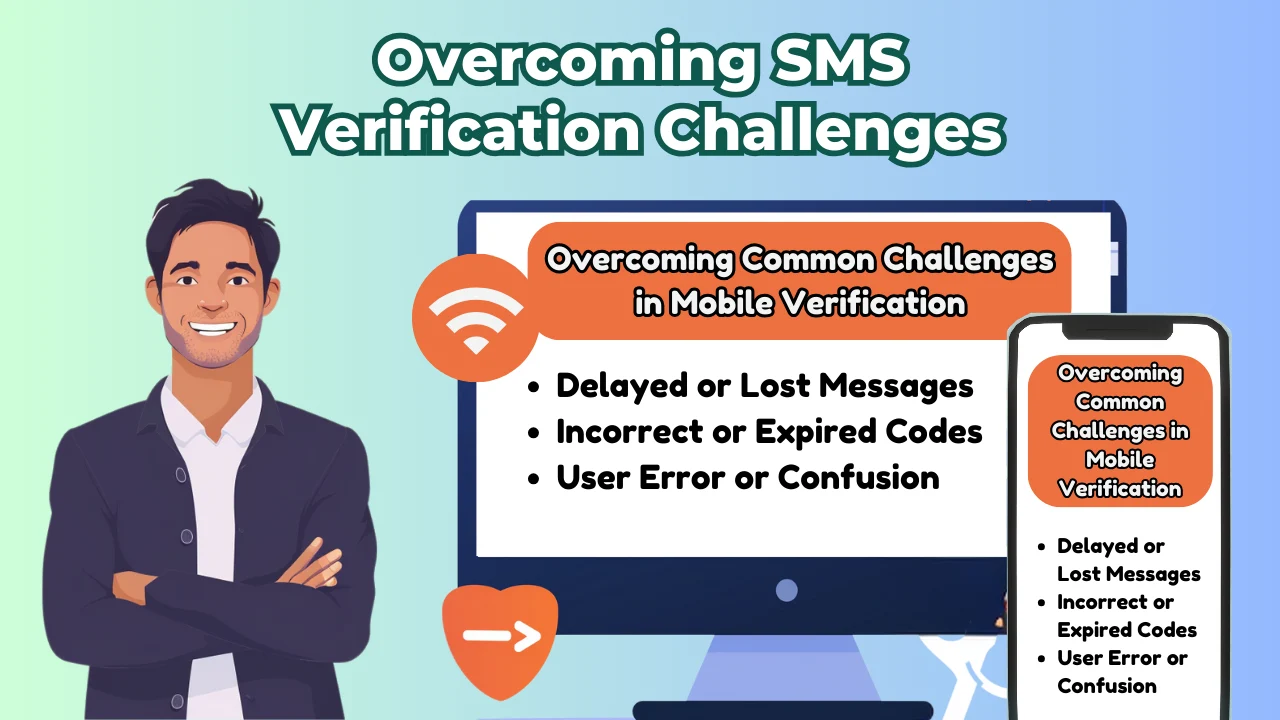
Overcoming Common Challenges in Mobile Verification
When implementing mobile verification, businesses often encounter challenges that can impact user experience and security. Here are some common issues and solutions:
Delayed or Lost Messages
Messages may be delayed or lost due to network issues or carrier filtering. Implement message retries and timeouts to ensure delivery.
Incorrect or Expired Codes
Users may enter incorrect codes or receive expired ones. Offer code re-sending and re-validation options to resolve this.
User Error or Confusion
Users may struggle with the verification process. Provide clear instructions, user education, and support channels to minimize friction.
By addressing these challenges, businesses can improve the overall verification process, reduce user frustration, and enhance security. By implementing these solutions, businesses can ensure a seamless and secure verification experience for their users.
Best Practices for Implementing SMS Verification: Tips and Tricks>
To ensure effective SMS verification, use short codes, implement rate limiting, and store sensitive data securely. Additionally, provide clear instructions, offer alternative verification methods, and monitor for suspicious activity to enhance user experience and security.
| Best Practice | Description |
| 1. Choose the Right Method | Select an SMS verification method that suits your business needs and user preferences. |
| 2. Optimize Message Content | Use clear, concise language and format messages for easy reading. |
| 3. Ensure User Experience | Prioritize convenience and minimize friction in the verification process. |
| 4. Avoid Message Overload | Limit the number of messages sent to avoid user fatigue. |
| 5. Provide User Support | Offer support channels for users experiencing issues with verification. |
| 6. Collect Feedback | Gather user feedback to improve the verification process. |
Conclusion
In conclusion, SMS verification is a vital security tool that prevents fraud, protects data, and ensures compliance. By understanding its fundamentals and best practices, businesses can implement effective verification processes, build trust, and stay ahead in the fight against cyber threats. With its ease of use and high security, SMS verification is an essential component of a robust security strategy. By adopting SMS verification, businesses can safeguard their users’ sensitive information and maintain a secure online environment.