Introduction
Our daily lives will be spread across multiple screens. With over 70% of professionals now using both a computer and a smartphone as primary work devices, the need for seamless communication has never been more critical. While SMS remains a vital tool with its near-perfect open rates, being tethered to your phone can be inefficient, which is why many now choose to send sms online.
This guide explores the world of online SMS, a technology powering a global market expected to exceed $80 billion this year and shows you how to send texts directly from your browser, securely and effectively.
Key Takeaways:
- Sending messages online is a flexible alternative to traditional texting.
- Services are available for both personal use (Google Voice, Skype) and business use (A2P Platforms).
- You can send SMS online, but it comes with limitations and security risks you must be aware of.
- Prioritizing security by using reliable providers and secure networks is essential.
How to Send SMS Online?
There are several ways to send SMS online, each with its own interface and features. The best method for you depends on your needs whether it’s for casual personal use or for professional business communication.

For Personal Use
These services are great for individuals who want a reliable way to send sms online from their browser or a dedicated app.
Using Google Voice: Google Voice gives you a free phone number that you can use for calls, voicemail, and text messages. Setting it up is simple: visit the Google Voice website, sign up with your Google account, and choose a new number. From the web interface, you can easily compose and send text messages online to any standard phone number. Replies appear in the same conversation thread, making it a convenient hub for all your communications.
Using Skype: Skype is not just for video calls; it also allows you to send SMS to mobile phones worldwide. To do this, open Skype, select a contact, and if they have a phone number saved, you’ll see an option to send an SMS. This is a paid feature that requires Skype Credit. The rates are generally competitive, especially for international texts. You can easily manage this feature and check rates directly within the app.
For Quick, One-Off Messages: Free SMS Websites
If you just need to send a quick, anonymous message without creating an account, free SMS websites can be an option. These platforms allow you to send free SMS online directly from your browser.

How They Work: Websites like the popular globe phone service (Globfone) and others allow you to enter a recipient’s number, type your message, and hit send. They are often supported by ads and are designed for simple, one-way communication.
Limitations and Risks: While the idea of a free SMS is appealing, it comes with significant downsides.
- No Replies: Most services don’t allow you to receive replies.
- Message Limits: They often have strict character limits.
- Country Restrictions: You may not be able to send messages to all countries.
- Unsuitable for Business: The lack of replies and poor reliability make these sites completely inappropriate for any professional communication, especially for sending promotional sms.
- Privacy Concerns: The biggest risk. These services may log your IP address, message content, and the recipient’s number. Some may even sell this data or expose you to spam. It is highly recommended not to use these services for any personal, financial, or sensitive information.
What Are the Benefits of Sending SMS Online?
Sending SMS online provides major benefits, including the sheer convenience of typing on a computer and significant cost savings over mobile carriers. It also acts as a vital communication backup, allowing you to stay connected even without access to your physical phone.
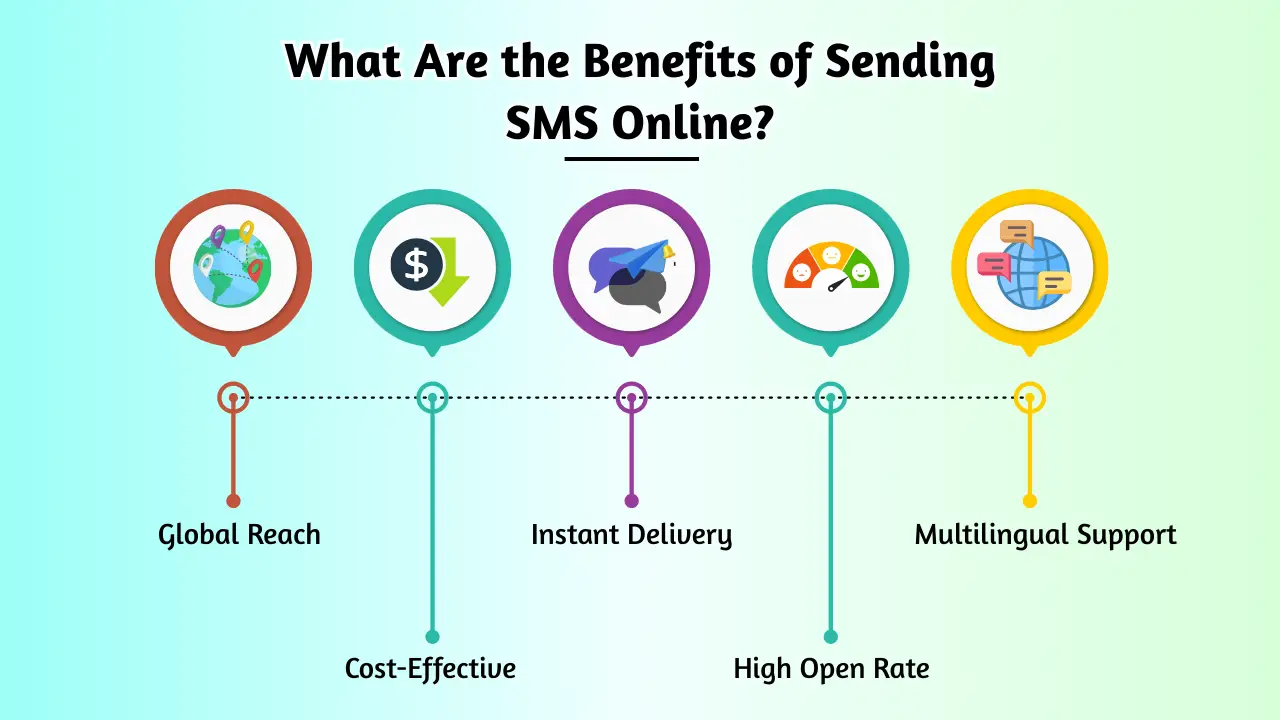
Convenience: The primary benefit is convenience. You can send text online messages from your laptop while working or from a tablet on your couch, using a full keyboard instead of a tiny touchscreen. This flexibility allows you to communicate efficiently from anywhere with an internet connection.
Cost-Effectiveness: Many online SMS services are more cost-effective than traditional mobile carriers, especially for international messages. Services like Google Voice offer free texting to US and Canadian numbers, and even paid services like Skype can be cheaper than carrier rates for reaching someone abroad. Using a platform to send free SMS online is, of course, the cheapest option, but remember the trade-offs.
No Phone Needed: If your phone is lost, broken, or out of battery, online SMS is a lifesaver. As long as you can log into your account from another device, you can stay connected and continue your conversations without interruption.
What Are the Limitations of Sending SMS Online?
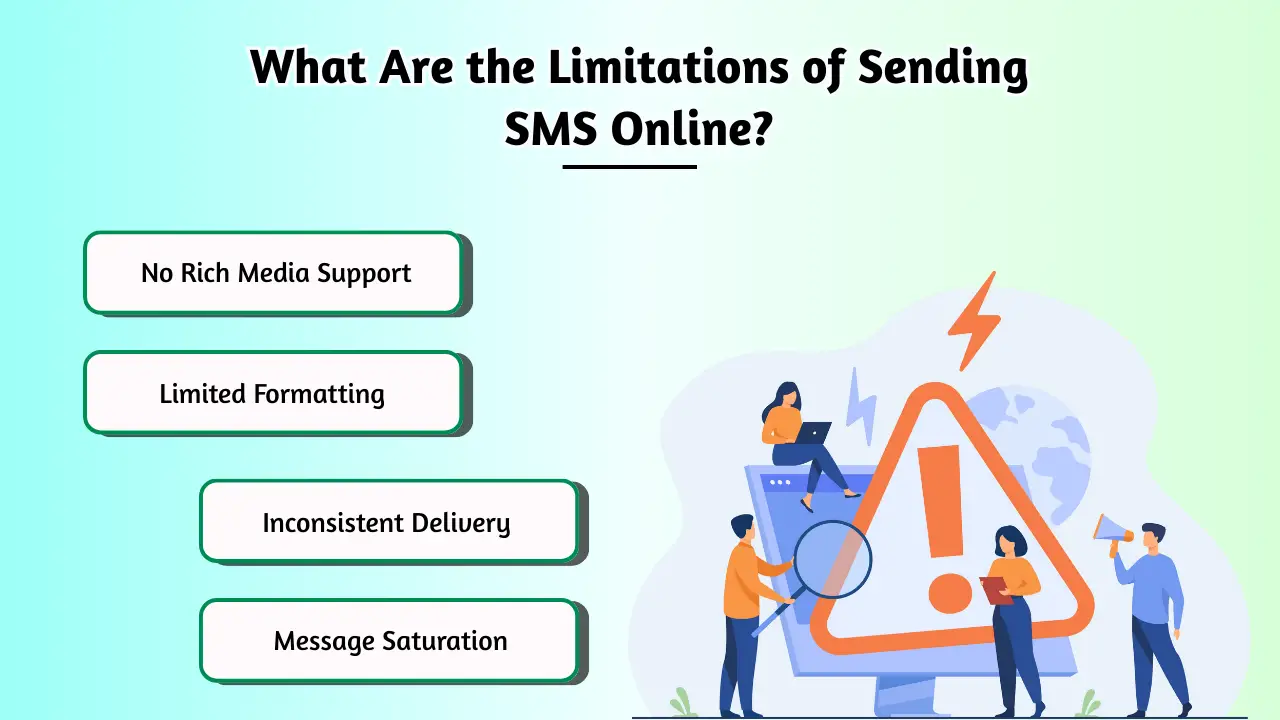
While convenient, sending SMS online comes with its own set of limitations to consider. Users often encounter mandatory account creation for reliable platforms, restrictions on message length, and poor delivery rates from free services.
Account Creation
Most reliable services (like Google Voice and Skype) require you to create an account. This is a necessary step for security and to manage your message history, but it can be a barrier if you need to send a single, quick message.
Message Length Restrictions
While more generous than the old 160-character limit, even online services can have message length restrictions. Longer messages may be split into multiple texts, which could be confusing for the recipient.
Reliability of Free Services
When you send free SMS online, delivery is not guaranteed. Messages can be delayed or fail to send without any notification. For important or time-sensitive communication, a paid, reliable service is always the better choice.
Are There Any Risks When You Send SMS Online?
Sending messages online has inherent risks, especially with unverified services. Your personal information and message content are vulnerable to privacy breaches and misuse. These platforms can also expose you to malware and deceptive phishing attempts.

Security Concerns
When you use a service to send SMS online, your data travels through its servers. An insecure provider could be vulnerable to data breaches, exposing your message content and contact lists. Malicious actors could also use these services to send “smishing” (SMS phishing) attacks, making fraudulent messages look like they come from a legitimate source.
Privacy Issues
Privacy is a major concern, particularly with free platforms. When a service is free, you are often the product. The provider may monitor your messages, collect your data for marketing, or sell it to third parties. Always read the privacy policy before using any service, especially one offering a free SMS.
How to Ensure Safety When You Send SMS Online
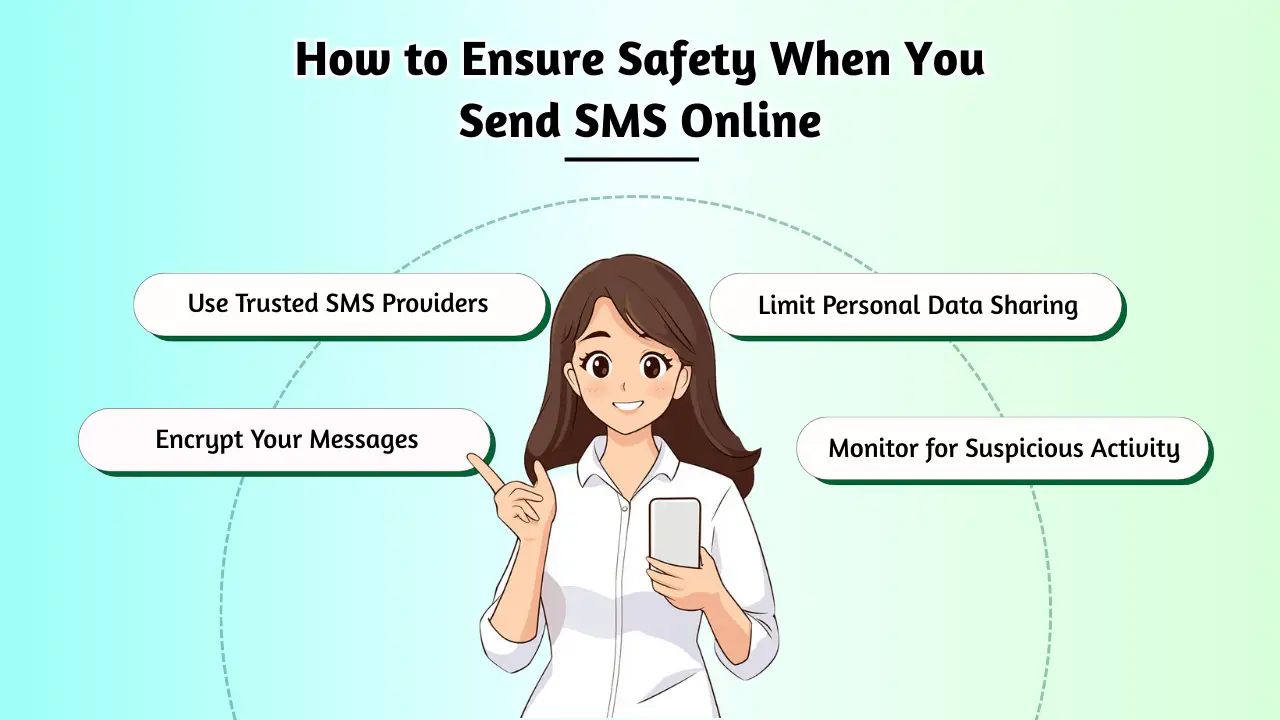
You can enjoy the benefits while minimizing the risks by following these safety tips. This involves being deliberate about the services you choose and the networks you use. Adopting a cautious mindset towards sharing information is key to protecting your privacy online.
- Use a Secure Network
Always send messages from a secure, password-protected Wi-Fi network (like your home or office). Avoid using public Wi-Fi for sending any sensitive information, as these networks are more vulnerable to snooping.
- Choose a Reliable Service Provider
Your choice of provider is the most important safety factor.
- For Personal Use: Stick with established companies like Google (Google Voice) or Microsoft (Skype). They have robust security measures and clear privacy policies.
- For Business Use: If you need to send bulk messages for marketing, notifications, or a promotional sms campaign, use a dedicated Application-to-Person (A2P) service provider like Twilio, Vonage, or ClickSend. They are designed for high-volume, secure delivery and comply with telecommunication regulations.
- Be Cautious of Scams
Be wary of unsolicited messages asking for personal information or urging you to click a link. Scammers often use online texting services to appear anonymous. Never provide passwords, bank details, or other sensitive data in a text message. This is crucial whether you send a text message online or receive one.
Conclusion
The ability to send SMS online has transformed how we communicate, offering a level of convenience and flexibility that traditional texting can’t match. From powerful personal tools like Google Voice to specialized business platforms, there is a solution for every need.
While the allure of sending a free SMS via a service like a globe phone tool is strong, it’s vital to weigh the convenience against the privacy and security risks. For reliable and safe communication, a reputable provider is always the best choice. By following the safety guidelines in this article, you can confidently and securely send messages online, wherever you are.


