
Introduction
Discovering how to find deleted SMS messages can be crucial when you’ve lost important text conversations. Whether these messages contain vital information or hold sentimental value, their disappearance can be distressing. However, understanding how to find deleted SMS can often lead to successful recovery. This comprehensive guide will walk you through various techniques on how to find deleted SMS on both Android and iOS devices.
We’ll explore the fundamentals of SMS deletion, scenarios where finding deleted messages is essential, and multiple methods to locate and retrieve these lost texts. Our step-by-step approach will equip you with the knowledge and tools needed to increase your chances of finding deleted SMS, whether for practical purposes or emotional reasons. By the end of this guide, you’ll have a clear understanding of how to find deleted SMS and potentially recover those important conversations you thought were lost forever.
Understanding SMS Deletion: The First Step in How to Find Deleted SMS
When you delete a message on your phone, it may seem like it’s gone forever. However, the reality is more complex. On both Android and iOS devices, deleting a message doesn’t immediately remove it from your phone’s storage.

Android Devices
On Android, deleted messages are moved to a “recycle bin” or a “trash” folder, where they remain for a short period before being permanently deleted. This allows you to recover messages if you change your mind. The deleted messages are still stored on your device’s internal memory, but they’re no longer visible in your messaging app.
IOS Devices
On iOS, deleted messages are marked as “deleted” but remain on your device until they’re overwritten by new data. This means that the deleted message still exists on your device’s storage, but it’s no longer accessible through the Messages app.
Soft Delete vs Hard Delete
There’s a key difference between a “soft delete” and a “hard delete”. A soft delete marks a message for deletion, but it remains on your device until it’s overwritten. A hard delete, on the other hand, permanently removes the message from your device’s storage, making it much harder to recover.
Understanding how message deletion works on your device is crucial for recovering deleted messages. In the next sections, we’ll explore methods for retrieving deleted messages on both Android and iOS devices.
Why You Might Need to Find Old Messages
There are several scenarios where retrieving old messages becomes essential. Here are some common situations:

Lost Important Information
You might have deleted a message containing crucial information, such as a password, appointment details, or a contact number. Recovering this message can save you time and stress.
Legal Purposes
In legal proceedings, text messages can serve as valuable evidence. If you’ve deleted a message that could support your case, recovering it might be crucial.
Sentimental Value
Text messages can hold sentimental value, such as a loved one’s last message or a special conversation. Recovering these messages can help you hold onto cherished memories.
Business or Work-Related Purposes
If you use your phone for work, you might need to recover deleted messages related to business deals, client communication, or important notifications.
Personal Records
You might want to keep a record of your conversations for personal reference or to track important events. Recovering deleted messages can help you maintain a complete record.
In these situations, recovering old messages can be a lifesaver. Whether it’s for practical or emotional reasons, retrieving deleted messages can provide peace of mind and help you piece together important information.
Android vs iOS: Methods to Find Deleted SMS
Retrieve deleted SMS on Android & iOS! Learn how to use built-in backup features, third-party apps & manual methods to recover lost messages. Read our guide now!
| Method | Android | iOS |
| Built-in Backup and Restore | Automatically backs up SMS to Google account | Uses iCloud backup and restore features |
| Third-Party Recovery Apps | SMS Backup & Restore, Undeleter | PhoneRescue, iMyFone D-Back |
| Manual Recovery | Uses ADB commands | Uses iTunes backup |
| Ease of Use | Easy to moderate | Moderate to difficult |
| Success Rate | High | Moderate |
| Additional Features | Automatic scanning and recovery | Optional cloud backup |
Recovering deleted SMS is possible on both Android and iOS devices through built-in backup features, third-party apps, and manual methods. Android offers more comprehensive built-in backup options, while iOS relies on iCloud and iTunes backup. Success rates vary, but trying these methods can help retrieve lost messages.
Advanced Techniques: Forensic Recovery and SIM Card Analysis
When standard methods fail, advanced techniques can help recover deleted SMS. Forensic recovery and SIM card analysis are two such approaches:

Forensic Recovery Methods
Forensic recovery involves using specialized software to scan and extract data from your device’s storage. This method can recover deleted SMS, even if they’re no longer accessible through standard means. Some popular forensic recovery tools include:
- Oxygen Forensic Detective
- MSAB XRY
- Cellebrite UFED
These tools can extract data from devices, including deleted messages, contacts, and call logs.
SIM Card Analysis
SIM card analysis involves extracting data directly from your device’s SIM card. This method can recover deleted SMS, as well as other data like contacts and call logs. SIM card analysis can be performed using specialized tools like:
- SIMCon
- SIMExplorer
- USIMEdit
These tools can read and extract data from the SIM card, even if it’s no longer accessible through standard means.
Note: Forensic recovery and SIM card analysis require advanced technical expertise and specialized equipment. If you’re not experienced in these methods, it’s recommended to seek professional help from a digital forensics expert.
Preventing SMS Loss: Best Practices for Backup and Recovery
Regular backups and secure storage methods are crucial to prevent SMS loss, ensuring your important messages are safe and recoverable in case of accidental deletion or device failure.
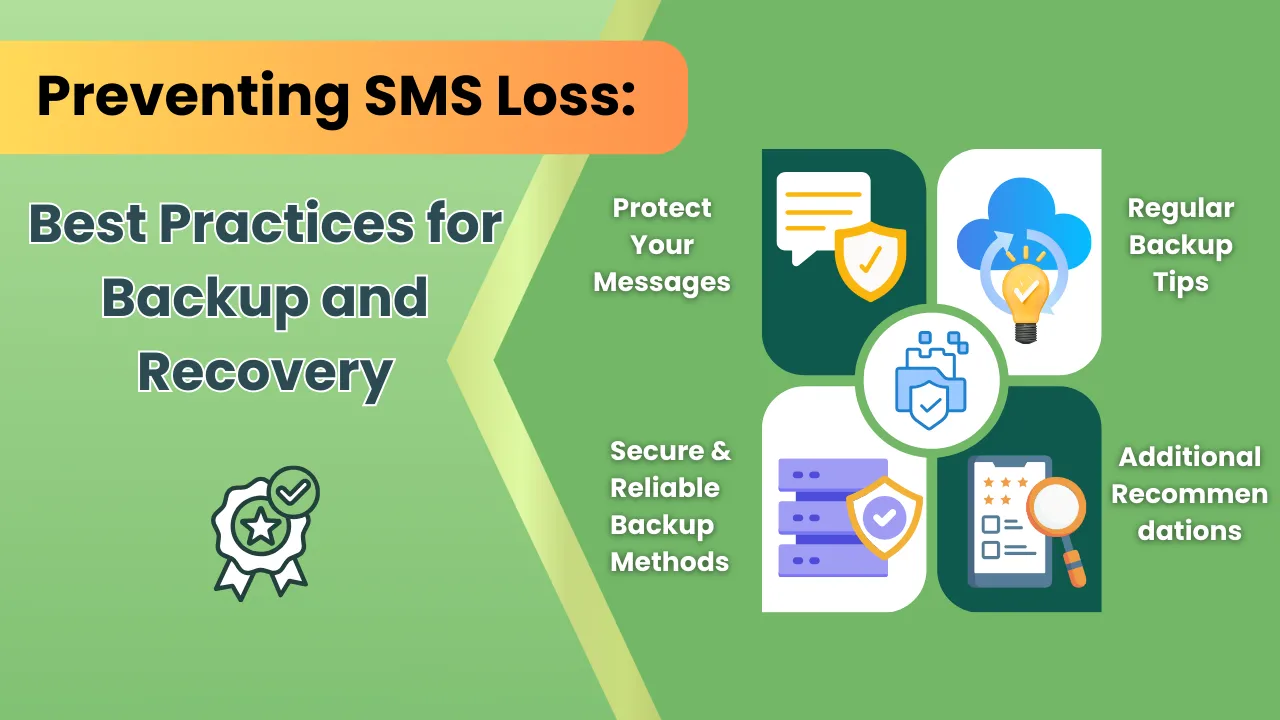
Protect Your Messages
Losing important SMS can be frustrating. To avoid this, regular backup and secure storage are essential. Here are some tips to help you protect your messages:
Regular Backup Tips
Regular backup ensures your important SMS are safe. Set up automatic backups on your device, and consider using cloud services like Google Drive, iCloud, or OneDrive. Backup your SMS regularly, ideally daily or weekly, and store them in multiple locations, like an external hard drive or USB drive.
Secure and Reliable Backup Methods
For added security, use encryption to protect your backup data. Choose backup services with robust security measures, such as two-factor authentication and secure servers. Consider using a physical backup device, like a USB drive, and keep it in a safe location.
Additional Recommendations
Test your backups regularly to ensure data integrity. Keep your device’s operating system and backup software up-to-date. Organize your important SMS into folders or labels, and consider using a third-party backup app for added security. By following these tips, you’ll be able to prevent message loss and ensure your important SMS are always safe and recoverable.
Protect your important SMS by setting up regular backups and using secure storage methods. By following best practices for backup and recovery, you can prevent message loss and ensure your important SMS are always safe and recoverable.
Common Challenges and Troubleshooting
Common issues like data corruption and software incompatibility can hinder deleted SMS recovery. Reliable software and expert help can overcome these challenges.

Overcoming Recovery Obstacles
Recovering deleted SMS can be a complex process, and several common issues may arise. Data corruption can occur during recovery, making it difficult to access deleted messages. Incompatible software can also lead to failed recovery attempts, while device limitations may prevent successful recovery.
Troubleshooting Tips
To overcome these challenges, use reliable and up-to-date recovery software, ensure compatibility between the software and your device, and try alternative recovery methods. Additionally, check device storage and restart your device if initial attempts fail.
Solutions for Persistent Issues
If issues persist, consider seeking professional help or consulting device manufacturer support for device-specific solutions. With patience and the right approach, you can overcome common challenges and successfully recover deleted SMS.
Recovering deleted SMS can be hindered by data corruption and software issues. Using reliable software and seeking help when needed can overcome these obstacles.
SMS Recovery Softwares
Recover deleted SMS with ease using top software like SMS Recovery, Recover Deleted Messages, Wondershare Dr Fone, FoneLab, and Coolmuster Android SMS Contacts Recovery. These tools retrieve lost messages, contacts, and data from Android and iPhone devices, offering a simple solution to restore your valuable information.
| Software | Recovery Capabilities | Compatibility | Pricing | User Reviews |
| EaseUS | SMS, contacts, photos, videos | Windows, Mac, Android, iOS | $39.95 (basic) | 4.5/5 |
| Dr.Fone | SMS, contacts, photos, videos | Windows, Mac, Android, iOS | $59.95 (basic) | 4.3/5 |
| MobiSaver | SMS, contacts | Android | $29.95 (basic) | 4.2/5 |
| Restore Deleted Messages | SMS | Android | $19.95 (basic) | 4.1/5 |
| Coolmuster Android SMS Contacts Recovery | SMS, contacts | Android | $25.95 (basic) | 4.0/5 |
Compare top SMS recovery software: EaseUS, Dr.Fone, MobiSaver, Restore Deleted Messages, and Coolmuster. See features, compatibility, pricing, and user reviews in one table to choose the best fit for your needs.
DIY vs Professional Recovery: When to Seek Expert Help
While DIY recovery methods can be effective, there are scenarios where seeking professional help is necessary. If you encounter any of the following situations, consider consulting a data recovery expert:

- Complex data loss: If data is lost due to physical damage, water damage, or corruption, DIY methods may not be sufficient.
- Large-scale data recovery: If you need to recover a vast amount of data, professional help can ensure efficient and effective recovery.
- Specialized devices: If you’re using a unique or proprietary device, a professional may have the necessary expertise and tools for recovery.
- Time-sensitive recovery: If you need data recovered quickly, a professional can prioritize your case and deliver timely results.
- Failed DIY attempts: If you’ve tried DIY methods without success, a professional can help avoid further data loss and ensure effective recovery.
When to Seek Professional Help
Don’t risk further data loss or corruption. If you’re unsure about the recovery process or encounter any of the above scenarios, seek help from a professional data recovery expert. They possess the necessary tools, expertise, and experience to ensure successful data recovery, saving you time and stress.
Know when to seek help! If data loss is complex, large-scale, or time-sensitive, consult a professional recovery expert to avoid further loss and ensure successful recovery.
Legal and Ethical Considerations
When recovering deleted messages, it’s crucial to consider the legal and ethical implications. Privacy laws, such as the General Data Protection Regulation (GDPR) and the Electronic Communications Privacy Act (ECPA), govern access to personal data, including deleted messages. Ensure you have the owner’s consent before attempting recovery.
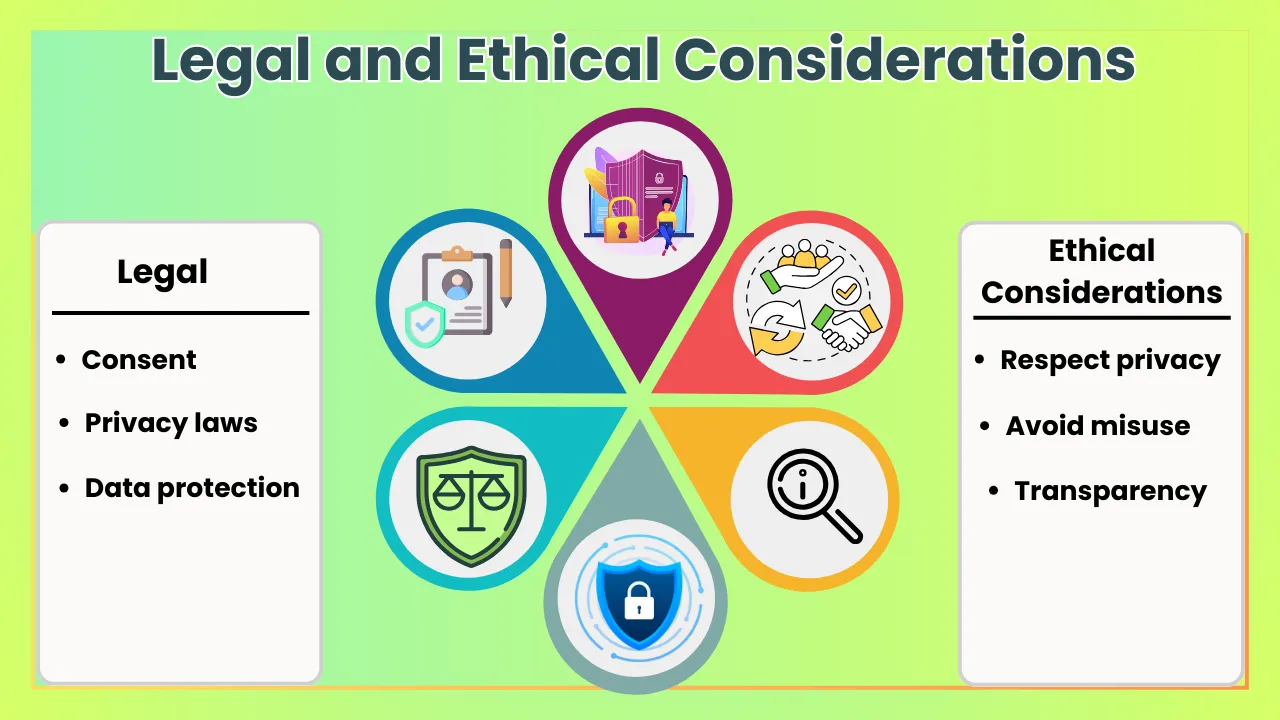
Legal Implications:
- Privacy laws: Comply with regulations like GDPR and ECPA to avoid legal repercussions.
- Consent: Obtain explicit consent from the device owner before recovering deleted messages.
- Data protection: Handle recovered data with care, ensuring it’s not misused or shared without permission.
Ethical Considerations:
- Respect privacy: Only access deleted messages with the owner’s consent.
- Avoid misuse: Refrain from using recovered data for malicious purposes.
- Transparency: Be open about your intentions and methods for recovering deleted messages.
Remember, recovering deleted messages without consent can lead to legal and ethical issues. Always prioritize privacy and transparency to maintain trust and integrity.
Conclusion
Recovering deleted SMS messages can be a challenging task, but with the right tools and knowledge, it’s possible to retrieve lost messages. Whether you’re using an Android or iOS device, understanding how message deletion works and using the right recovery methods can help you recover important information. Remember to always consider legal and ethical implications and seek professional help when needed.
Don’t lose hope if you’ve deleted important SMS messages. With the methods and software outlined in this guide, you can increase your chances of recovering lost messages. Regular backups and secure storage can also help prevent message loss. By being proactive and informed, you can protect your important messages and ensure they’re always recoverable.


