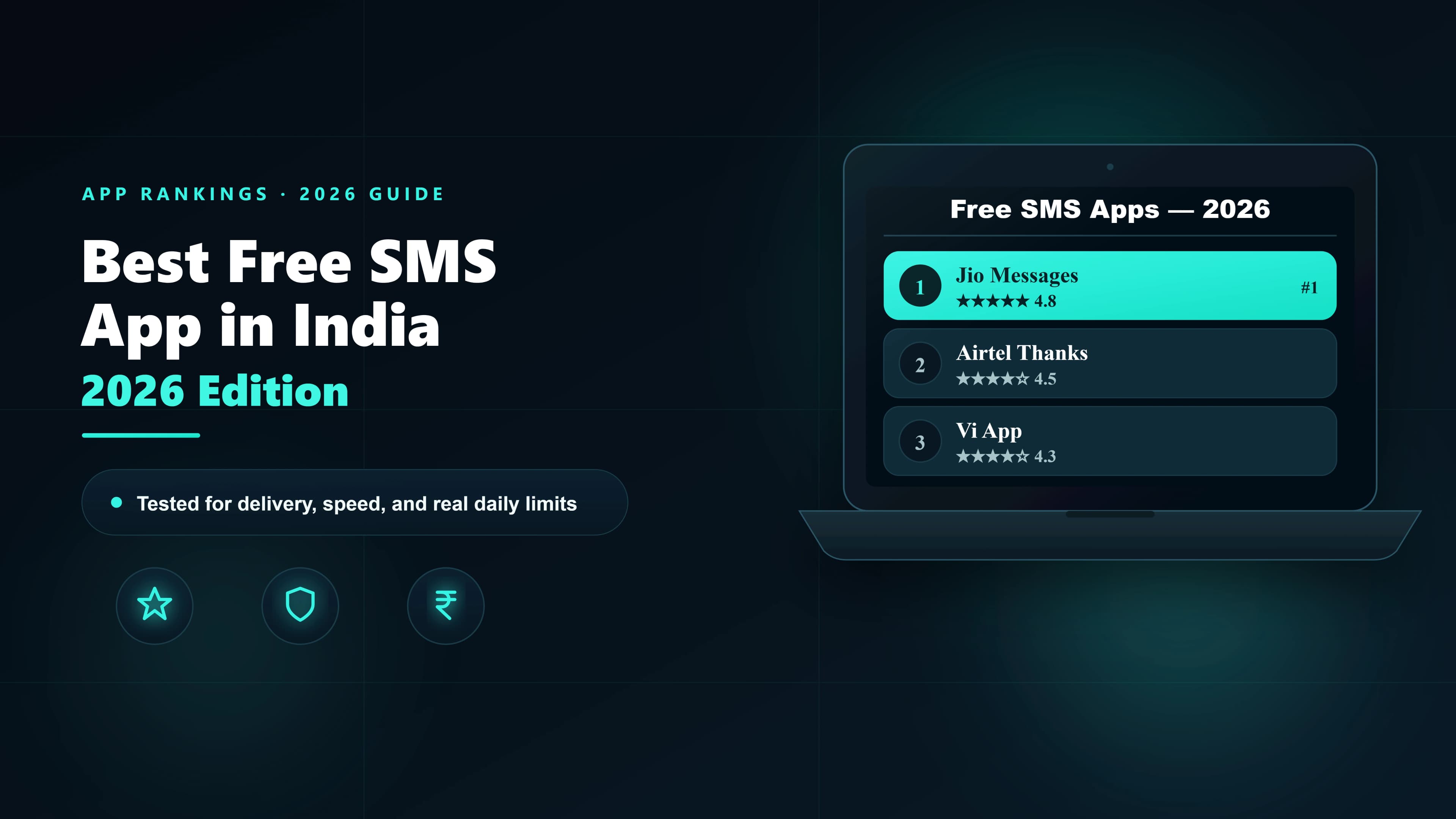
The best SMS app for Android in 2026 is Google Messages — it uses your SIM's bundled quota, supports RCS on Jio and Airtel, and works on most Android phones out of the box. Samsung users should stick with Samsung Messages for Windows integration via Samsung Flow. For customisation, Textra and Chomp SMS are the strongest third-party options. For sending SMS from a PC, AirDroid is the fastest path without swapping your default app. This guide covers every major option tested on Indian networks.
Quick pick by use case
| What you need | Best app | Why |
|---|---|---|
| Best overall SMS app for Android | Google Messages | Pre-installed, RCS on Jio/Airtel, spam filter, web access |
| Best for Samsung phones | Samsung Messages | Native integration, Windows mirroring via Samsung Flow |
| Best for customisation (themes, fonts) | Textra SMS | Most customisable third-party app, light and fast |
| Best open-source / privacy-first | QKSMS | No ads, no tracking, fully open source |
| Best for SMS from PC | AirDroid or Pulse SMS | Mirror your SIM to browser — uses your real number |
| Best multi-device SMS sync | Pulse SMS | Cloud sync across all devices simultaneously |
| Best for business OTPs and bulk SMS | SMSLocal (trial credit) | DLT-compliant, delivery receipts, API access |
1. Google Messages — Best Android SMS App Overall
Google Messages is the default messaging app on most Android phones sold in India — Pixel, OnePlus, Motorola, Xiaomi, and Realme all ship it as the primary SMS app. In 2026, it is the single strongest option for personal SMS on Indian networks.
Why it wins
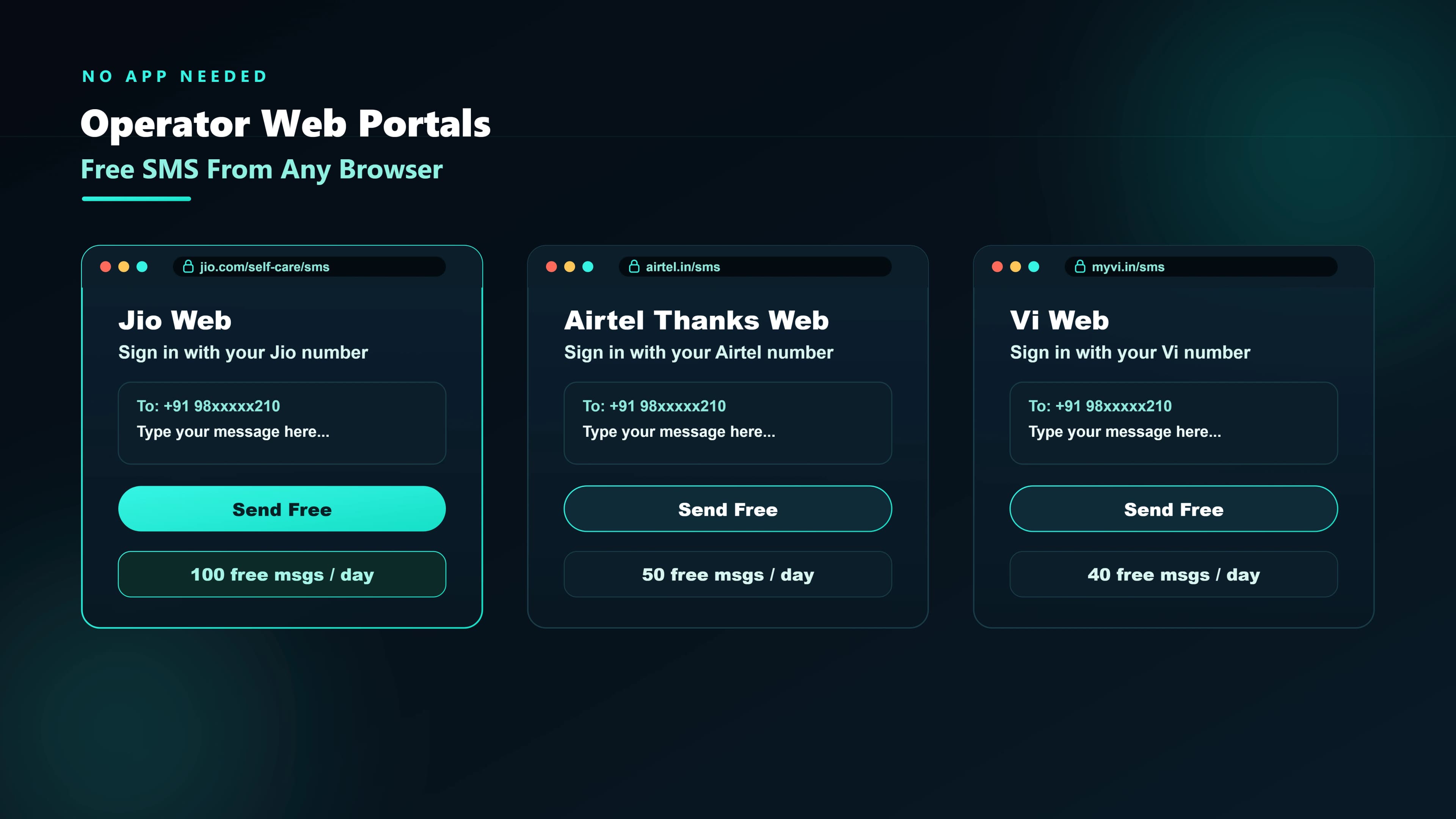
- Uses your SIM's bundled 100 SMS/day. Your Jio, Airtel, or Vi plan almost certainly includes 100 free SMS per day. Google Messages uses that quota — so every message is completely free, sent from your real number, with no branding or shared sender. For every other way to send free SMS in India — operator quotas, web tools, and trial credits — see our free SMS guide.
- RCS on Jio and Airtel. Both operators have activated RCS (Rich Communication Services) in India. When both sender and recipient have RCS-enabled devices, Google Messages upgrades silently — you get read receipts, typing indicators, high-res photo sharing, and group chats, all within the SMS app.
- Built-in spam filter.Google's spam detection flags phishing messages, OTP-fishing attempts, and fake delivery notifications. Flagged messages move to a separate folder and the model learns from your behaviour.
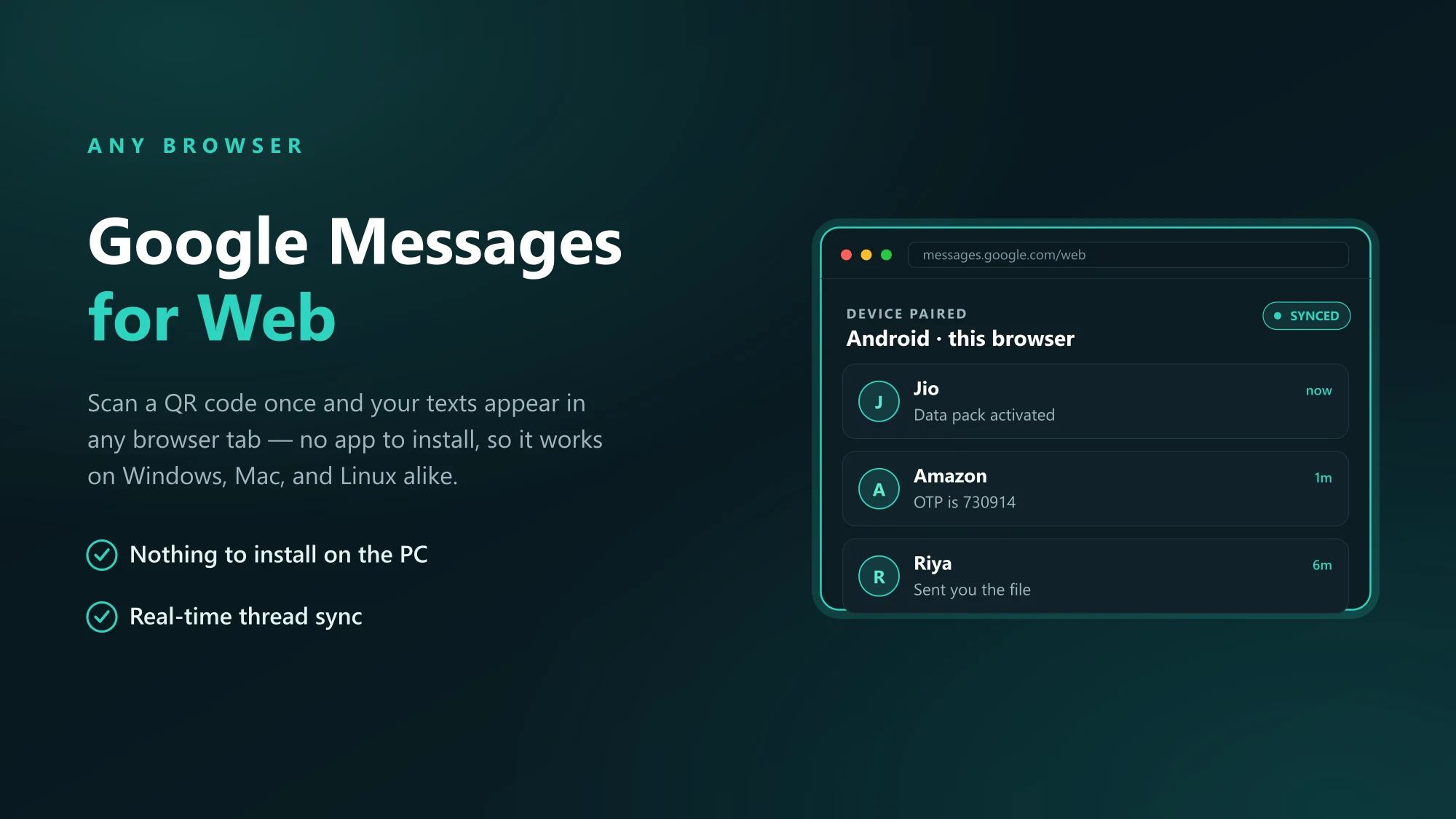
- Web access at messages.google.com.Scan a QR code once and your phone's SMS threads appear in any browser tab. Reply to SMS from your laptop without picking up your phone — all using your real SIM number.
- Message scheduling. Long-press the send button to schedule a message for any future time — useful for reminders, birthday greetings, or time-zone-sensitive messages.
- Magic Compose. AI-powered reply suggestions — opt-in only, and the drafts stay on-device for standard SMS.
Limitations
- Not the default on Samsung phones — Samsung ships its own Messages app
- RCS works only when both parties have RCS-enabled devices and networks
- No business SMS features — no DLT support, no bulk sending, no delivery receipt APIs
- Google account required for spam filter and RCS to work
2. Samsung Messages — Best for Samsung Phones
Samsung ships its own Messages app on every Galaxy device, and for Samsung users it is the better default — not because it is more powerful than Google Messages, but because it integrates seamlessly with the Samsung ecosystem.
Samsung-specific advantages
- Samsung Flow (Windows mirroring). Samsung Flow mirrors SMS, calls, and notifications from your Galaxy phone to a Windows PC. Unlike Google Messages web, it does not require a browser tab to stay open — it runs as a background Windows app.
- Samsung DeX. If you use a Galaxy phone with DeX (desktop mode), Samsung Messages integrates natively into the DeX interface with a proper windowed SMS view.
- Secure Folder integration. Messages inside Secure Folder are end-to-end isolated from the main SMS inbox — useful if you use a secondary SIM for sensitive accounts.
- Spam protection. Samsung has its own spam detection for Indian numbers, independent of Google — useful if you prefer not to use a Google account.
Limitations
- Samsung-only — not available on other Android phones
- No RCS support in India as of 2026 (Samsung uses its own messaging layer instead)
- Slightly heavier than Google Messages — more RAM usage on older Galaxy models
3. Textra SMS — Best for Customisation
Textra is the most popular third-party SMS app on the Google Play Store and the go-to choice for users who want to personalise their messaging experience beyond what the default apps offer. It is fast, lightweight, and highly configurable.
What makes it stand out
- 180+ themes. Textra has more visual customisation than any other SMS app — bubble styles, fonts, notification sounds, app icon colours, and background images can all be changed independently.
- Per-contact customisation. Set different notification sounds, vibration patterns, and theme colours for individual contacts or groups.
- Fast and lightweight. Textra loads threads faster than Google Messages on mid-range devices (Redmi, Realme, Narzo) — noticeable if your current app feels slow.
- Smart OTP copy. Textra can detect incoming OTPs and automatically copy them to the clipboard — a genuinely useful time-saver for frequent UPI and banking verifications.
- Scheduled SMS. Like Google Messages, Textra supports message scheduling.
Limitations
- Free version has limitations — some themes and features require the Pro upgrade (₹320 one-time)
- No RCS support
- No web interface for PC access — use AirDroid separately if you need that
4. QKSMS — Best Open-Source SMS App for Android
QKSMS (Quick SMS) is the best SMS app for privacy-conscious users. It is fully open source (MIT licence, available on GitHub), contains no ads, collects no data, and is maintained by an active community.
| Feature | QKSMS | Google Messages | Textra |
|---|---|---|---|
| Open source | Yes — MIT licence | No | No |
| Ads | None | None | Free tier has ads |
| Data collection | None | Google account syncs | Minimal |
| Themes | Light / Dark / Black | Limited | 180+ |
| RCS | No | Yes (Jio/Airtel) | No |
| OTP auto-copy | No | No | Yes |
| PC web access | No | Yes (messages.google.com) | No |
| Scheduled SMS | Yes | Yes | Yes |
Best for: Users who want a clean, ad-free SMS experience without linking any account. The AMOLED black theme is genuinely useful on phones with OLED displays — saves real battery life on long-message threads.
5. Pulse SMS — Best for Multi-Device SMS Sync
Pulse SMS solves a problem that Google Messages web only partially addresses: what if you want your SMS inbox accessible simultaneously on your phone, tablet, PC, and Mac — with all threads synced in real time?
How it works
Pulse SMS routes your incoming SMS through its cloud infrastructure and makes them available on all your devices via Android app, web browser, Windows app, and Mac app. When you reply from your PC, the response goes back through your phone's SIM — so the recipient sees your real number, not a third-party number.
Pros
- True multi-device sync — all devices show the same inbox simultaneously
- Works on Android, iOS (for receiving only), Web, Windows, and Mac
- Message search across your entire SMS history
- Snooze conversations to resurface at a later time
- Blacklist-style spam filtering
Cons
- Free tier has a 500-message monthly limit for cloud sync — enough for light users, not heavy ones
- Paid plan required for unlimited sync: approximately ₹800/year
- SMS routing through cloud adds ~1–3 seconds to delivery notification on secondary devices
- Some Indian users report occasional delivery delays on Jio during peak hours
6. AirDroid — Best for Sending SMS from PC
AirDroid is not primarily an SMS app — it is a full phone-management tool that mirrors your Android phone to a PC browser. But for users whose main goal is sending SMS from a laptop or desktop, it is the fastest setup with the most reliable result.
Unlike Google Messages web, which requires a browser tab to remain open and your phone to be on the same network, AirDroid works over mobile data (on its free tier, with Wi-Fi; on Premium, over any connection). Your SMS app on the phone stays unchanged — AirDroid reads from it and mirrors to PC.
| Feature | AirDroid (free) | Google Messages web | Pulse SMS (free) |
|---|---|---|---|
| PC access method | Browser or desktop app | Browser | Browser or desktop app |
| Phone must be on same Wi-Fi | Yes (free tier) | No | No |
| Your number sends the SMS | Yes | Yes | Yes |
| File management from PC | Yes (200 MB/month) | No | No |
| Notification mirroring | Yes | No | Yes |
| Monthly free limit | None (SMS only) | None | 500 messages synced |
7. Chomp SMS — Best for Clean UI and Privacy
Chomp SMS is one of the longest-running third-party SMS apps on Android and has a loyal user base who prefer its clean, distraction-free interface. It sits between QKSMS (minimal, open-source) and Textra (heavy customisation) in terms of feature set.
Key features
- Popup reply window. Respond to incoming SMS without leaving your current app — the reply field appears as a floating overlay.
- Passcode lock per conversation. Lock individual threads — useful if you share a phone or want to protect specific conversations.
- Private box.Hide specific contacts' messages entirely from the main inbox — they are only accessible through a PIN-protected section.
- Blacklist filtering. Block unwanted numbers with pattern matching — can block all unknown numbers or numbers matching a prefix.
- OTP auto-read. Chomp detects incoming OTPs and can auto-fill them in compatible apps.
Limitations
- Free version has ads; ad-free requires the Pro purchase (₹280 one-time)
- No RCS, no web access, no PC mirroring
- UI is less polished than Google Messages in 2026 — shows its age slightly
8. Business SMS on Android — What Personal Apps Cannot Do
Every app listed above is designed for personal SMS. If you need to send OTPs, transactional alerts, or promotional campaigns from an Android device, none of them will work — and attempting to use them for business sends violates TRAI's DLT regulations.
What business SMS actually requires
- DLT-registered sender ID — e.g., SMSLCL or YOURCO — instead of a personal number. Operator routes reject business messages sent from personal SIM numbers.
- Approved message templates — every business SMS sent in India must match a pre-approved DLT content template. Personal SMS apps have no template system.
- DND scrubbing — promotional messages cannot be sent to numbers on the NCPR DND registry. Personal apps do not scrub DND.
- Delivery receipts — business use cases (OTP systems, delivery notifications) require per-message delivery confirmation. No personal SMS app provides this.
Full comparison table
| App | Best for | RCS | PC access | OTP copy | Open source | Cost |
|---|---|---|---|---|---|---|
| Google Messages | Most Android users | Yes (Jio/Airtel) | Browser | No | No | Free |
| Samsung Messages | Galaxy phones | No | Via Samsung Flow | No | No | Free |
| Textra SMS | Customisation | No | No | Yes | No | Free / ₹320 Pro |
| QKSMS | Privacy / open source | No | No | No | Yes (MIT) | Free |
| Pulse SMS | Multi-device sync | No | Browser + app | No | No | Free / ₹800/yr |
| AirDroid | SMS from PC | No | Browser + app | No | No | Free / ₹1,200/yr |
| Chomp SMS | Popup reply + privacy box | No | No | Yes | No | Free / ₹280 Pro |