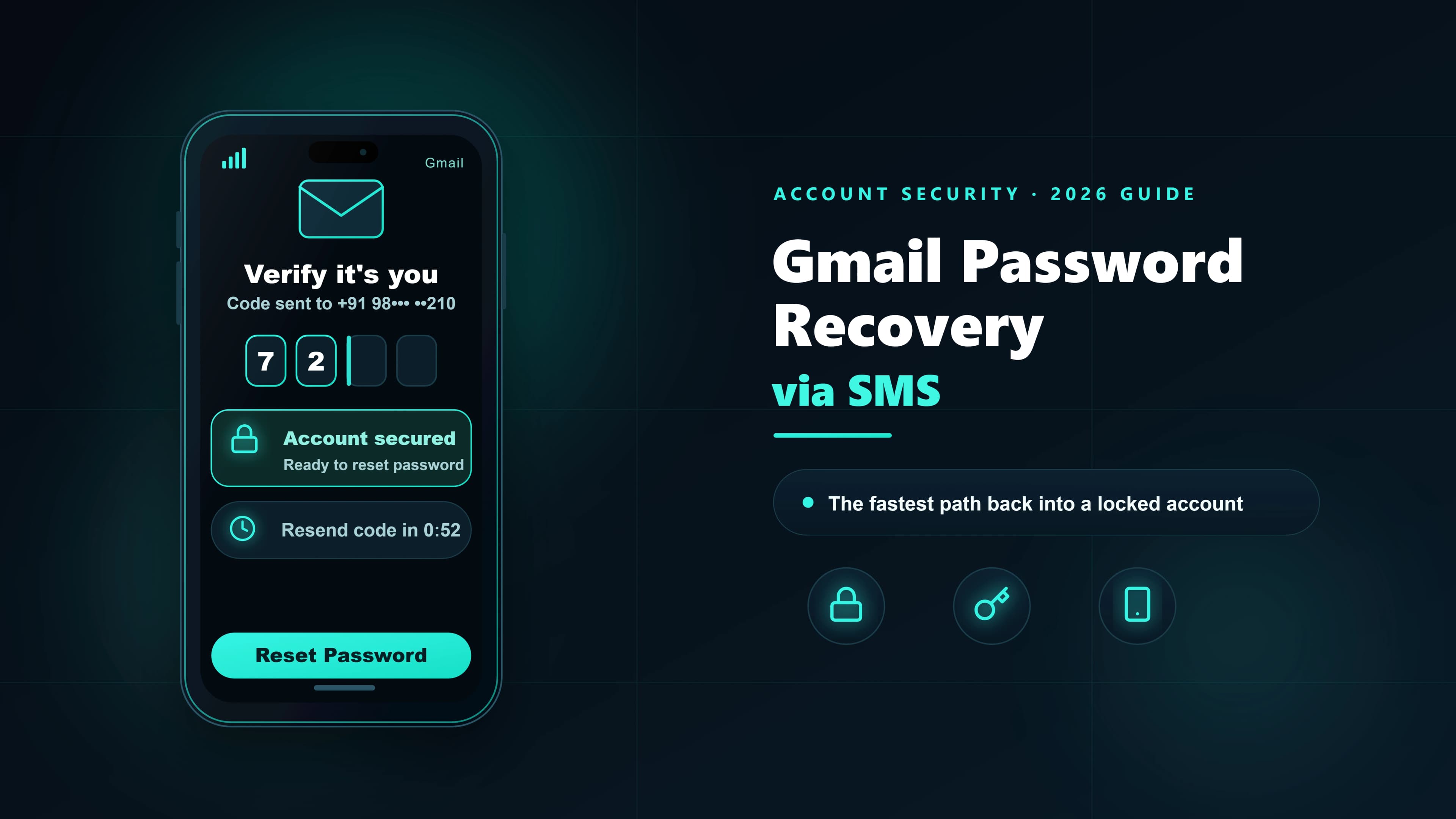
Gmail's SMS-based password recovery has saved millions of accounts — and locked millions out when something goes wrong. This guide explains how Gmail's SMS recovery actually works, the exact failure modes, and what to do when the SMS just isn't arriving.
How Gmail's SMS recovery actually works
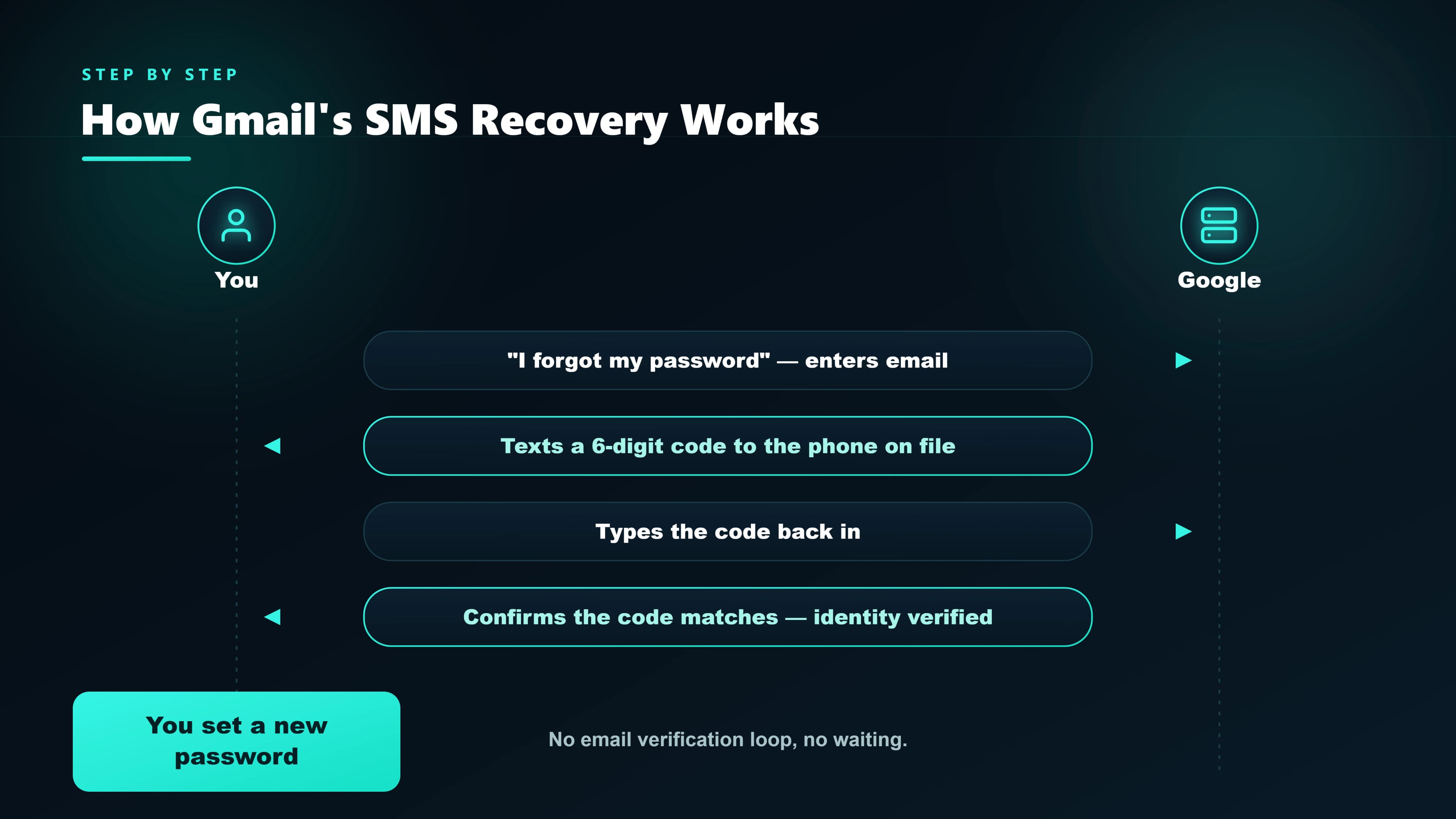
When you set up a Gmail account and add a phone number as a recovery method, Google stores it as a recovery phone. When you later need to reset your password, Google can send a 6-digit code to that number via SMS. You enter the code in the recovery flow and you're in.
Under the hood, Google uses multiple SMS providers routed through different carriers globally. In India, the SMS typically arrives from the alphanumeric sender VM-Google or similar, and the code is valid for about 15 minutes.
Setting up SMS recovery (do this before you need it)
- Go to myaccount.google.com → Security.
- Under "Ways we can verify it's you", click Recovery phone.
- Add your mobile number (include country code —
+91for India). - Google sends a verification SMS. Enter the 6-digit code to confirm the number.
- Also set a recovery email. SMS alone is risky — if you lose your phone or the SIM is compromised, email is your fallback.
Recovering your Gmail password with SMS
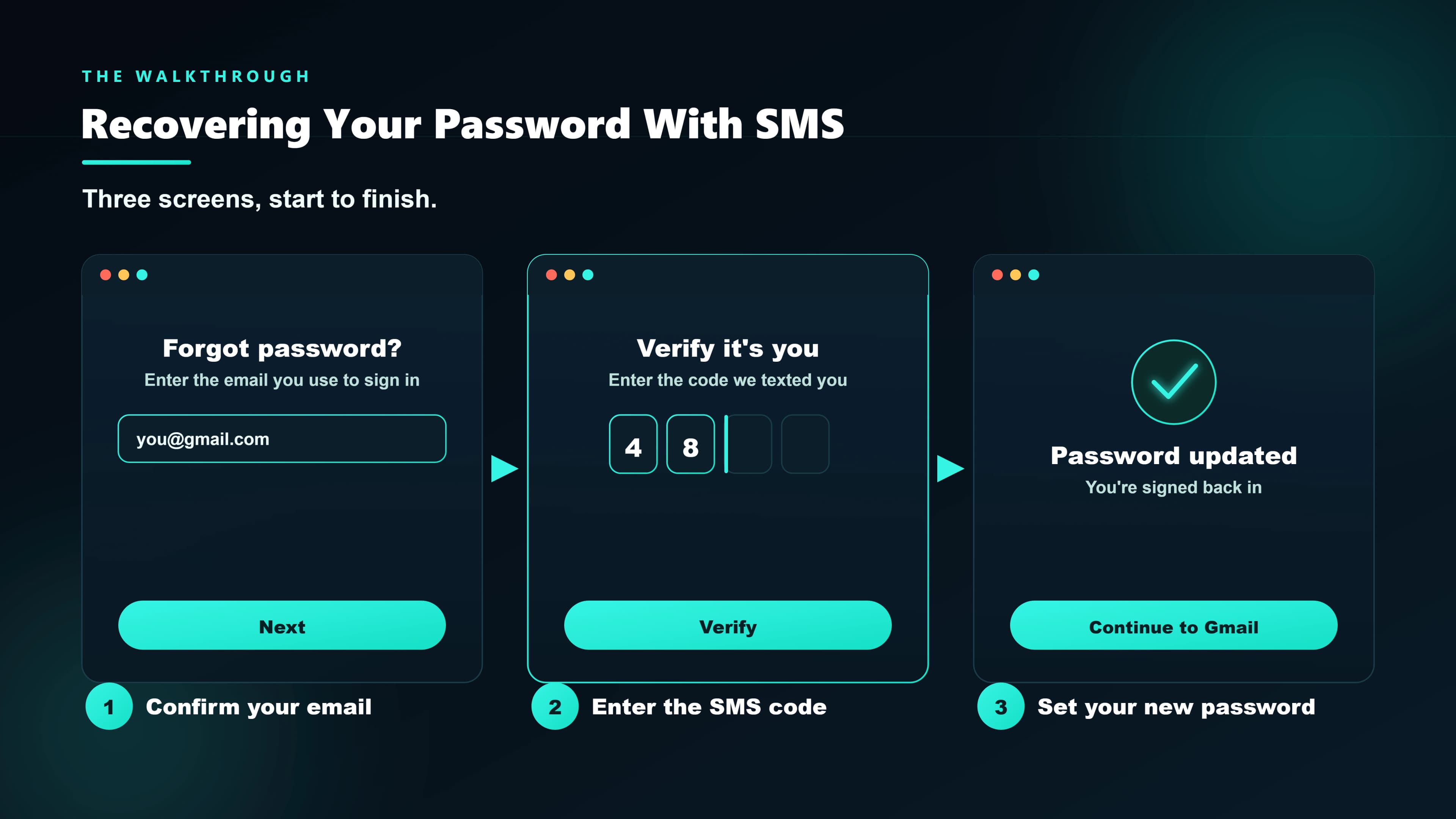
- On the sign-in screen, enter your email address and click Next.
- Click "Forgot password?".
- Google may ask you to try your last remembered password. If you don't remember, click Try another way.
- You'll see options for recovery. Choose "Get a verification code at ***-***-**XX" (the last two digits of your recovery phone).
- Google sends an SMS with a 6-digit code. Enter it in the form.
- Set a new password. It must be different from your last one.
Recovery SMS not arriving
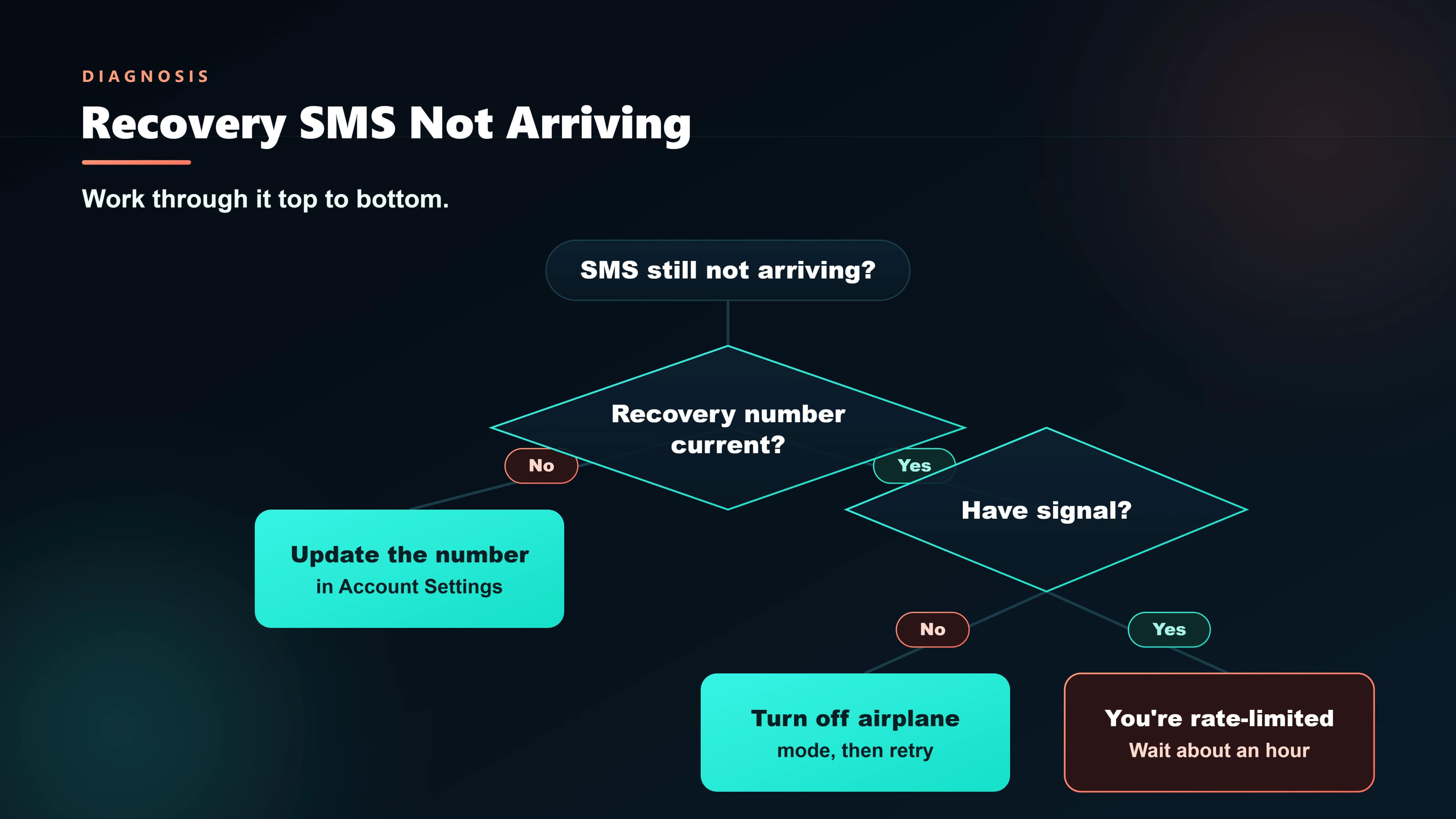
Before panicking, wait 2 minutes — Google's SMS provider queue can lag. If it still hasn't arrived, try in this order:
1. Resend the code once (only once)
Click "Resend". Multiple resends within 5 minutes can trigger anti-abuse and cause Google to fall back to a 24-hour verification hold.
2. Check every SMS folder
On Android, check: Inbox, Spam, Promotions, and any separate messaging app (Samsung Messages + Google Messages both installed is a common cause).
3. Verify the phone number Google has on file
Google shows the last two digits. If they don't match your current number — because you changed numbers — you won't receive the SMS. Skip to the alternate-method step.
4. Toggle airplane mode and reboot
Classic fix. Your phone may not be properly registered with the carrier. See our SMS activation guide for the full device-level checklist.
5. Try an alternate recovery method
On the recovery screen, click "Try another way". Google may offer:
- Voice call to the same number (reads the code aloud)
- Code to recovery email
- Google prompt on a device already signed in to your account
- Passkey or security keyif you've set one up
- Account recovery form (last resort — slow but reliable)
The account recovery form (last resort)
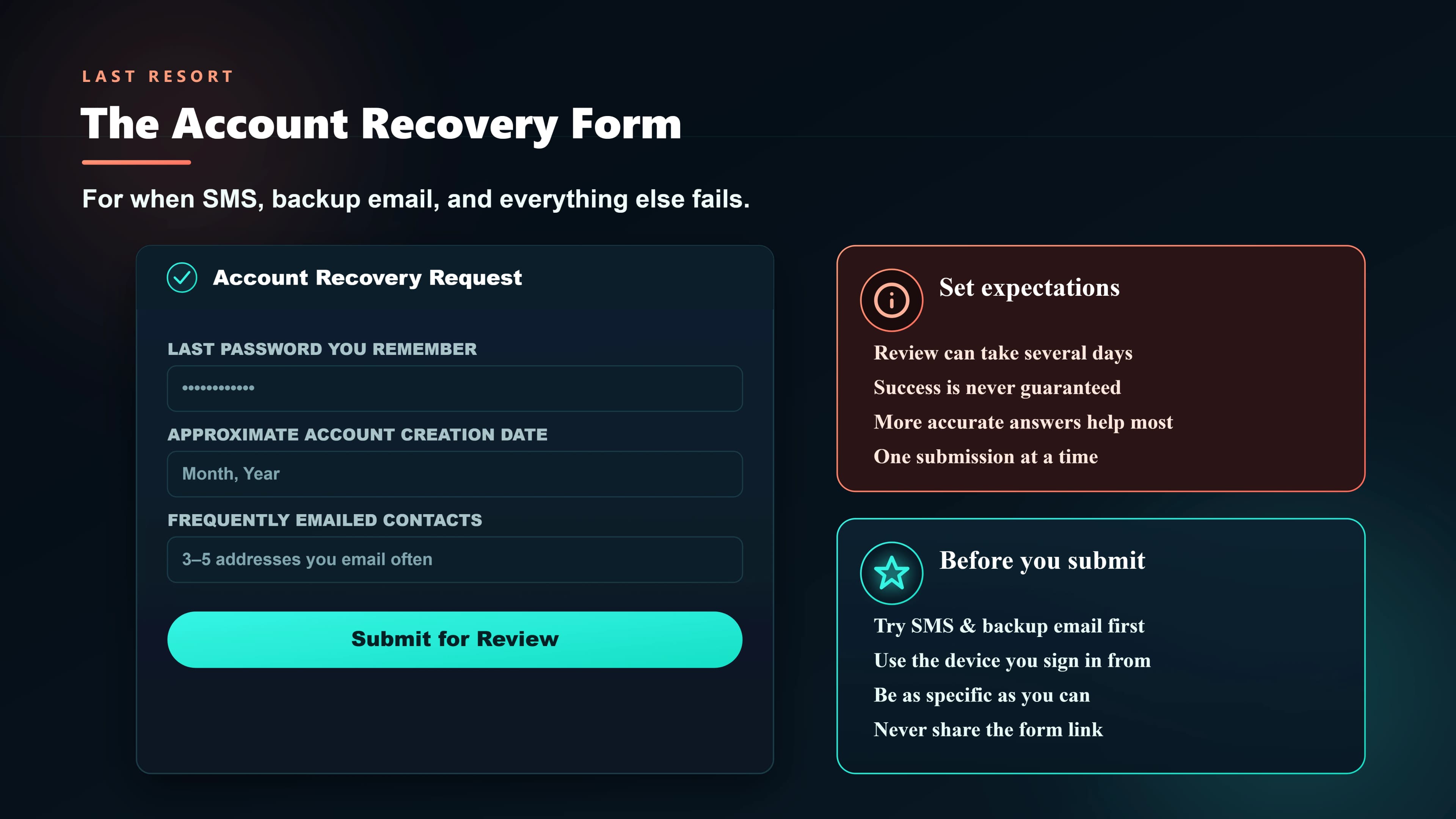
If all SMS and email paths are dead, Google's account-recovery form is the fallback. Fill it out with:
- The last password you remember (even a partial/old one helps).
- Approximate date you created the account.
- A device you typically sign in from (same Wi-Fi/IP works best).
- Contact details where Google can reach you.
Google reviews the form manually (or via their ML models). A decision typically comes within 3–5 days. Persistence matters — if the first attempt fails, resubmit with more details or from a device/network Google associates with you.
Security tips so you never need recovery
Use two-factor, but not SMS-only
SMS-based 2FA is better than nothing, but SIM-swap attacks are real in India. The safer setup:
- Google Authenticator or a passkey as your primary second factor.
- SMS as backup only, with a recovery phone different from your daily SIM when possible.
- Printed backup codes stored in a safe place. Print them from your Google account settings.
Set up multiple recovery paths
Add both a recovery phone and a recovery email. Also enable Google prompts on your phone, so when you sign in on a new device you get a one-tap approval instead of needing SMS.
Watch for SIM-swap warning signs
If your SIM suddenly loses signal "for no reason" in the middle of the day and doesn't come back within an hour, treat it as a possible SIM swap. Call your carrier immediately from another phone, lock down banking, and check that your recovery phone still receives SMS.
FAQ
The pattern is always the same: people set up a recovery phone, never update it, change numbers years later, and then get locked out. Review your recovery methods every six months — it takes two minutes and saves days.