Table of Contents
Managing Blacklist and Whitelist #
Control message delivery by managing Blacklist and Whitelist numbers in your account.
Step 1: Access the Lists #
- Navigate to “Others” → “Black List” or “White List”, depending on your requirement.

Step 2: Add Numbers #
You can add numbers using the following methods:
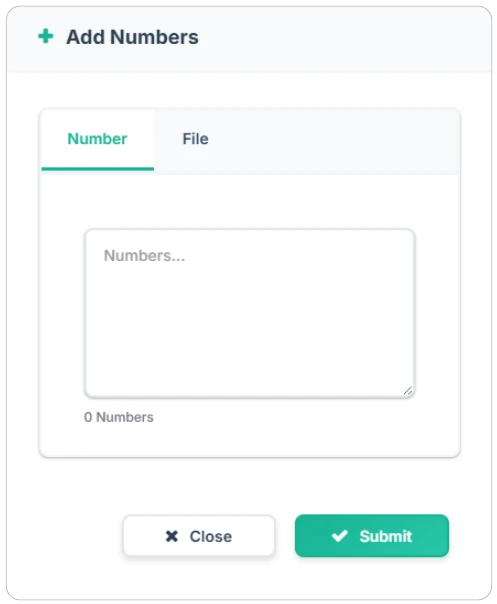
- Single Number – Enter one mobile number manually.
- Multiple Numbers – Input comma-separated numbers.
- File Upload – Upload a CSV file containing a list of numbers.
Step 3: Manage and Export Lists #
- View and manage your existing Blacklist/Whitelist entries.
- Remove numbers as needed.
- Export your lists to create backups or for auditing purposes.


