The WhatsApp Business API is the official way for a company to send and receive WhatsApp messages through software, with automation, a shared team inbox and per-message delivery reports. If one phone on the free WhatsApp Business app can no longer keep up with your customers, this is the next step.
This guide explains what the WhatsApp Business API is, how it works, how Meta charges for it, which rules apply and how to start without a developer.
What the WhatsApp Business API is
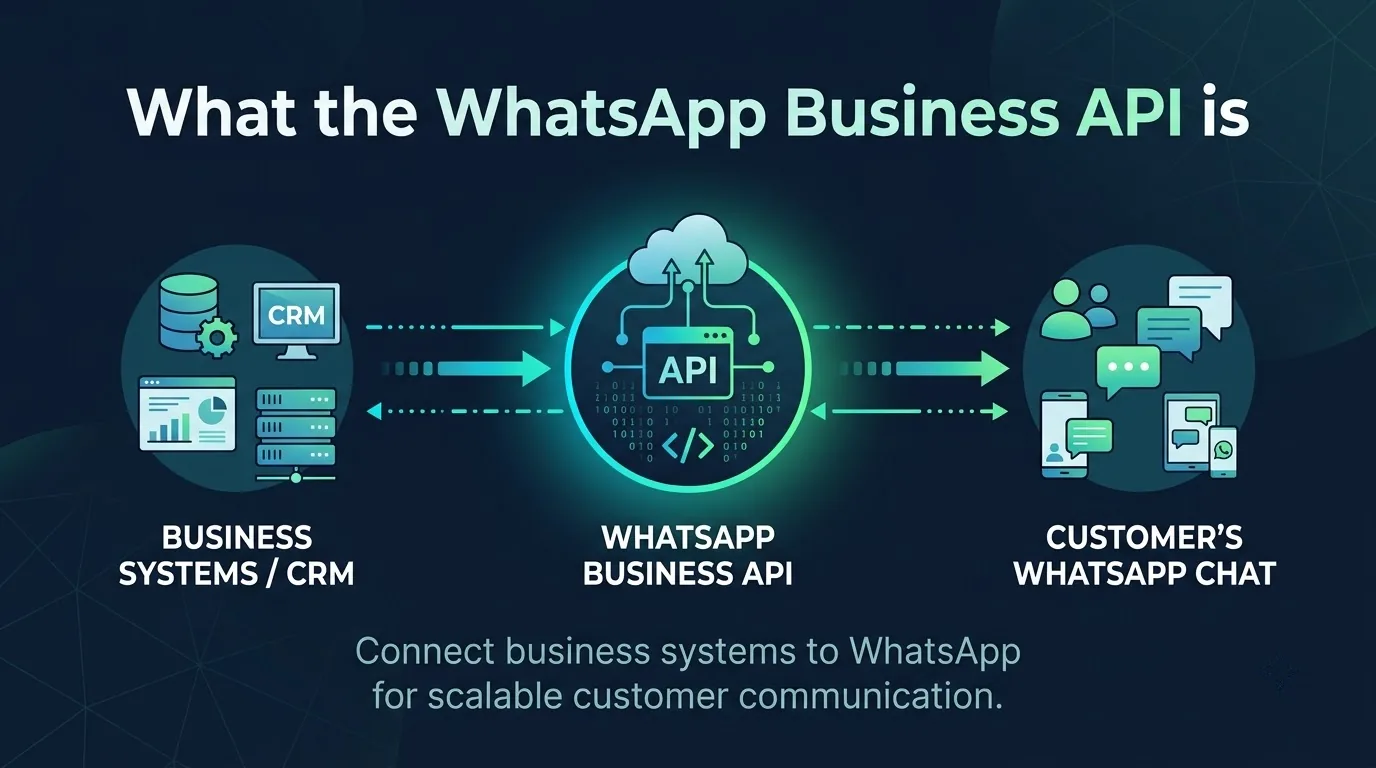
The WhatsApp Business API is the interface that lets software talk to WhatsApp on behalf of a business. Meta's main version is the Cloud API, part of the wider WhatsApp Business Platform. Your systems send messages through it and receive replies and status updates back through webhooks.
The API has no app screen of its own. You use it in one of two ways: build directly on the Cloud API with your own developers, or use a Business Solution Provider (BSP) for a dashboard, team inbox and chatbot builder. Most small and mid-sized businesses choose a provider, because it avoids engineering work.
WhatsApp Business App vs API
Many businesses start on the free WhatsApp Business app and move later.
| Feature | WhatsApp Business App | WhatsApp Business API |
|---|---|---|
| Built for | Small shops and solo owners | Growing teams and automated workflows |
| Interface | A phone app | A provider dashboard or your own code |
| Team access | One person answering from a phone | Many agents through a shared inbox |
| Automation | Simple greeting and away messages | Chatbots, event triggers, webhooks |
| Campaigns | Manual, small scale | Template-based messages to segmented lists |
| Integrations | Few | CRMs, order systems, helpdesks |
If you answer a handful of chats a day yourself, the app is enough. If several people answer customers, or you want order updates and reminders to go out automatically, you need the API.
How it works
Behind any dashboard, the flow is the same.
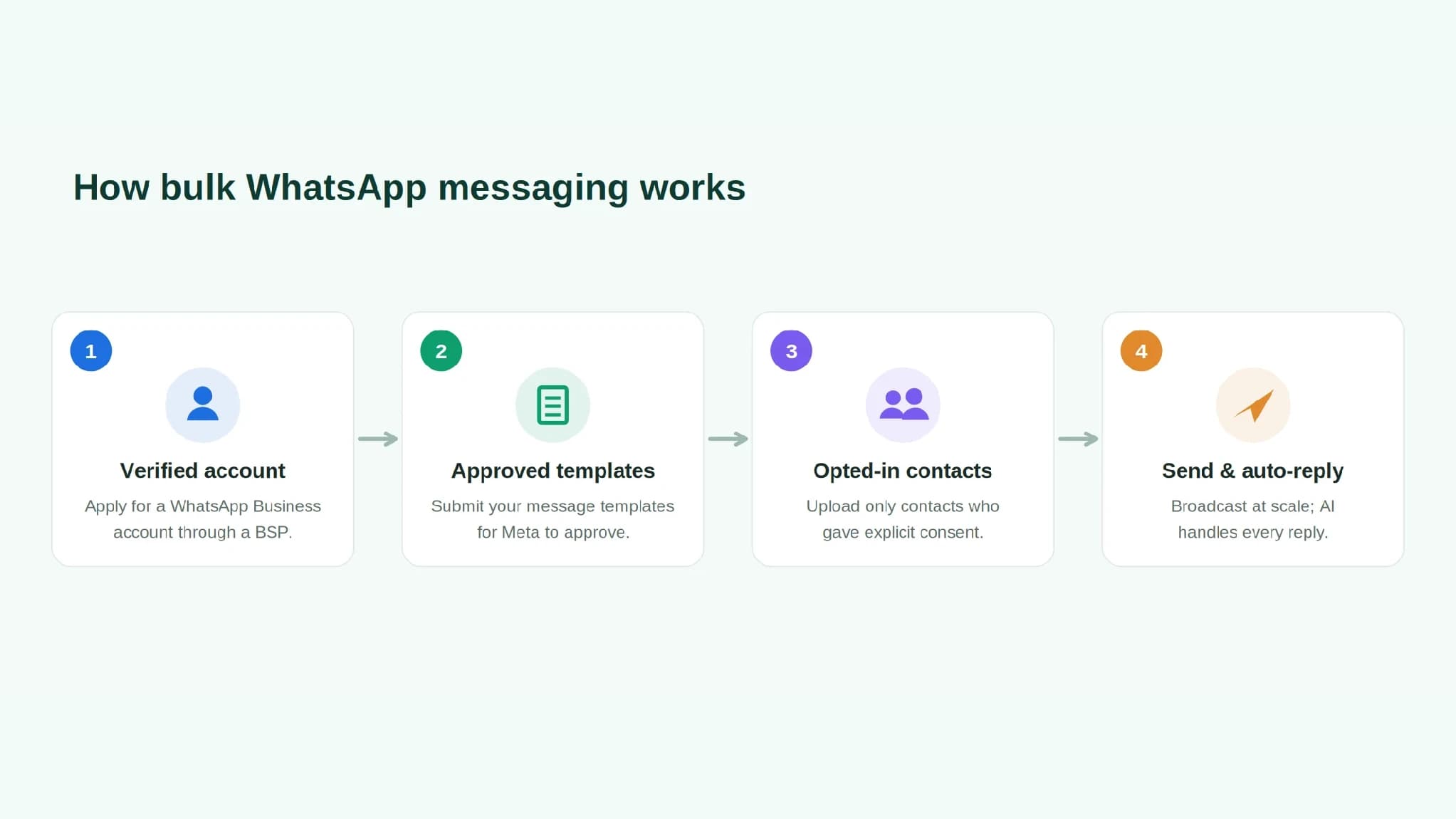
- Your business connects a number. The number is registered to a WhatsApp Business Account inside your Meta business portfolio.
- Your system sends a message. It goes out as a JSON request over HTTP, authenticated with a bearer token.
- WhatsApp delivers it to the customer's phone.
- Replies and delivery updates return through webhooks, so your inbox or CRM knows when a message was delivered, read or answered.
What you can do with it
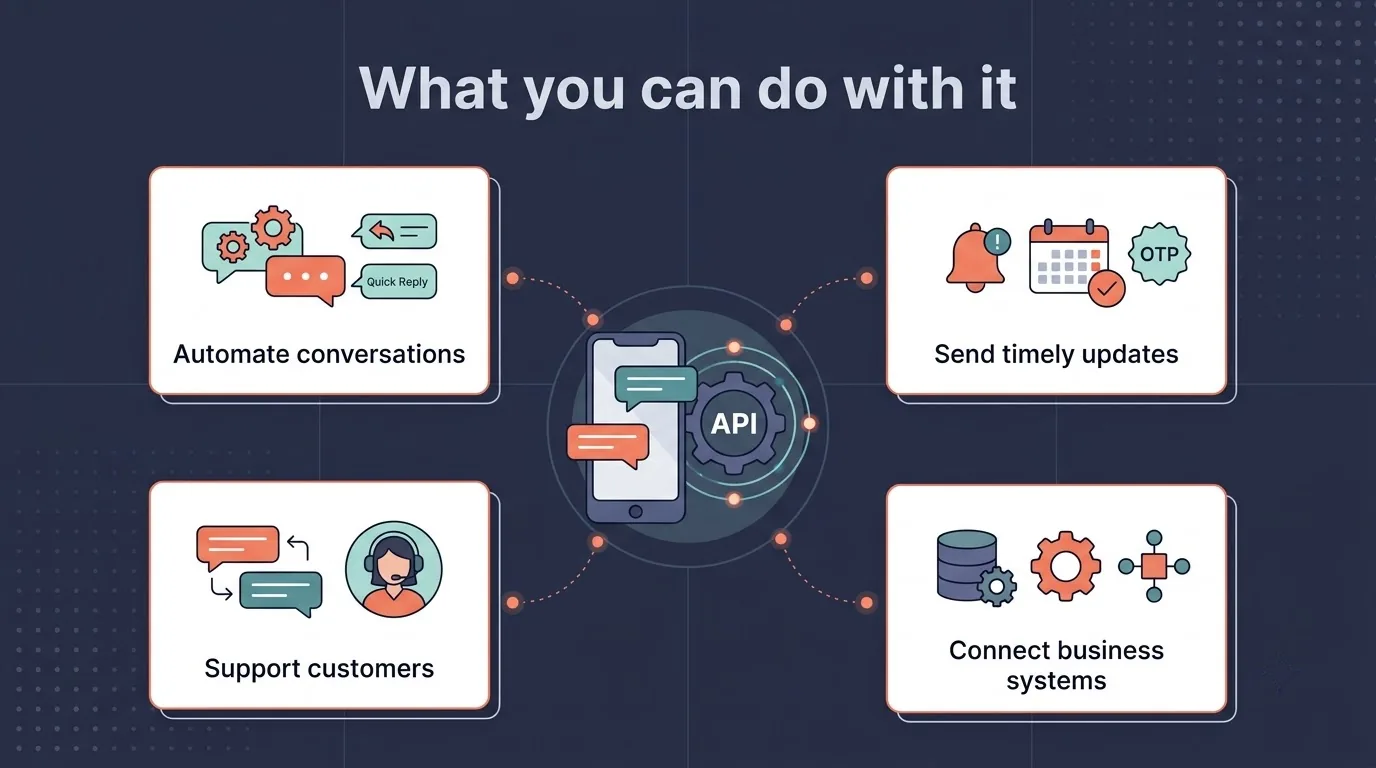
The API supports more than plain text. Common uses include:
- Campaigns. Send approved offers and notices to opted-in contacts, segmented by tag or list.
- Order and booking updates. Confirmations, shipping alerts and appointment reminders sent the moment something happens.
- Customer support. A shared inbox where chats can be assigned, tagged and annotated.
- Chatbots. Visual flows that answer common questions, collect details and hand over to a person.
- Rich messages. Images, PDFs, videos and location cards alongside text.
SMSLocal's WhatsApp Business API product combines broadcasts, a drag-and-drop chatbot builder and a shared inbox, with optional AI agents that reply in eight Indian languages and pass complex chats to a human along with the conversation history.
Templates, the 24-hour window and free messages
Templates are where most first-time senders get stuck, so it is worth understanding them before you launch.
The customer service window. When a user messages you, a 24-hour window opens. While it is open, you can send ordinary non-template messages. Once it closes, templates are the only message type you can send.
Message templates. A template is a pre-written message that Meta must approve before you can use it. Each one belongs to a category, and the category also decides what you are charged.
| Category | Use it for | Rules to know |
|---|---|---|
| Marketing | Offers, launches, announcements and awareness | The most flexible category. Mixed content, such as an order update with a promotion, and unclear content are treated as marketing |
| Utility | Messages triggered by a user's action or request, such as order updates, account alerts and feedback surveys tied to a specific order | Must be non-promotional. Generic surveys do not qualify |
| Authentication | One-time passcodes | The only category that can send OTPs. It needs a copy-code or one-tap button and cannot include URLs, media or emojis |
Meta checks the category when you submit. Since 9 April 2025, a utility template that should be marketing is approved as marketing by default. Repeated misuse of the utility category can bring warnings and temporary restrictions.
How review works. Meta uses automated systems and manual review, and a decision can take up to 24 hours. You are told in WhatsApp Manager, by email and through a webhook. Any template with variables must include sample values.
Why templates get rejected. Meta lists these common causes:
- Parameter formatting. Mismatched curly braces, special characters such as #, $ or %, non-sequential numbering, or a template that starts or ends with a parameter.
- Policy breaches. Content that breaks Meta's policies, such as asking for full card, account or national ID numbers, or using threatening wording.
- Duplicates. The same body and footer as a template you already have. This check does not apply to authentication templates.
A rejected template can be edited and resubmitted, or appealed in WhatsApp Manager by adding a sample. Appeals are decided within 24 hours. If you plan campaigns, our WhatsApp marketing guide for India covers measurement and sending habits that protect your number.
Quality ratings. Meta rates templates on customer feedback, read rates and engagement. Repeated negative feedback or low read rates can lead to a template being paused or disabled.
What is free. Meta does not charge for messages users send to you. Each business number also gets 1,000 free service messages a month, which are the non-template replies you send inside an open window. They reset monthly and do not roll over, and Meta charges from the 1,001st. Messages in a free entry point window are free too, and a chat started from a Click to WhatsApp ad on the mobile app can keep it open for up to seven days if you reply in time.
Until 1 October 2026, service messages and utility templates sent inside an open window were free. Meta now charges for both, apart from the free service allowance above.
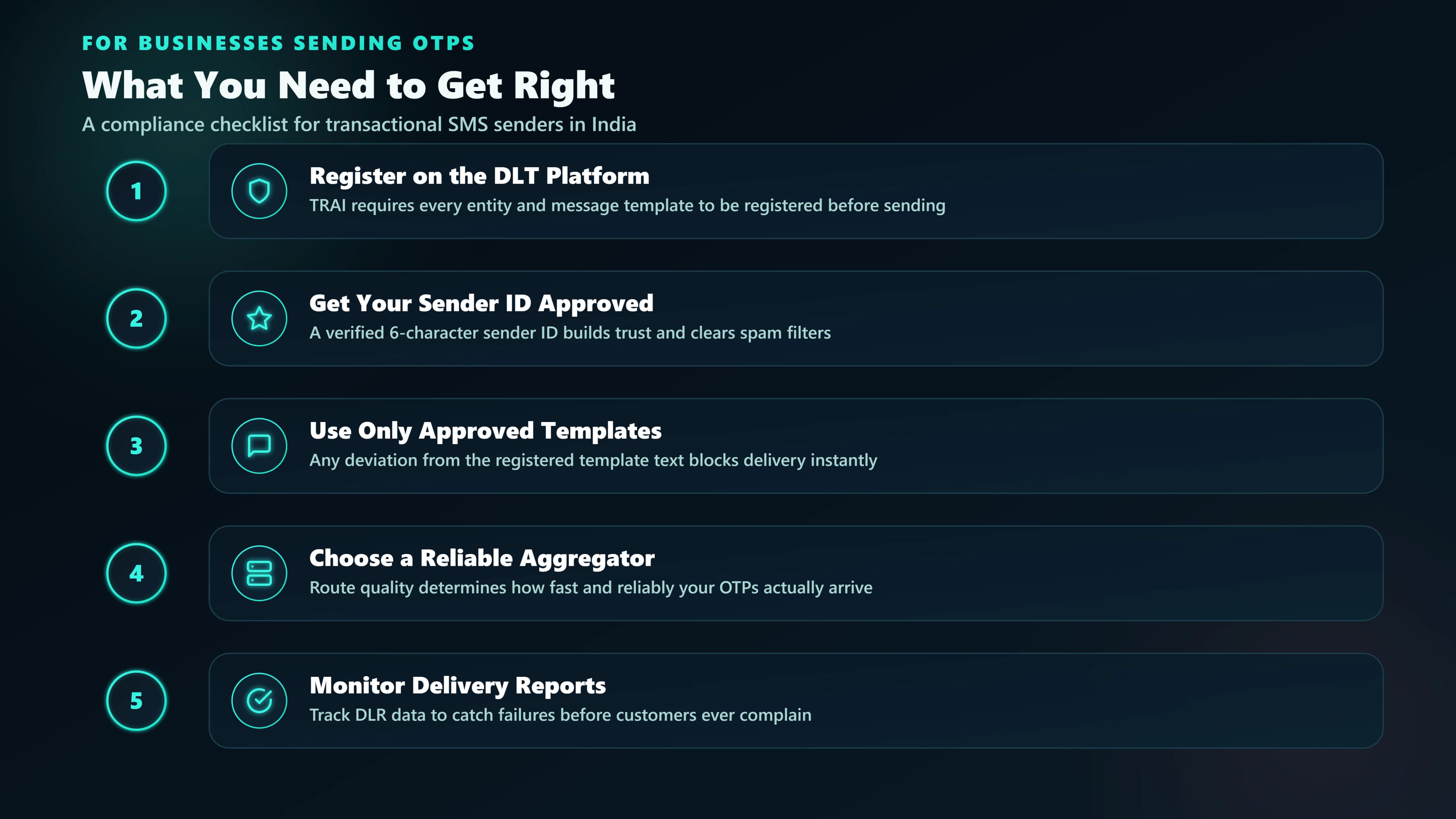
One difference from SMS is worth knowing. DLT is India's registry for SMS senders and templates. WhatsApp templates go through Meta's approval instead.
WhatsApp Business API pricing in India
Your cost has two layers.
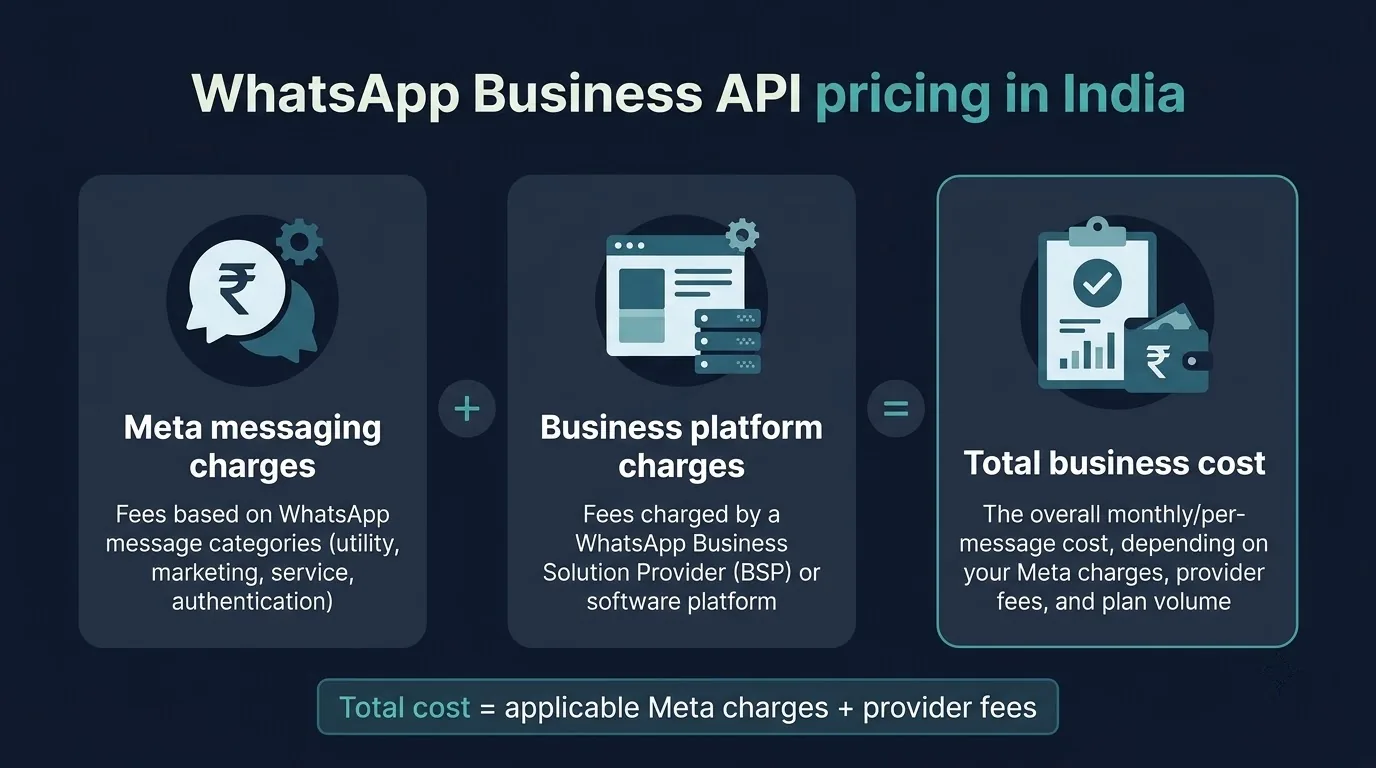
Meta's charges. Since 1 July 2025, Meta bills per delivered message, not per conversation, and by category: marketing, utility and authentication for templates, and service for replies inside an open window. The rate depends on the category and the recipient's country, and utility and authentication have volume tiers. Meta publishes an INR rate card and changes prices only on the first day of a quarter, so check the Meta pricing page before you budget. Older guides that bill by the conversation, or call replies in an open window free, are out of date.
Two other points matter in India. Meta also offers its own AI agent platform, billed per token. And Meta says eligible customers billed in another currency must move all messaging accounts to INR by 31 December 2026, after which it stops delivering messages from non-INR accounts. Ask your provider whether this applies to you.
Your provider's charges. Providers differ. Some add a monthly subscription, setup fee or per-seat charge on top of Meta's rates. SMSLocal's WhatsApp Business API product page states that there is no setup fee, no monthly plan and no per-seat licence fee. It asks for a minimum top-up of ₹100.
Here is how four providers structure their charges for India, based on each provider's own pricing page as checked on 2 November 2026. Meta's per-message fees apply on top of every row.
| Provider | Monthly subscription | Setup fee | Seats | Worth noting |
|---|---|---|---|---|
| SMSLocal | None. You pay for the messages you send | None | No per-seat licence fees | Minimum top-up ₹100 |
| Interakt | Growth ₹2,799, Advanced ₹3,799 (plus taxes). The ₹999 Starter plan is Instagram only | None listed | No agent limit on Growth and Advanced | The Enterprise plan is listed as "no markup charges" |
| AiSensy | Plan prices are not shown on the pricing page | No fee to get API access | No cap on users, with fair-use limits (for example, up to 200 agents) | Chatbot builder add-on ₹2,500 a month, AI agent add-on ₹1,350 a month, listed India marketing rate ₹1.09 per message, effective 1 October 2026 |
| Wati | Growth ₹2,699, Pro ₹5,799, Business ₹16,799 a month, billed quarterly | None for API access. Optional paid onboarding | 3 users on Growth with no extra users offered. 5 on Pro and Business, then ₹1,299 (Pro) or ₹2,199 (Business) a month per extra user | Template message charges are extra. The page also lists a $4.99 Shopify add-on |
Provider prices change, so confirm figures on each provider's site. Ask what is included: inbox seats, chatbot flows, template help and reports.
Rules you have to follow
Meta's rules apply from the first message.
- You need a Meta business portfolio. It holds your WhatsApp Business Accounts.
- You need opt-in. Meta requires businesses to get a user's permission before sending message templates.
- Use approved tools only. Meta's platform documentation says that using unauthorized third-party tools is prohibited. Extensions and unofficial senders that automate WhatsApp Web fall into this group and put your number at risk.
- Protect your quality rating. Send relevant messages to people who asked for them, and keep your templates clear.
Numbers get restricted when customers block and report messages they did not want.
How to get started
Here is the usual path with a provider.
- Pick a provider and sign up. Confirm they are an official partner.
- Connect your Meta Business Manager account. Meta business verification is required. SMSLocal's product page describes it as usually taking under 48 hours, but verification can take longer if Meta asks for more details.
- Choose your number. Use a number you control and keep long-term. You can port an existing business number with SMSLocal, which handles the migration.
- Create and submit templates early. Review can take up to 24 hours per template, so submit them before your launch date.
- Add credit and send. Launch a campaign, a chatbot flow or an AI agent.
- Read your reports. Check delivery, read status and failures, and improve weak templates.
How to choose a provider
Providers look alike on a pricing page. These checks separate them.
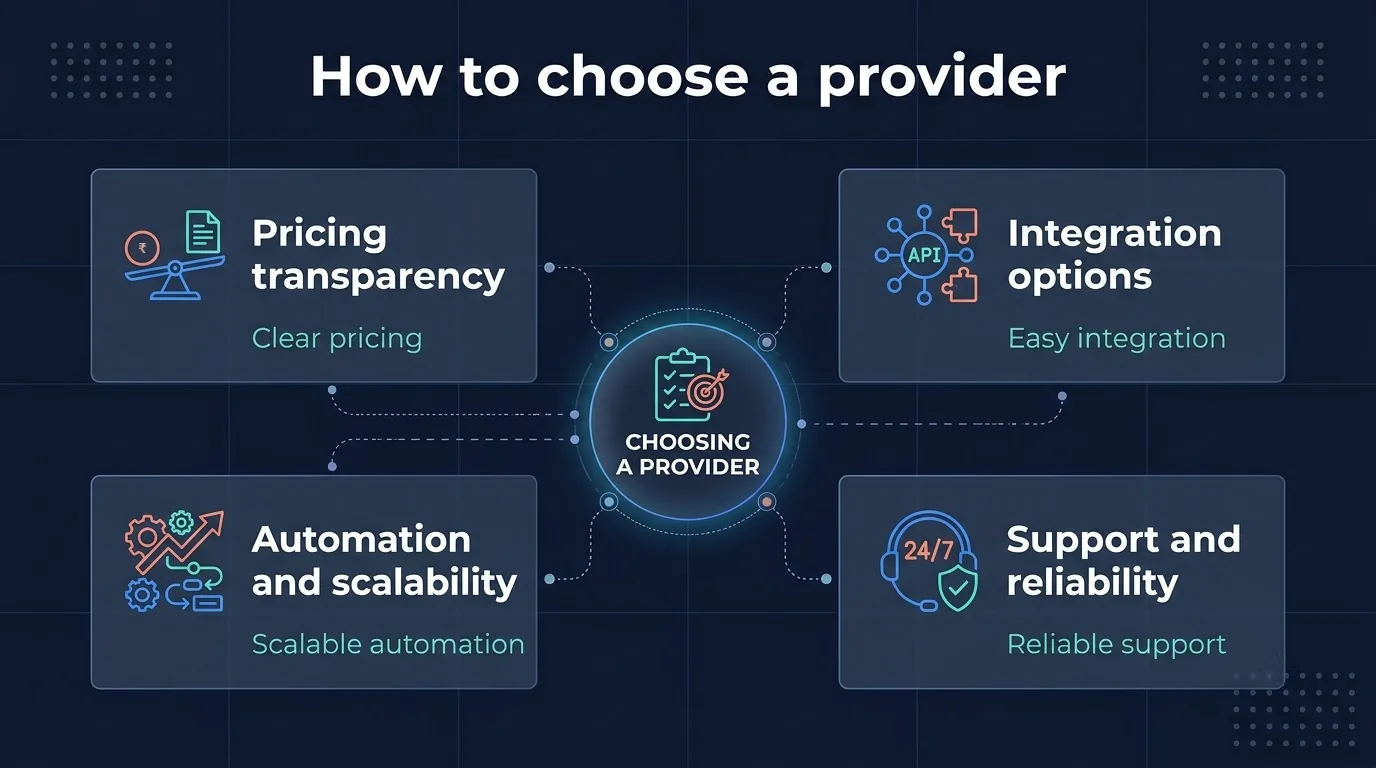
- Official status. Confirm they work through Meta's official platform, not an unofficial tool.
- Total cost. Ask about setup fees, monthly plans, seat charges and how Meta's per-message rates are passed on.
- Template help. Good support gets templates approved faster.
- Inbox and bot quality. Test assignment, tags, notes and handover before you commit.
- Languages. If your customers write in Hindi, Tamil or Bengali, check the bots and templates support them.
- Developer access. Look for a documented send endpoint, webhooks and SDKs in case you integrate later.
- Support. Check that real people are reachable in Indian working hours.
If you also send SMS, a provider that covers both channels saves you from running two dashboards.
Mistakes that cost you reach
- Messaging people who never opted in. It drives blocks, lowers your quality rating and can get templates paused.
- Mixing a promotion into an order update. Meta treats mixed content as marketing, so it is reviewed and charged as marketing, and repeated misuse of utility can bring restrictions.
- Starting or ending a template with a variable, or leaving out sample values. Meta lists both among the causes of rejection.
- Launching without a reply plan. A campaign creates replies, so decide who answers and when a bot hands over.
- Working from outdated pricing. Meta changed its billing in July 2025 and again on 1 October 2026, so use a current rate card.
Conclusion
The WhatsApp Business API is how a business moves from answering chats by hand to running WhatsApp as a proper channel, with approved templates, a shared inbox and automation. The technology is the easy part. Opt-in, template quality and the right provider decide whether it works.
Start small. Connect your number, get a few templates approved and message people who have agreed to hear from you. Then add chatbots and campaigns as your volume grows.