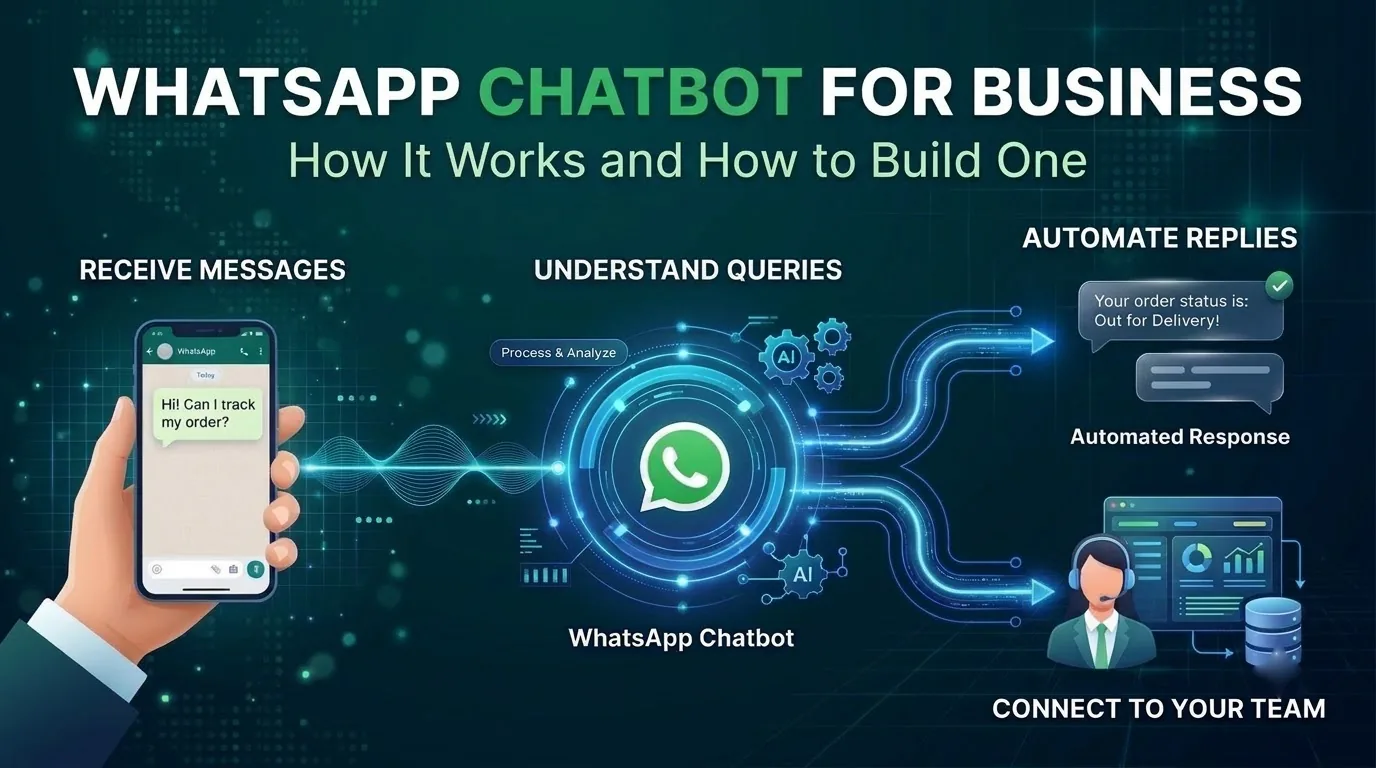
A WhatsApp chatbot is a program that can automatically respond to customers any time of the day using your business' WhatsApp number, and hand the chat to a human when it can't help. As many customers use WhatsApp daily, a chatbot makes it easy for them to chat to your business using the same method instead of filling a form or queuing on the phone.
There are some differences between having a chatbot on WhatsApp and having one on your website. Meta controls who you can message, when you can reply and how much it costs to send each message. They also changed the price structure and AI policies in 2026. In this guide we'll show you how WhatsApp chatbots work for businesses in India, what you can do, how much it'll cost and how to create one step by step.
What a WhatsApp chatbot is
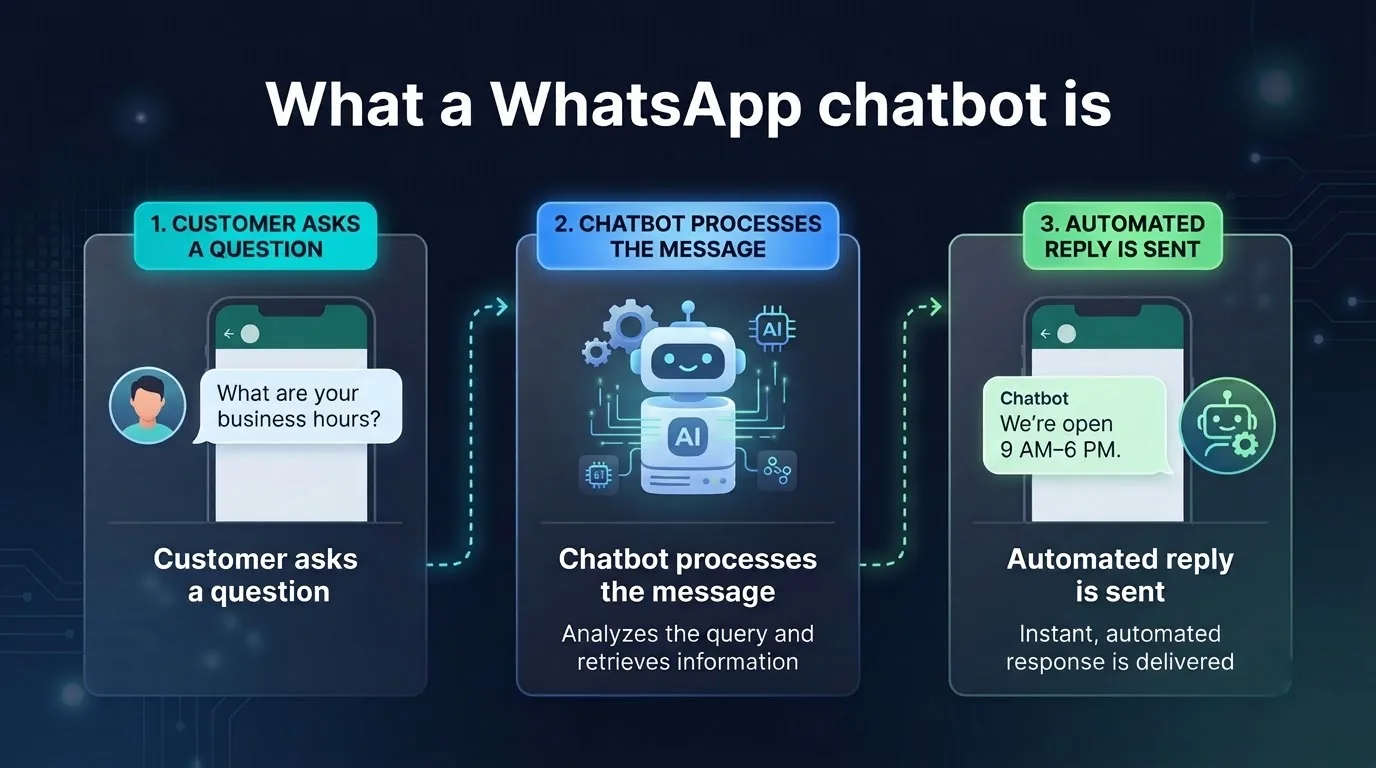
A WhatsApp chatbot is a piece of software that is linked to a number on the WhatsApp Business Platform. When a customer sends a message, this is sent to your bot via the platform and a response is sent back.
This is not the same as the free WhatsApp Business app. This is designed for one person or a small team to use on their phone. To create a chatbot you need to use the WhatsApp Business Platform (Business API). This can be done using a provider like SMSLocal.
A good chatbot will:
- Answer frequently asked questions. This could be opening times, order status, pricing and policies.
- Complete simple tasks. This could include making a booking, checking order status or gathering information for a callback.
Rule-based, AI and hybrid chatbots
There are three types of chatbot you can use on WhatsApp. Which one you choose depends on how predictable your questions are.
| Chatbot type | How it works | Best for | Things to note |
|---|---|---|---|
| Rule-based | Chatbot follows a flow you design. Has buttons and set responses | Order status, bookings & simple FAQs | Can't answer out-of-scope questions |
| AI | Answers open-ended questions from your content | Wide range of product/policy questions | Needs good content and testing |
| Hybrid | Hybrid of the above. Has a flow for key tasks, AI for open-ended questions and a human for everything else | Most businesses | More set-up required |
A rule-based chatbot is the most predictable, and an AI WhatsApp chatbot is the most flexible. To start with, a hybrid chatbot is the safest. This will ensure that key tasks like bookings are precise and predictable. AI will cover any long-tail questions you didn't plan for and humans can handle anything sensitive.
How a WhatsApp chatbot works
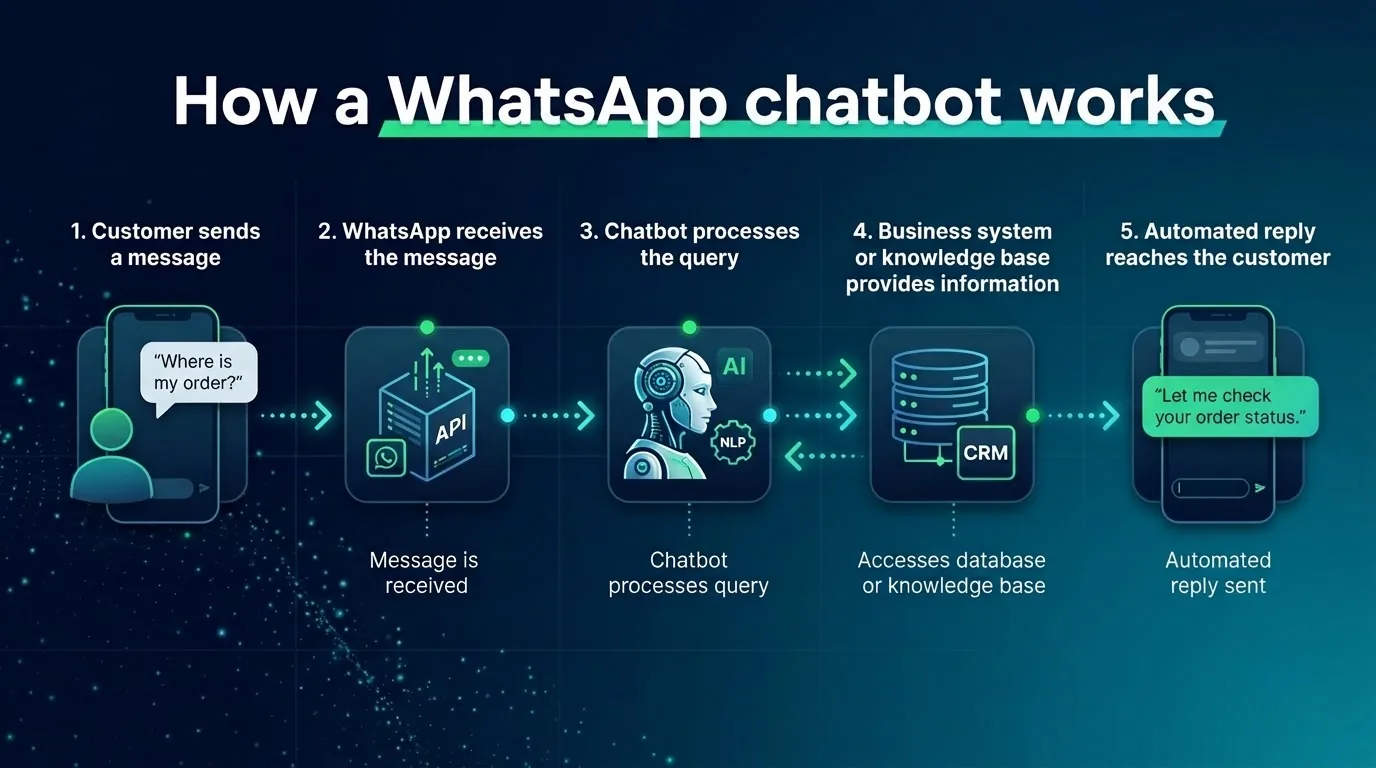
Every message sent in a simple chat will follow the same process.
- The customer sends a message to your WhatsApp number. This is often after clicking a link to start a chat or clicking on an ad.
- The message is sent to your bot through the platform. The message is received by your provider and sent to the chatbot.
- The bot decides what to do. This could be following your flow, looking up an answer from your content, asking a follow-up question or completing an action like making a booking.
- The bot replies. This could be text, media, reply buttons or lists. Meta will allow you to use up to three reply buttons. Titles must be up to 20 characters and the body text up to 1,024 characters.
- Handover to human. If the bot can't help, the chat will be handed over to a shared inbox.
SMSLocal's no-code agent builder is a WhatsApp chatbot builder that follows this process. Train the agent using your help center, PDFs, catalog and website pages, then design a visual flow with triggers, branching, delays and handovers to humans. Add API or webhook actions for the bot to complete actions like making a booking. Publish the agent to WhatsApp and other channels.
The 24-hour window and templates
WhatsApp has rules around when a business can send free-form messages.
When a customer sends a message to you, a 24-hour customer service window will open. Every new message from the customer will reset the timer. During the window you can send any non-template message. Outside of the window you can only send a pre-approved template.
| Situation | What your bot can send |
|---|---|
| If the customer sent a message within the last 24 hours | You can send any message |
| If the window has expired | You can only send an approved template |
There are three types of template: marketing, utility and authentication. Meta also requires that people have opted in to receive messages from your business. You can't send a template to someone who hasn't opted in.
As a best practice, you should design any follow-up messages to be based around a template. Ensure the window is open before sending any free-form messages. See our guide to bulk WhatsApp messaging for more info on templates and opting in.
What a WhatsApp chatbot costs
Meta charges per delivered message, not per conversation. Since 1st July 2025, there have been a few changes to the costs.
- Messages sent by the customer are free.
- Messages sent within the window are service messages. You will get 1,000 free service messages per month per business phone number. From message 1,001 you'll be charged. There is no rollover.
- Utility messages sent in response to a customer message will also be charged. These were free between 1st July 2025 and 1st October 2026.
- Templates will be charged depending on the type. The price will depend on the customer's country.
- However, there is a free entry window. If the customer started the chat using a Click to WhatsApp ad in the mobile app and you responded in time, messages will be free for up to 7 days.
Meta also has its own AI agent platform, Meta Business Agent. This is charged per token. If you use any other platform to create your bot, you will be sending regular service messages. These can be powered by third party AI or humans.
Your provider will charge you. SMSLocal's WhatsApp Business API page says there are no setup fees, monthly plans or per-seat fees. You will just be charged per message sent, and the minimum top-up is ₹100. Check Meta's current rates on its WhatsApp pricing page.
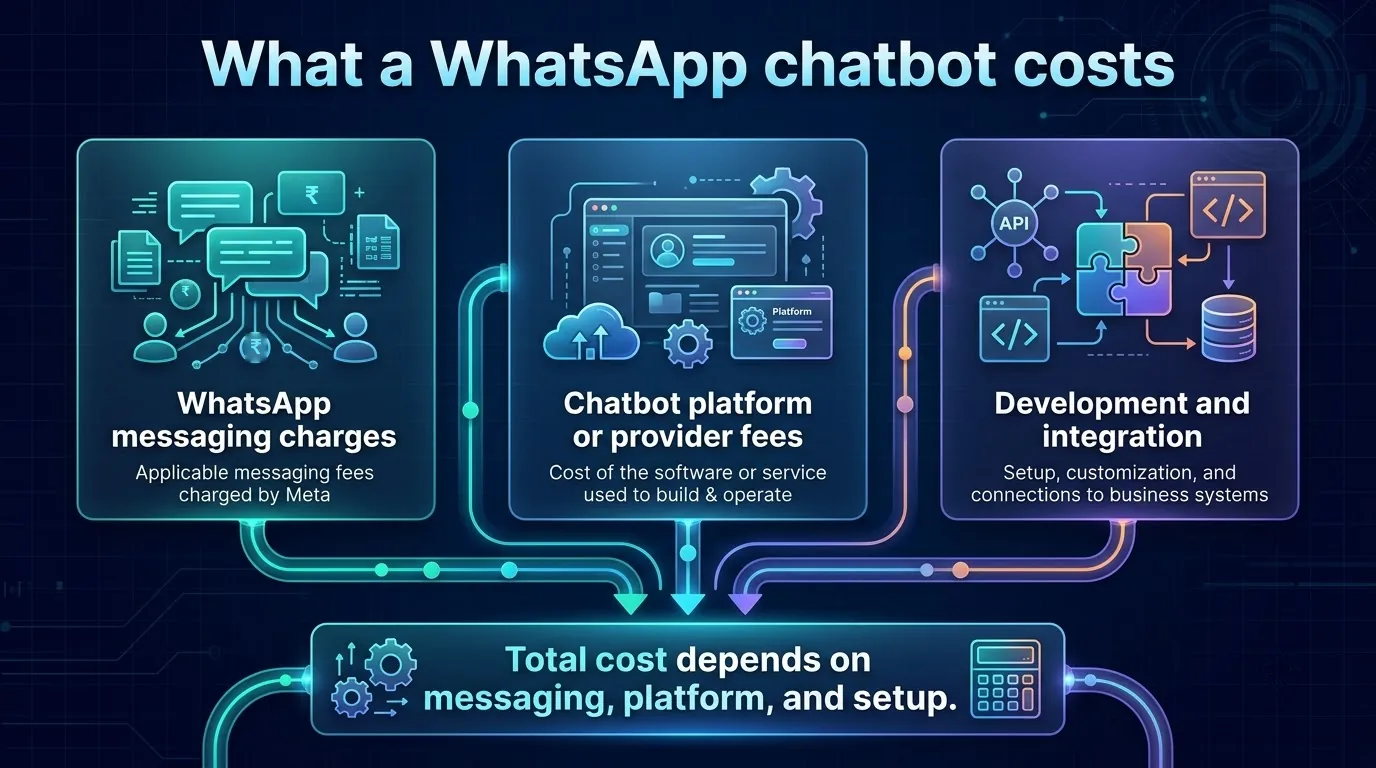
There will also be some set-up costs. Linking your bot to your ordering, booking or CRM systems could take some time and may require some development. So the full WhatsApp chatbot cost has three parts: Meta's messaging charges, your platform fees and the set-up work.
If an old guide says messages within the 24-hour window are always free, this is outdated.
Meta's rule on AI
If you plan to build an AI WhatsApp chatbot, read Meta's terms first. Meta's terms state that AI providers cannot use the WhatsApp Business Platform if AI is their main service rather than an incidental part of one. While this does not specifically relate to using AI to answer your own customers, it does add that if you use Meta's own Business Agents or other AI-related technologies there may be different or additional terms.
Whether your support, booking or ordering bot for your own customers will fall under this depends on the terms. If you're unsure, a lawyer may be able to help. To stay on the safe side:
- Ensure your bot is in-house. This should be answering questions around your products, orders, bookings and policies.
- Do not use chat data to train a model. The terms state that platform data cannot be used to create, develop, train or improve AI models, except for fine-tuning a model for your exclusive use. This matters most if your Solution Provider is an AI company.
SMSLocal describes itself as a native WhatsApp Business Solution Provider.
Where a chatbot works best
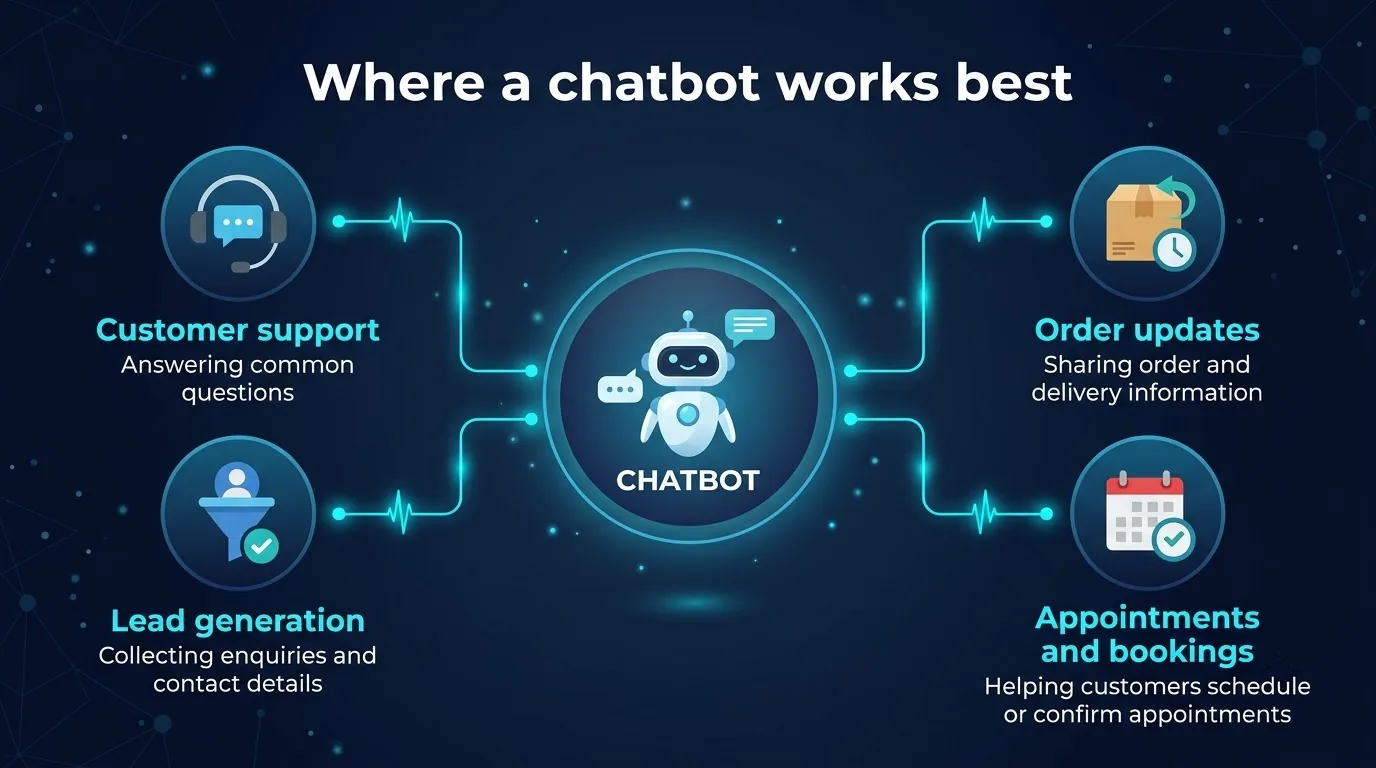
A chatbot should be used where there are lots of common questions. A WhatsApp chatbot for customer support is a typical example of WhatsApp automation. These are the main WhatsApp chatbot use cases:
- Support: opening times, delivery times, returns and how-to answers.
- Order status: the customer will ask a question which your bot can look up.
- Appointments: booking, rescheduling and reminders for clinics, salons and classes.
- Lead qualification: ask 2 or 3 questions before handing over to a salesperson.
- Reminders for payment and renewals: short utility messages with a clear next step.
Refunds, disputes or anything sensitive shouldn't be handled by a chatbot. Send these to a human quickly with the chat history.
How to build a WhatsApp chatbot step by step
Here is a practical path to create a WhatsApp chatbot.
- Get Business API access. Sign up with a provider that gives you a verified sender on the official API. SMSLocal lets you start a trial to test WhatsApp end to end.
- Identify your most common questions. Go through your recent chats or support tickets and identify the 5 to 10 most common questions or tasks.
- Design your flow. Design a welcome message, a main flow, a fallback for out-of-scope questions and a clear way of getting to a human. Keep your messages short and use buttons.
- Add your content. If using an AI chatbot, link your help center, PDFs and catalog.
- Get your templates approved. Write your utility and other templates.
- Design your handover to human. Decide who will take over, what hours they'll be available and ensure they can see the full chat.
- Test, go live with a small group and improve. Test with real and tricky questions. Go live with a small group and review your chats weekly.
Mistakes that hurt a WhatsApp chatbot
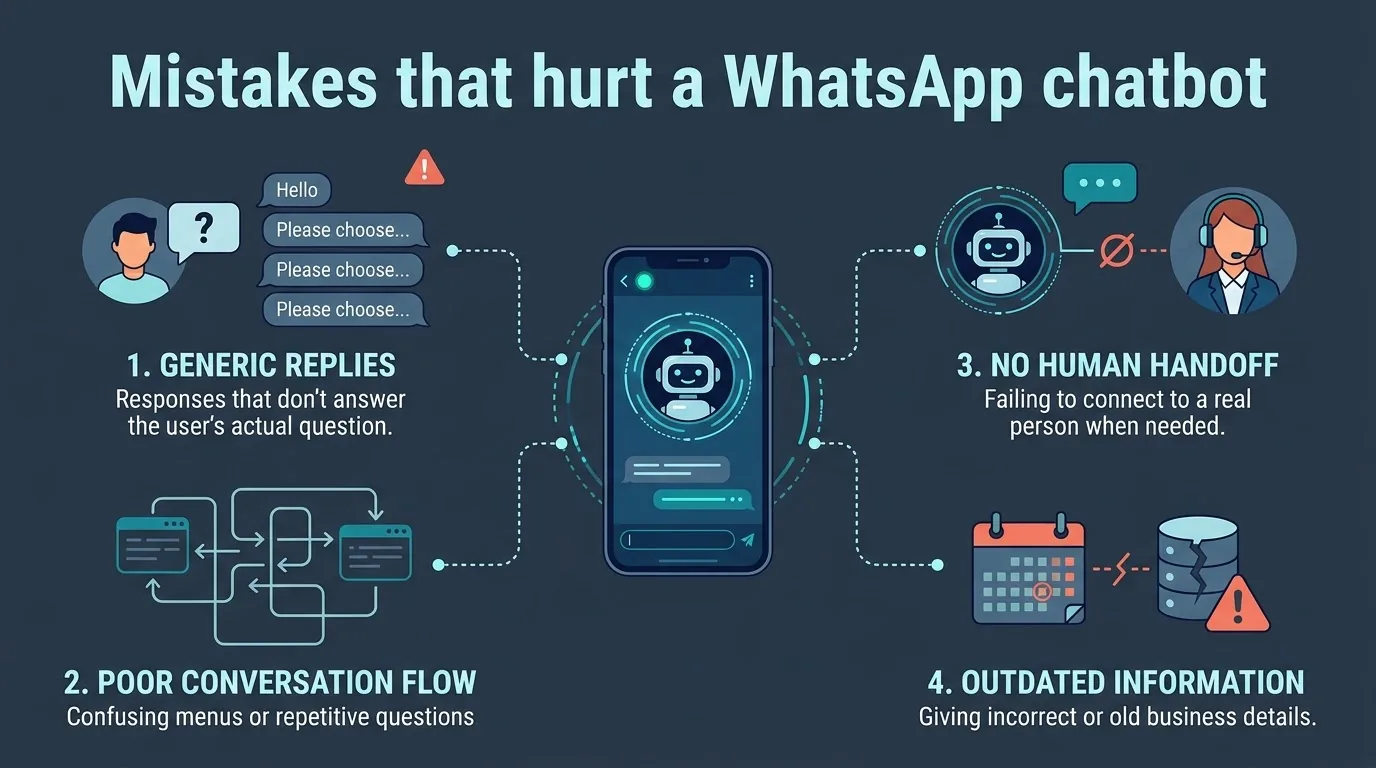
- No way to get to a human. If customers get stuck in a loop they'll leave and some will report you.
- Sending messages to people who haven't opted in. Meta requires you to have opted in. Customer reports will affect your quality rating.
- Sending free-form messages outside of the window. You can only send approved templates.
- Allowing the AI to answer with no sources. If there is no content for the bot to use it will guess. Ensure you link your help center and catalog. Test.
- Generic responses and confusing menus. Customers will be put off by endless 'please select' menus and answers that don't answer the question.
- Long blocks of text. Keep your messages short and use reply buttons.
- Out-of-date information. Ensure you update your sources if your opening times, prices or policies change.
- Using chats to train AI models. Meta's terms limit this. Do not use chat data to train models.
- Not keeping track of your numbers. Keep track of your messaging limits and quality rating. Review failed chats to see where the bot is getting stuck.
How to choose a platform
Most platforms will look similar. Consider the following when you compare a WhatsApp chatbot platform:
- Official API. Will you get a verified sender through a Solution Provider? Don't use an unofficial tool, as you risk getting banned.
- Visual builder. Can your team easily edit flows without a developer?
- Train on your content. Can the bot answer using your help center, files and catalog?
- Human handover. Can a person see the full chat in a shared inbox?
- Template management. Can you create, submit and track approvals from Meta?
- API and webhooks. Can the bot complete actions?
- Clear pricing. How are Meta's charges for messages passed on? Are there any platform charges?
If you want to use the same bot for web chat and SMS, choose a platform that will publish your agent to multiple channels.
Conclusion
A WhatsApp chatbot can be a great solution if you stick to Meta's rules and understand the limitations. Ensure you use the Business API, respect the 24-hour window and opt-in. Plan for the per-message charges, including those that apply again from 1 October 2026. Keep your AI in-house and ensure it can easily be handed over to a human.
Start with one task, like order status or bookings. Build it, test with real questions, review your chats and add more features once it's working.