WhatsApp marketing software allows businesses to plan, send and track WhatsApp marketing campaigns. If you do not use the correct software, you could incur hidden costs. For example: messages blocked by Meta's limits, templates held in review and a number restricted because customers reported it.
We'll break down what the software does and the main types of tool. We've also included the key features to look for, the policies to follow, pricing in India and how to test one before you buy.
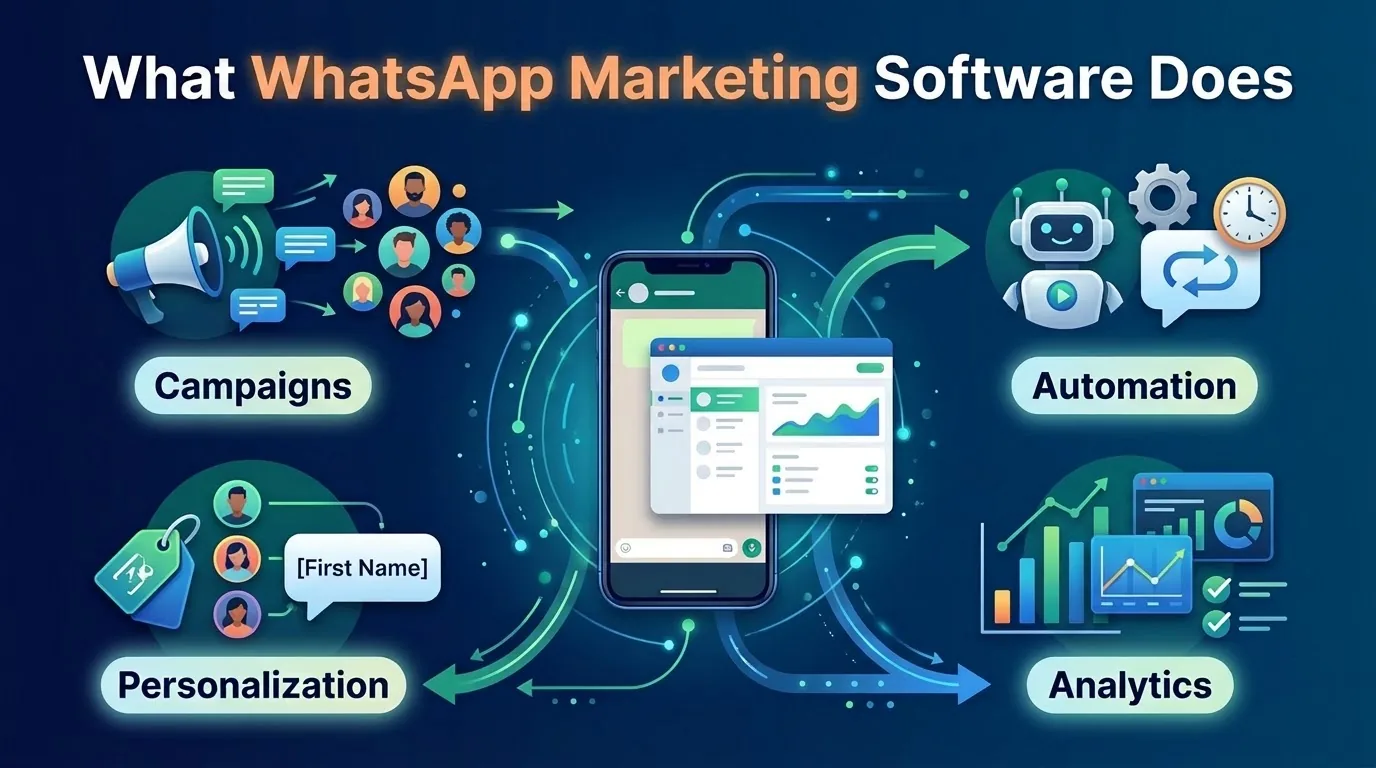
What WhatsApp marketing software does
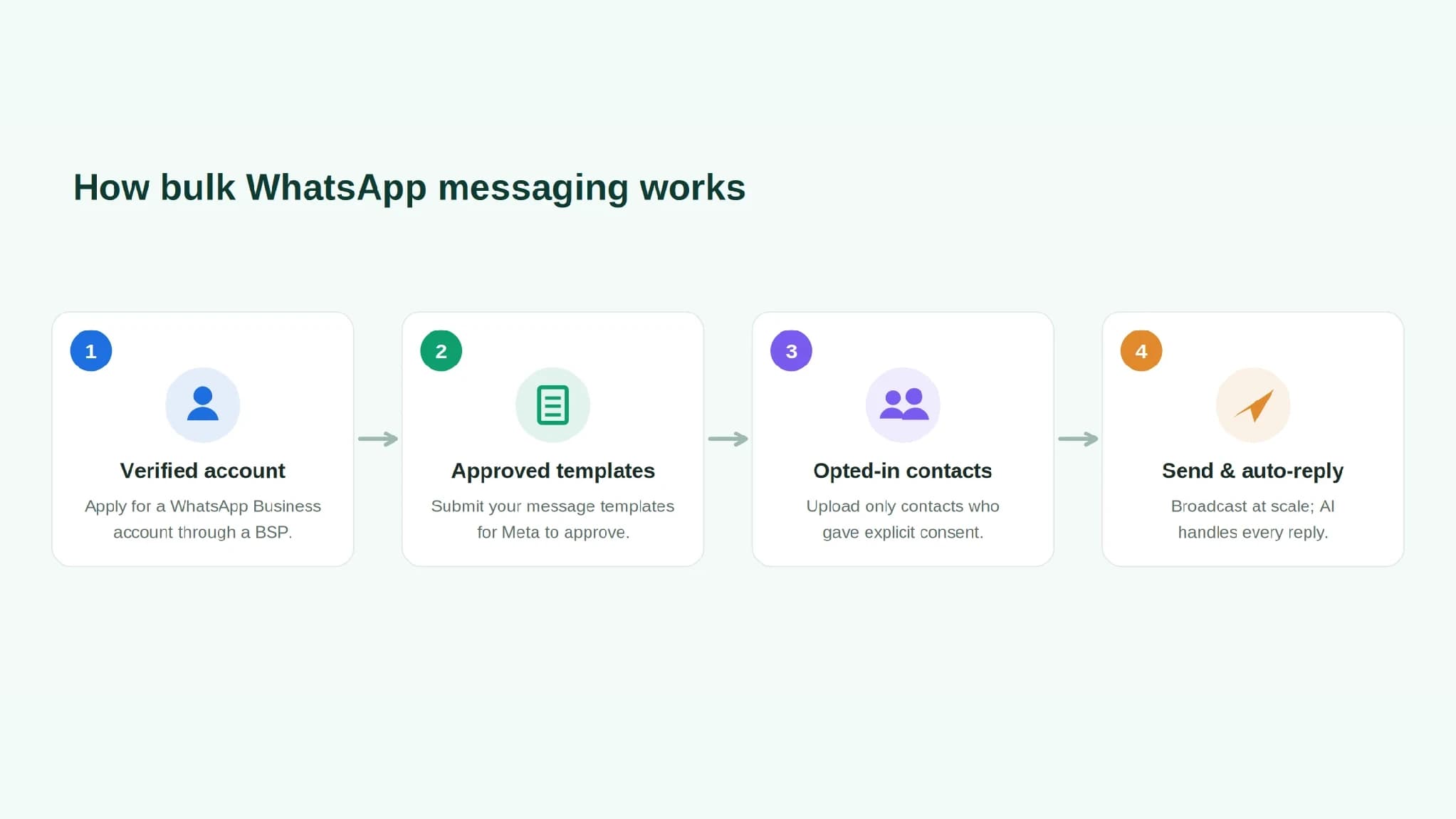
On the official WhatsApp Business Platform, businesses can only start conversations using pre-approved template messages, and only with users who have opted in. Marketing software puts these rules into a tool your marketing team can actually use.
Essentially, it'll allow you to:
- Create contacts and segments. Store your opted-in contacts and sort them into segments (tags, lists or behaviours).
- Create templates. Create, submit and track your templates with Meta.
- Schedule and send campaigns. Schedule and send a template to a specific segment.
- Track replies. Automatically route replies to a shared inbox or chatbot.
- View reports. See what happened with each message.
Most will include personalisation, automation and analytics. Some WhatsApp marketing platforms will include everything in one place. For example, SMSLocal's WhatsApp broadcasting is WhatsApp broadcast software that allows businesses to send out segmented template campaigns to opted-in audiences. You can also view delivery and read rates for each campaign and route replies to your team or AI agent.
Types of WhatsApp marketing tools
There are 4 categories of tools. Ignore the product name and look at how they interact with WhatsApp.
| Type | What it is | Often suits | Watch out for |
|---|---|---|---|
| Official API platform | A dashboard built on the WhatsApp Business Platform through a Solution Provider | Businesses sending campaigns at scale | Template help, reporting depth and total cost |
| CRM or store add-on | A WhatsApp feature inside a CRM or ecommerce tool | Teams that work mainly in one CRM or store platform | Fewer campaign features and less control over templates |
| Chat-first inbox tool | A shared inbox with basic broadcasts | Support-led teams with light marketing | Thin segmentation and analytics |
| Unofficial sender | A browser extension or app that automates WhatsApp Web or an ordinary number | Nobody who wants to keep a number | Bans, no template approval and no official reporting |
Avoid the last group. According to WhatsApp's business messaging policy, if you're sending mass messages in an unauthorised way, your access could be restricted or removed. If your number gets restricted, you lose your main line of communication with customers.
Features that matter
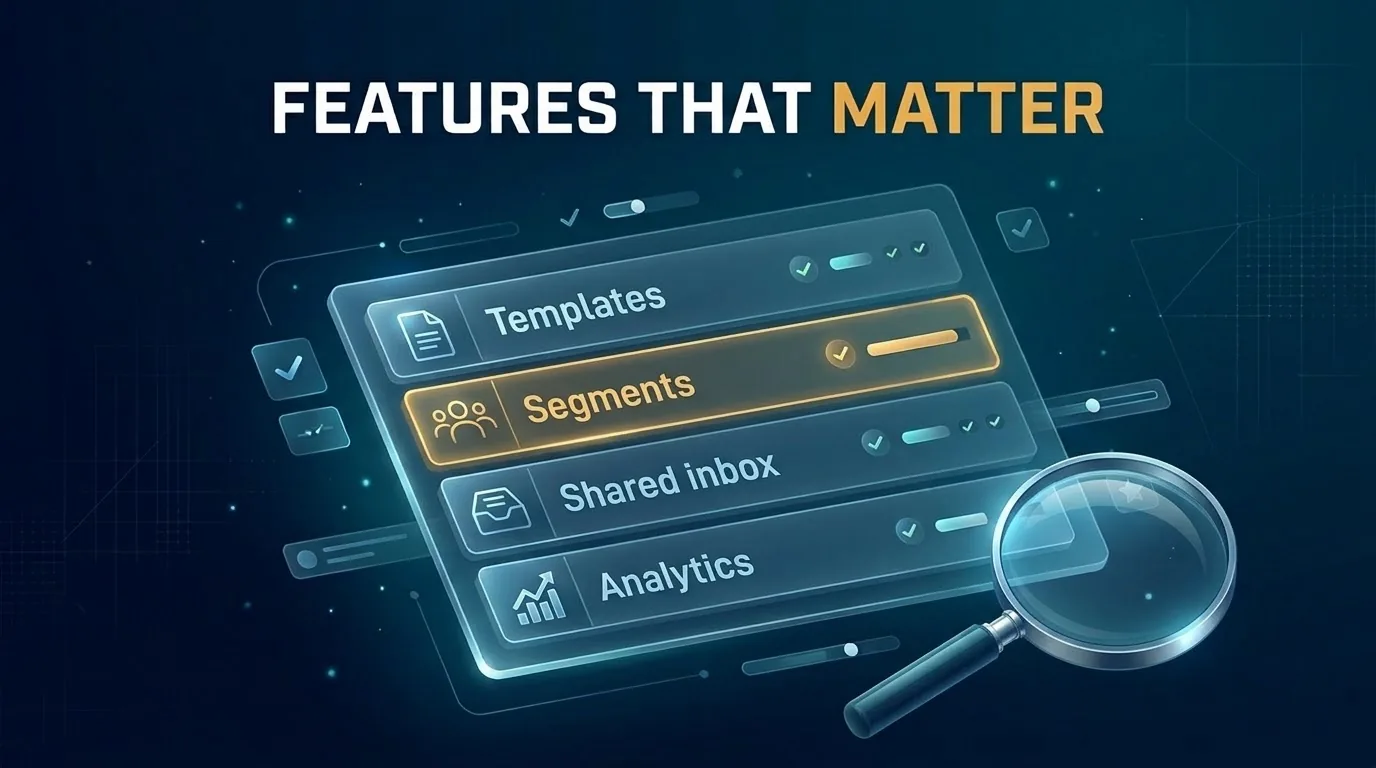
All the features will look similar. Look for the following:
- Templates. Create, submit, amend and resubmit templates. View Meta's decision without contacting support.
- Segments. Target specific segments (tag, list or behaviour).
- Scheduling. Schedule your campaigns and send in batches.
- Personalisation. Add personalisation such as names or order information. Add images, buttons and links.
- Automation. WhatsApp marketing automation sends messages based on events (order or payment) and automates replies.
- Shared inbox. Route replies to a person or bot. Include the conversation history.
- Analytics. See how many messages were sent, delivered, read and replied to. Include reasons why messages failed.
- Opt-in and opt-out. Track how and when each person opted in. Stop sending to anyone who opts out.
- Integrations. Integrate with your CRM, store or helpdesk, either through a ready-made integration or via API and webhooks.
For some campaign ideas and template writing tips, view our guide to WhatsApp marketing in India.
Rules your software has to handle
A good piece of software will ensure you follow Meta's policies. The 5 main policies to follow are:
- Opt-in. According to WhatsApp's policy, you can only contact people who have given you their number and opted in to receive messages from you. It's up to you how you do this, but you're solely responsible. Ensure you have evidence.
- Opt-out. You must honour any requests to block, stop or opt out.
- Templates. You can only send messages using approved templates. Once the 24-hour window has passed, you can only send using a template.
- Marketing limits. Meta may restrict how many marketing templates one person can receive from any business. This will depend on their recent read rate and how many messages they're already receiving. There is no set amount published by Meta. If you hit this limit you'll receive an error (131049). Meta suggests waiting at least 24 hours before attempting to send again.
- Quality. Users can block or report your business. This could mean your sending is restricted by Meta.
A useful tip: marketing messages sent during a customer service window, which opens when a person replies, will not count towards your limits. If your software shows why a message failed and doesn't try to send it again, it helps protect your number.
What WhatsApp marketing software costs in India
Your cost has two layers.
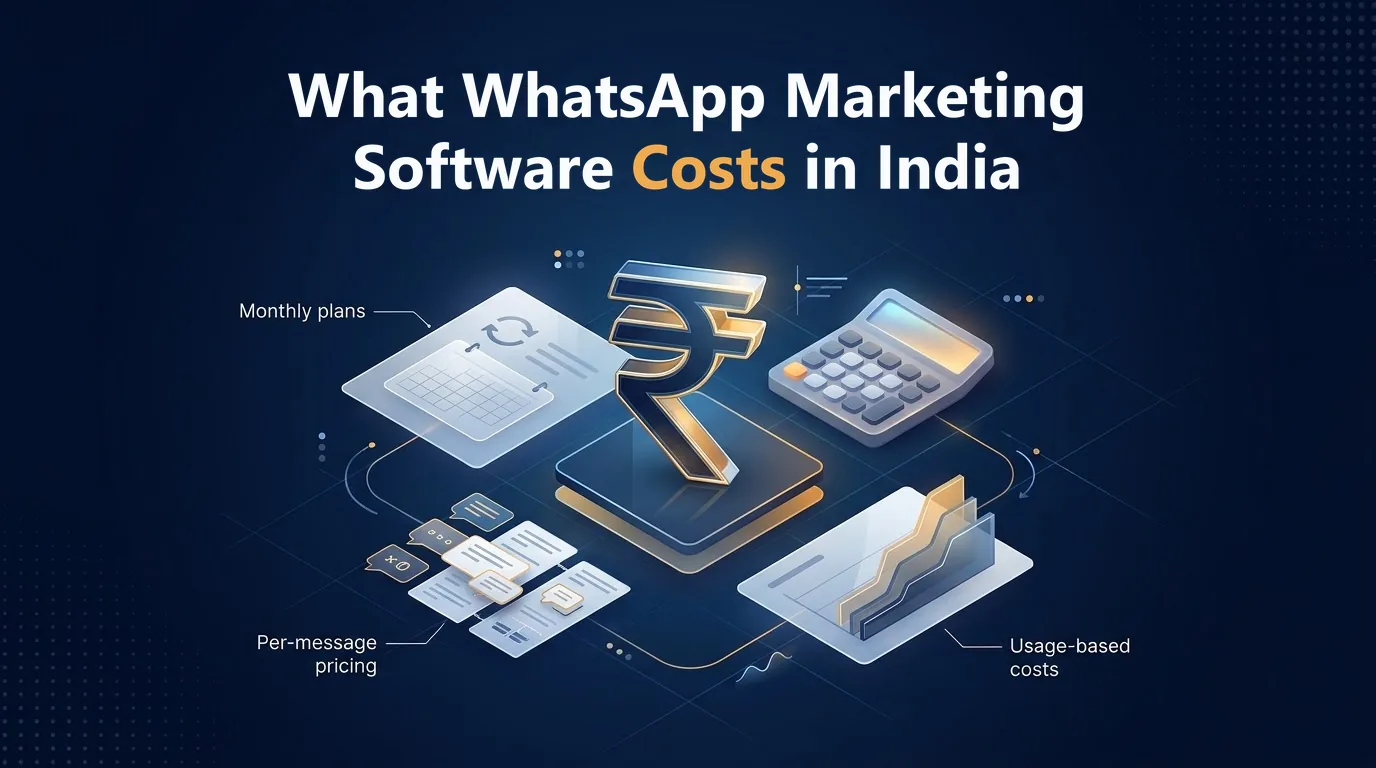
Meta's charges. Meta will charge you per message delivered. Depending on the type of message you're sending, the price varies. As of 1st October 2026, Meta's INR rate card lists these rates for India:
- Marketing: ₹0.8631 per message.
- Utility and authentication: ₹0.115 per message each (varies depending on volume).
- Service: ₹0.115 per message, after the first 1,000 free service messages each month for a business number.
If you're sending 1,000 messages at the marketing rate, you'll pay ₹863.10 in Meta's fees (excluding any platform fees). If you're sending within a free entry point window you won't be charged. This window is available if the user starts a chat via a Click to WhatsApp ad on the mobile app and you respond in time. It can last up to 7 days.
Meta can change prices on the first day of each quarter, so check Meta's pricing page before you budget.
Your provider's charges. Some providers will charge a monthly fee, a setup fee or a per-seat fee. Some won't. SMSLocal's WhatsApp Business API page says there are no setup fees, monthly plans or per-seat licence fees, and the minimum top-up is ₹100. Ask any provider how much they charge per message (all in) and compare this to Meta's list rate.
How to test a tool before you buy
Try a quick trial. Try 2-3 tools.
- Create a trial account. If available, use a free trial.
- Submit 1 template. How long does it take to be approved, and is the feedback clear if it's rejected?
- Send to a small opted-in group. Send to a small group of colleagues or customers who have agreed to receive messages.
- Compare reports. Ensure what the report shows matches what is happening on the phones. Are messages being delivered and read?
- Test opt-out. Ask your test contact to opt out and ensure they aren't sent any messages.
- Check failures. Add a number that isn't on WhatsApp and ensure the report shows why it failed.
- Check pricing. Ensure you're being charged correctly according to Meta's rate card.
To choose the right WhatsApp marketing software, pick the tool that gets your templates approved, shows honest reports and leaves no surprises on the invoice.
What SMSLocal offers
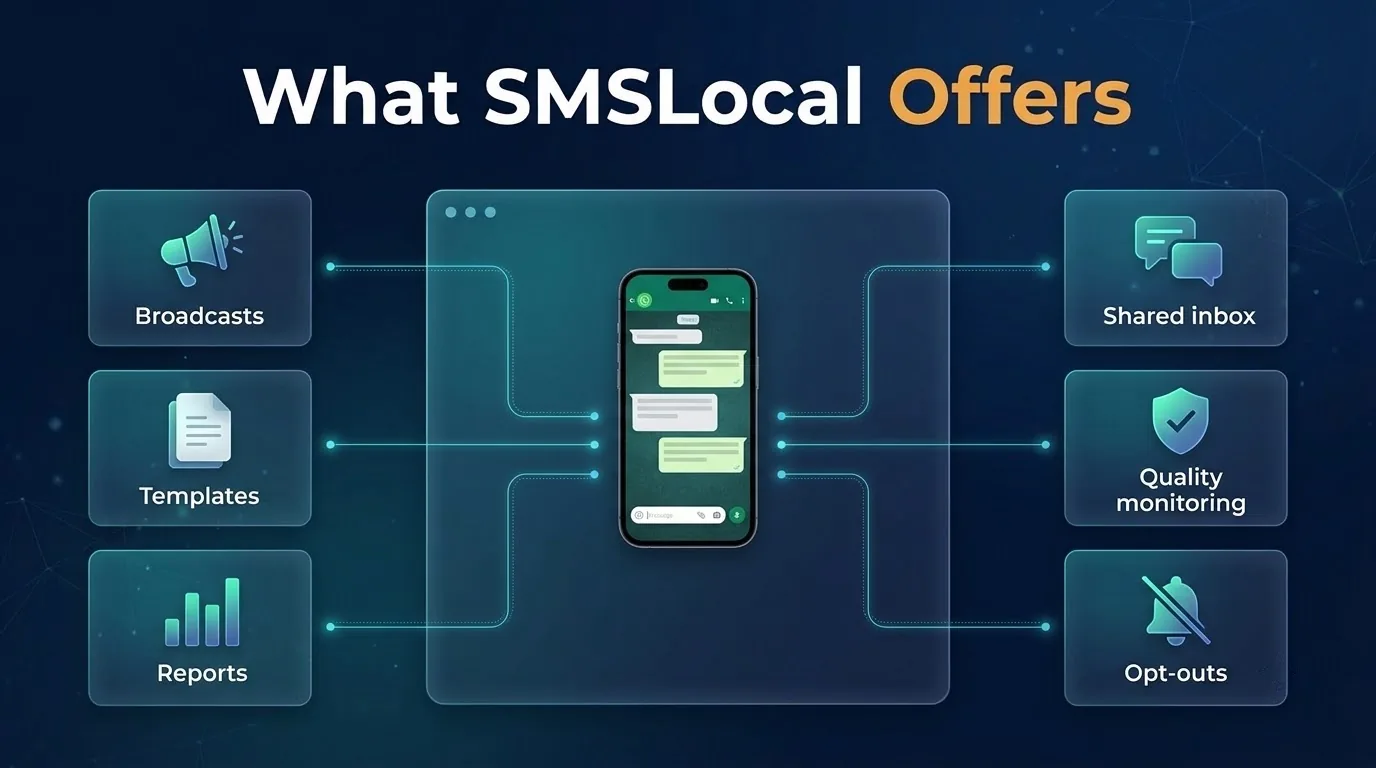
SMSLocal describes itself as an official WhatsApp Business Solution Provider. On its pages it mentions:
- Broadcast. Send segmented template campaigns with media, buttons, list or CTA replies and merge-field personalisation. Use WhatsApp Flows to collect data in chat.
- Templates. Create and submit templates through the SMSLocal dashboard.
- Reports. View how many messages were sent, delivered and read. View delivery reports per message, including why they failed. See replies linked to the broadcast.
- Replies. A shared inbox with assignment, tags and notes. AI agents are an optional add-on which reply to messages and pass the chat to a person.
- Protection. Quality rating, message limit monitoring and automatic opt-outs.
- Pricing. No setup fee, monthly plan or per-seat licence fee. The minimum top-up is ₹100.
Conclusion
The best WhatsApp marketing software will use the official platform, handle opt-ins and limits and provide honest reports. Features are a bonus once those basics are covered.
Shortlist 2-3 tools and try them with real templates and a small opted-in group. Judge them on what you see. Build up slowly and monitor your quality rating.